You can only get the faster Xbox app by joining Insiders
The updated Xbox PC app is not a normal update you can wait for in the background. Microsoft says it launches up to 60% faster, but Xbox Wire is clear that, starting 5 November 2026, only Xbox Insiders can try it. If you play Game Pass on PC and want it now, that is the one requirement that matters.
Who it’s for: Game Pass and Xbox-store players on PC who want the new app before a wider rollout. What it was checked against: Microsoft’s own announcement and PC Gamer’s write-up of it. Microsoft hasn’t published a menu-by-menu walkthrough, so this guide sticks to what the company actually states.
How to get the updated app
- Join the Xbox Insider program. Microsoft says you do this by downloading the Xbox Insider Hub for Windows PC. PC Gamer confirms the same route: be in the Insiders program, which means installing the Insider Hub.
- Look for the updated Xbox PC app. Xbox Wire says Insiders “will start seeing” the improvements, so expect a staged arrival rather than an instant switch. Microsoft doesn’t document where in the Hub the preview appears, so follow its on-screen prompts rather than a guessed path.
- Send feedback if something breaks. Microsoft points Insiders to aka.ms/XBOXplayervoice for feedback and to the Xbox Insider subreddit for support.
Warning: this is a preview for Insiders, and Microsoft itself says “there’s more to do.” Treat it as a test build. If you rely on the Xbox app to launch the games you play every night, think about whether you want preview software in that role.
What Microsoft says got faster
| Area | Microsoft’s claim |
|---|---|
| App launch | Up to 60% faster |
| Home, Store and Game Pass pages | Load up to 50% faster |
| In-app windows | Open up to 65% faster |
These figures come from Microsoft’s own testing, and the company notes results vary by device, internet connection, system configuration and usage. A slow drive, a busy background and a weak connection will all change what you see. If you want your own numbers, time the app before and after, and fix the basics first: our GPU driver update guide is the place to start for the graphics side.
PC Gamer is lukewarm on the speed pitch. Its writer doubts that a faster launcher will, on its own, convince many people to use the Xbox app over Steam when they don’t have to. That’s a fair read: speed is nice, but the changes below are the ones that affect daily use.
The settings and screens to check after it lands
Most Game Pass players skip straight to a game when a launcher updates. Here is what Microsoft says changed, and what to look at first.
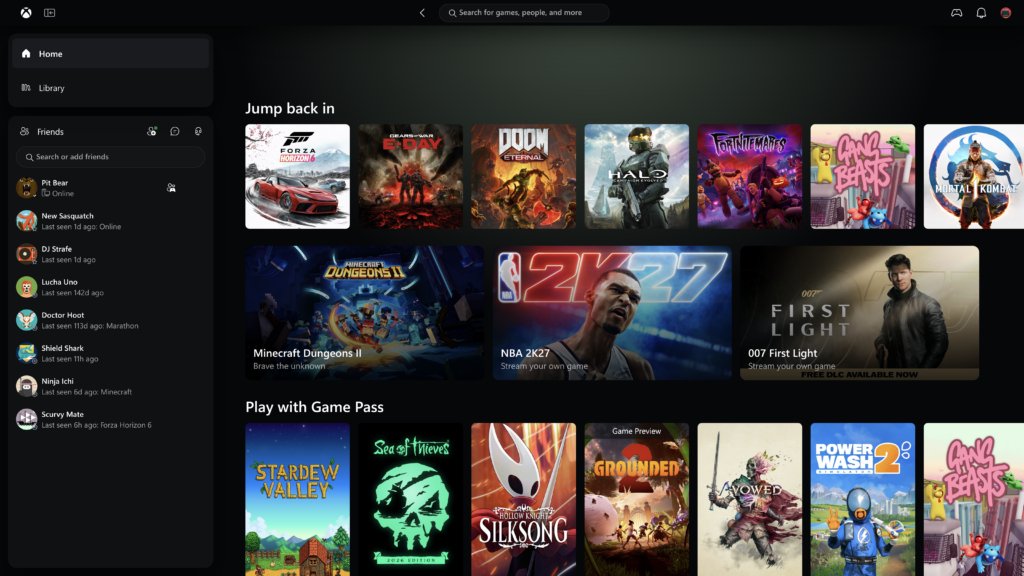
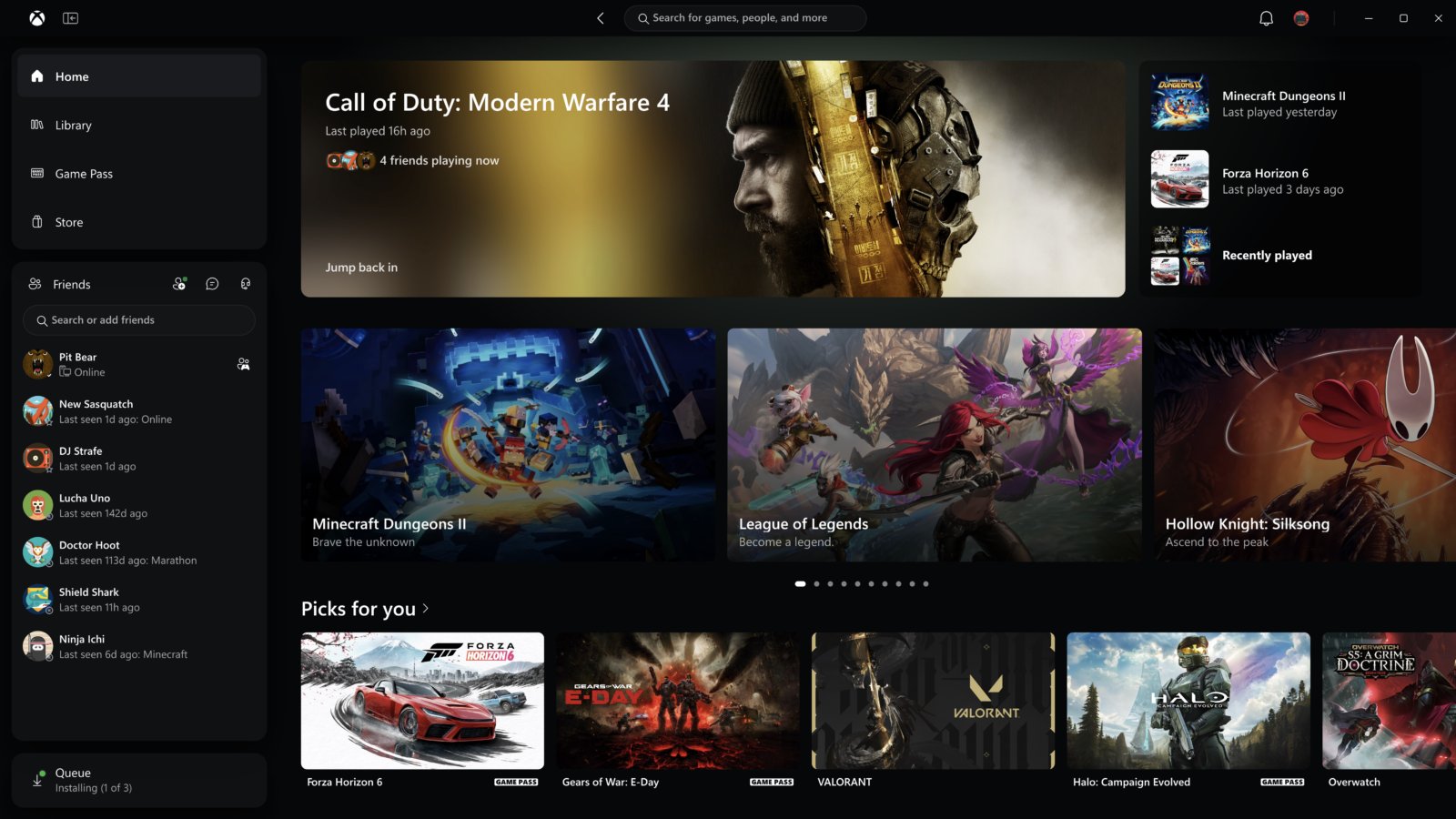
- Library. Microsoft says navigation is simpler, with updated filters and new ways to organise your games. Open it and look at the filters before you do anything else, especially if you have a large collection spread across Game Pass and purchases.
- Friends. Friends and social features are now part of the main navigation. Microsoft says you can see what friends are playing, start a chat or join a party from there. PC Gamer’s writer called this the welcome change.
- Search. Search now covers more of Xbox from one place, with results across games (including installed titles and add-ons) and people.
- Settings, Home and cards. Microsoft says refreshed game cards, Home, Settings and animations make the app easier to scan. It doesn’t list which individual options changed, so go through Settings once and compare it with what you remember rather than assuming your old choices carried over.
If you move games between machines, the same check applies to your install setup. Our Steam local network transfer guide covers that for Steam, and it’s worth knowing what each launcher does before you change anything.
Want the new look without Insiders? Try the web app
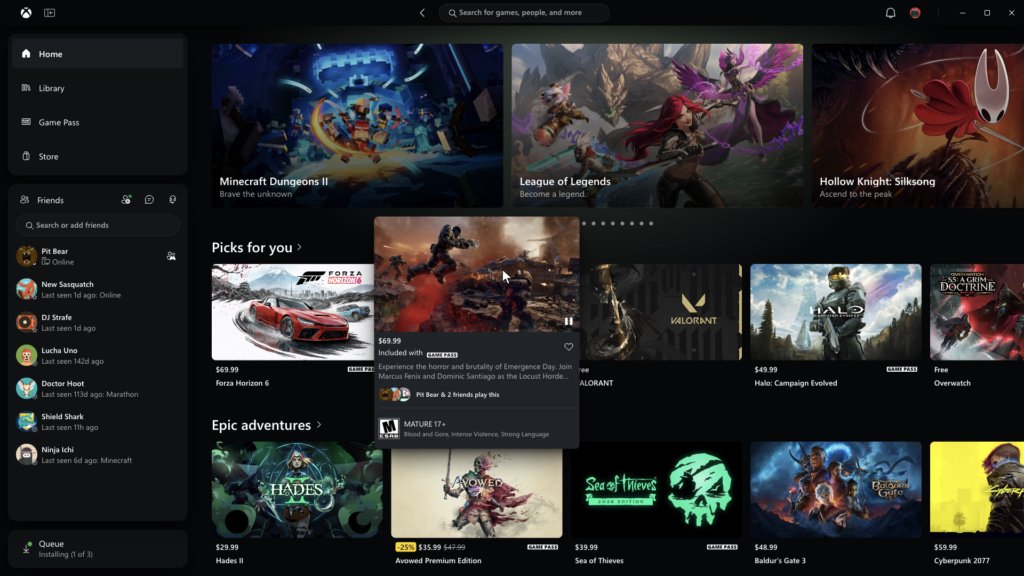
The web and cloud update is separate and arrives sooner. Microsoft says it will bring the refreshed Xbox web experience to more players automatically over the next few weeks. If you want it now, go to play.xbox.com.
- A new Library tab brings together the games you can play through cloud, whether you own them or get them through Game Pass. You can browse, sort and filter by recently played, genre, input options and more.
- Desktop mode uses the space on PCs and larger displays better, so you see more as you browse.
- Choose between dark and light modes, plus five new high-contrast options.
Cloud play still depends on your connection, so a cabled network helps more than any app update. If you’re weighing a new rig for local play instead, the GearChamber PC Builder helps you plan one.
Should you join Insiders for this?
If the Xbox app is a side tool for you, there is little reason to rush; the web version covers the fresh Library and the new look today. If you use Game Pass on PC daily and the Library or friends list annoy you, trying the Insider build makes sense, with the preview caveat in mind. Either way, check the Library filters, the Friends panel and Settings first, because those are the changes you’ll feel more than a faster launch.