Pick the portal that matches the GPU
How to update GPU drivers depends on the badge on the card: Nvidia, AMD, or Intel. Use the vendor’s own package rather than a random “driver booster” site. We are describing the official paths — not claiming we validated every OEM laptop image.
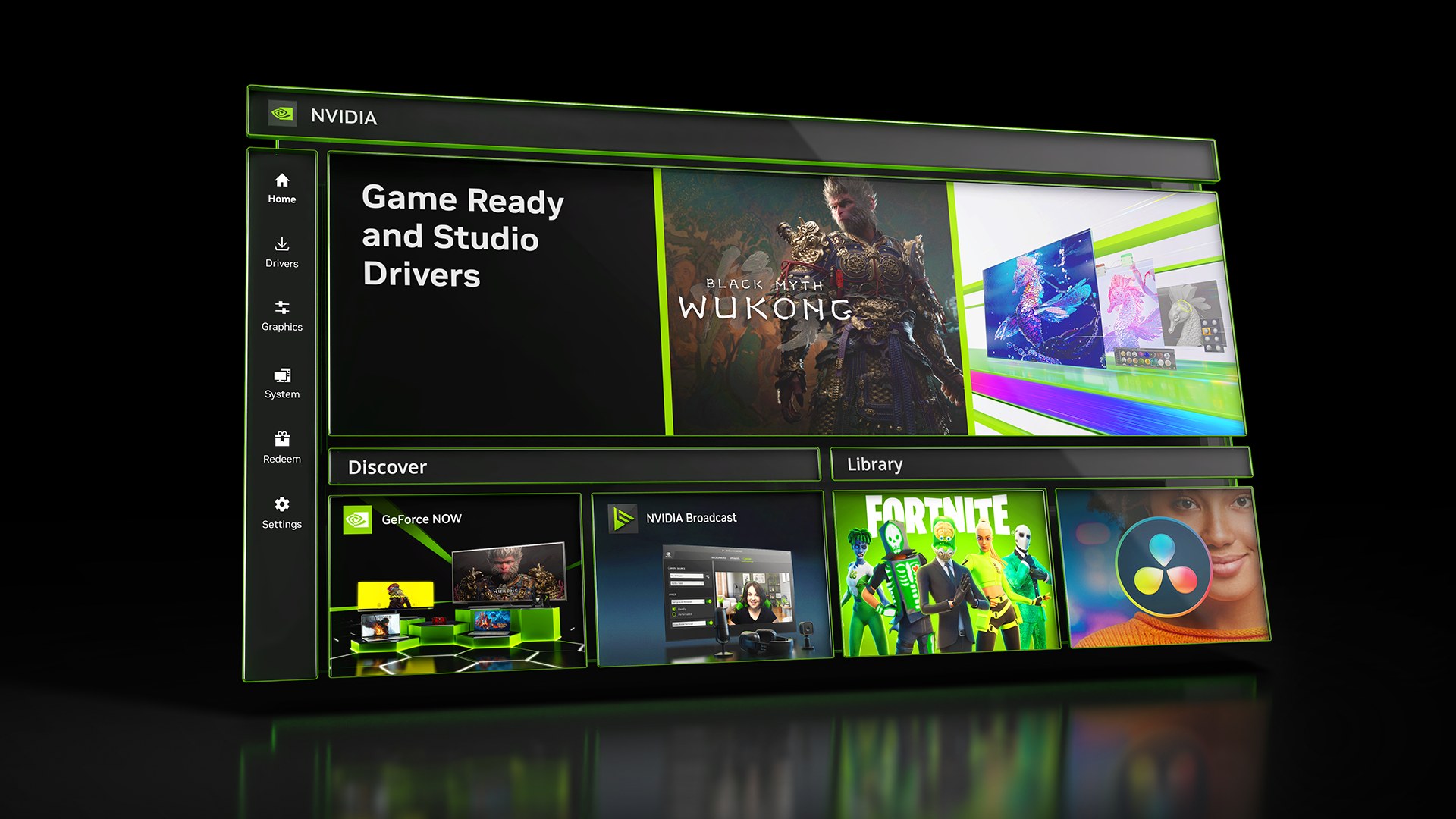
For GeForce cards, Nvidia’s driver page points gamers at the NVIDIA App for automatic Game Ready / Studio updates, with a manual search still available on the GeForce Drivers page if you want a specific branch. Choose Game Ready when day-one game support matters; Studio when creative-app certification matters more.
For Radeon desktops, AMD’s AMD Drivers and Support page offers an Auto-Detect and Install tool for Windows 10/11 (64-bit 1809+) plus a product browser if you prefer the Adrenalin package by name. Install from that page — not a mirror.
For Intel Arc (and Arc iGPU on Core Ultra), Intel’s current Windows package we opened on 4 November 2026 is 32.0.101.9150 WHQL on the Intel Arc Graphics Windows download. Intel notes that the generic package can overwrite OEM-customised drivers — laptop owners should check the vendor site first if they rely on those customisations.
Clean install vs quick update
- Quick update through NVIDIA App, AMD Auto-Detect, or Intel’s installer is enough after most game launches.
- Clean install (custom/clean option in the vendor installer, or DDU only if you already know that workflow) when you are swapping GPU brands or chasing a black-screen regression.
- Reboot once after the installer finishes before you judge stability.
If the PC is already crashing while gaming, fix order matters more than the newest build — start with our PC crashes while gaming guide before you stack five driver experiments on a heat or power problem. After the GPU is stable, monitor settings guide is the next place we would look if the panel still looks wrong.
Swapping the card itself? Confirm the new GPU fits power and clearance in the PC Builder before you buy, then install that vendor’s driver package on a fresh boot.
Leave Windows Update optional driver offers alone when you already installed a vendor package the same week — mixing channels is how people end up on an older WHQL build without noticing. If a game launch posts a minimum driver version, install that vendor build and reboot once before you file a bug report.
Laptop owners should prefer the notebook maker GPU package when one exists for your exact model. Generic desktop Arc or GeForce installs can wipe OEM quiet-fan profiles. Desktops with a discrete card are the opposite case: the board-partner site is optional; the GPU vendor portal is enough.
Our take
Update from the three official portals, match Game Ready vs Studio (Nvidia) or Adrenalin vs Pro (AMD) to what you actually run, and only reach for a clean install when the quick path fails or you changed GPU brands.
Driver pages from Nvidia GeForce / NVIDIA App, AMD Drivers and Support, and Intel Arc Graphics downloads, checked 4 November 2026.