Size first, colour second
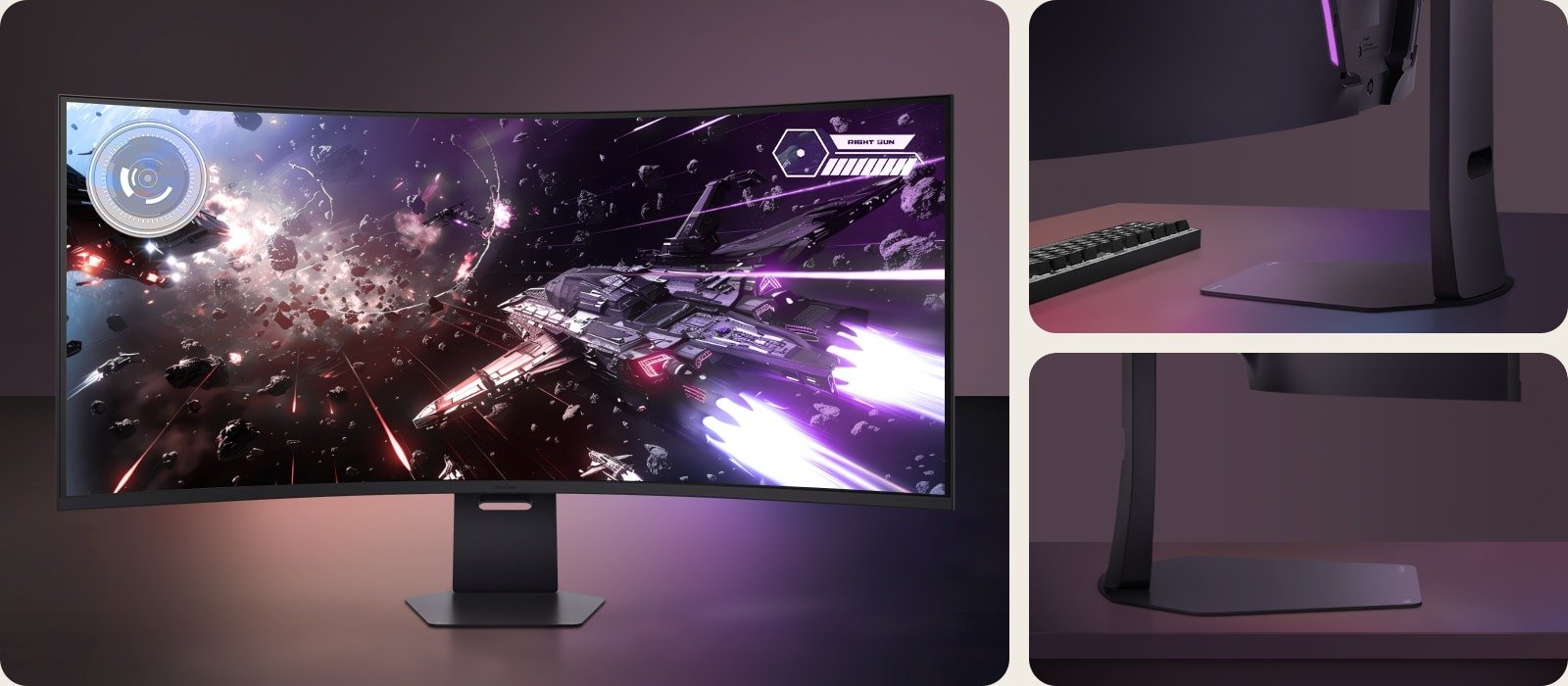
Read any LG UltraGear evo 52G930B review and the first word is the same: enormous. Tom’s Hardware calls the panel “extreme in every respect” and gave it an Editor’s Choice badge. Tom’s Guide says it made the reviewer feel like “the main character” in their favourite games. The asterisk is HDR brightness, where the reviews disagree.
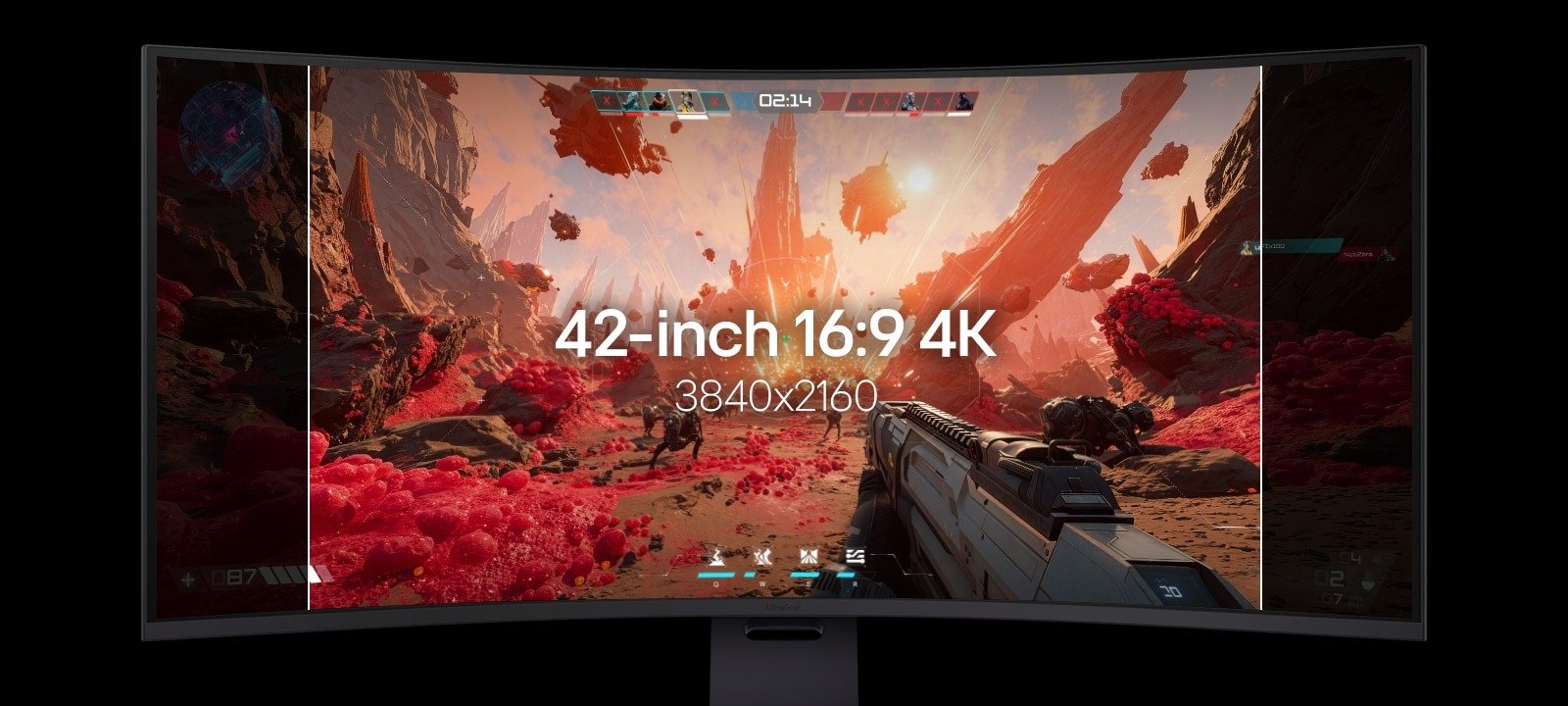
The spec sheet explains the awe. Tom’s Hardware lists a 52-inch, 21:9 VA panel at 5120 x 2160 with a 1000R curve, a 240 Hz refresh rate, a 1 ms grey-to-grey response time and VESA DisplayHDR 600 certification. It is not cheap either: the same review lists it at $1,699.99.

Where the labs agree: colour
Colour is the most consistent praise. Tom’s Hardware measured 94.4% of DCI-P3 and called accuracy “superb right out of the box”, adding that a calibration attempt could make no improvement over the default Gamer 1 mode. Tom’s Guide’s lab put the monitor at 161.3% of sRGB and 114.2% of DCI P3 with a Delta-E of 0.06, a figure it called excellent and better than most of the competitors in its comparison table.
PCMag lists “excellent image quality out of the box” among its pros, and PC Gamer, the most sceptical of the four, still described the picture as “punchy and vibrant” with “very good contrast for a conventional LCD monitor”. Even the sceptic concedes the panel looks good. Tom’s Hardware’s verdict on the VA technology is that it “isn’t quite an OLED” but is “one of the better LCDs” the reviewer has come across.
The HDR asterisk
This is where the reviews split. Tom’s Guide measured 415 nits peak in SDR but only 252 nits on a 10% window in HDR, and wrote “Frustratingly” of the result: many of its chief rivals, barring one OLED, did better. PC Gamer’s complaint is structural. The monitor carries DisplayHDR 600 certification, but without local dimming “there simply isn’t the lighting control to deliver HDR visuals”.
Other outlets saw brighter numbers. Tom’s Hardware measured over 450 nits in SDR and 625 in HDR mode, and PCMag saw SDR around 350 nits and HDR peaks of up to 600 nits, saying HDR “looks great”. Those figures come from different test methods, and the reviews do not say what window size the brighter HDR readings used, so we would not read them as a contradiction of Tom’s Guide’s 10% result. We would read all four as a warning: if bright, punchy HDR highlights are the reason you are spending this much, check the numbers before you commit. PCMag also found the Deep Black Pro dimming mode caused distracting brightness shifts between scenes and switched it off.
Fast enough, if you can feed it
Motion is the second split. Tom’s Hardware wrote that this is “one of the few LCDs that can keep up with an OLED when it comes to input lag” and noted there is no backlight strobe option. Tom’s Guide played Cyberpunk 2077, Forza Horizon 5 and Final Fantasy VII: Crisis Core Reunion and saw no ghosting. PC Gamer disagreed, reporting visible smearing even with overdrive maxed out and overshoot at the fastest setting, though it called the response “fine” as VA panels go.
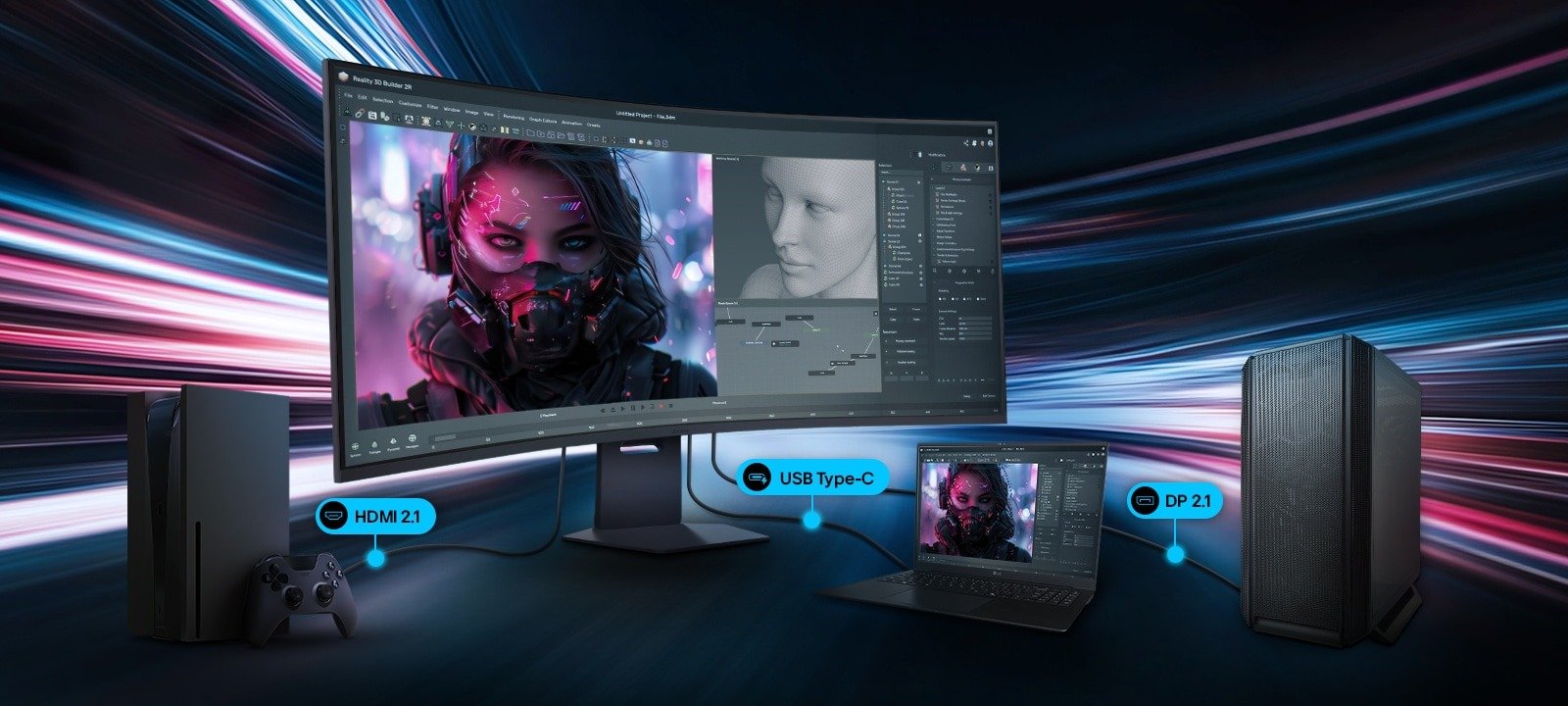
Hitting 240 Hz at 5120 x 2160 means more than 11 million pixels per frame. Tom’s Hardware says that needs the DisplayPort 2.1 or HDMI 2.1 input, since USB-C tops out at 120 Hz, and its RTX 4090 managed little more than 200 fps in Doom Eternal. PCMag adds that even an RTX 5080 will not push demanding games near 240 fps with everything maxed. Plan the graphics card first; our PC Builder is a sensible place to check what that costs alongside the monitor.
Then there is the desk. Tom’s Guide lists the monitor at 37.03 lb with its stand and warns that anyone short on space should skip it. PC Gamer, who used a 49-inch ultrawide for around 18 months, found it “immediately feels too big” and said it barely fits on a large desk. Tom’s Hardware found a good seating spot about three feet away, notes the panel is nearly four feet wide, and says it could not sit as close for spreadsheets and document editing.
How the outlets scored it
| Outlet | Score / verdict | Key number |
|---|---|---|
| Tom’s Hardware | Editor’s Choice | 94.4% DCI-P3 |
| Tom’s Guide | No numeric score | 252 nits, 10% HDR window |
| PC Gamer (23 Oct 2026) | 78 | 107 ppi |
| PCMag | 4.0, Excellent | Up to 600 nits HDR |
Our consensus score of 79 is the mean of the two numeric scores: PC Gamer’s 78 and PCMag’s 4.0 treated as 80 out of 100. Tom’s Hardware gives a badge rather than a number and Tom’s Guide gives a verdict only, so neither is counted.
Buy if, skip if
- ✅ Buy if you want the biggest canvas for racing sims, strategy games or immersive single-player titles. PC Gamer called armies sprawling across the panel in a Total War game “a seminal PC gaming experience”.
- ✅ Buy if colour accuracy out of the box matters and you have a graphics card that can feed 5120 x 2160.
- ❌ Skip if HDR brightness is the draw: Tom’s Guide measured 252 nits on a 10% window and PC Gamer notes there is no local dimming.
- ❌ Skip if you play fast competitive shooters. PC Gamer called it “far, far too big for esports”.
Our take: a niche worth knowing about
We think the labs have described a specialist, not a bargain. Colour accuracy, scale and a sturdy stand are real strengths, and Tom’s Hardware’s “experience like no other” line is fair. But PC Gamer’s value point stings: it noted that Samsung’s even bigger 57-inch Odyssey Neo G9 was $1,449 on Amazon with full-array local dimming, and PCMag said it would pick LG’s cheaper 45-inch OLED unless sheer size is the priority. We would pair this giant with a card in the RTX 5090 class and a desk to match, and buy it for the picture rather than the HDR.
If you are weighing the screen against smaller options, our roundups of the LG 27GX790A-B esports OLED and the Alienware AW3226Q show the other end of the market, and our guide to gaming monitor settings for every panel type covers how to tune a VA panel like this one.