Loaded, but not perfect
The Razer Basilisk V4 Pro review verdicts are in, and both camps tell the same story: a very good ergonomic gaming mouse that keeps handing you a small annoyance right after each new perk. TechRadar says it “wanted to love” it, while Tom’s Hardware calls it “a great all-around gaming mouse” for gamers who want more than a stripped-down shooter mouse but “aren’t totally button-crazy”.
We think that split is about right. The Basilisk V4 Pro is for the player who wants a contoured shape, plenty of programmable buttons and long battery life, and who will accept some quirks and a high price to get them.
What Razer changed
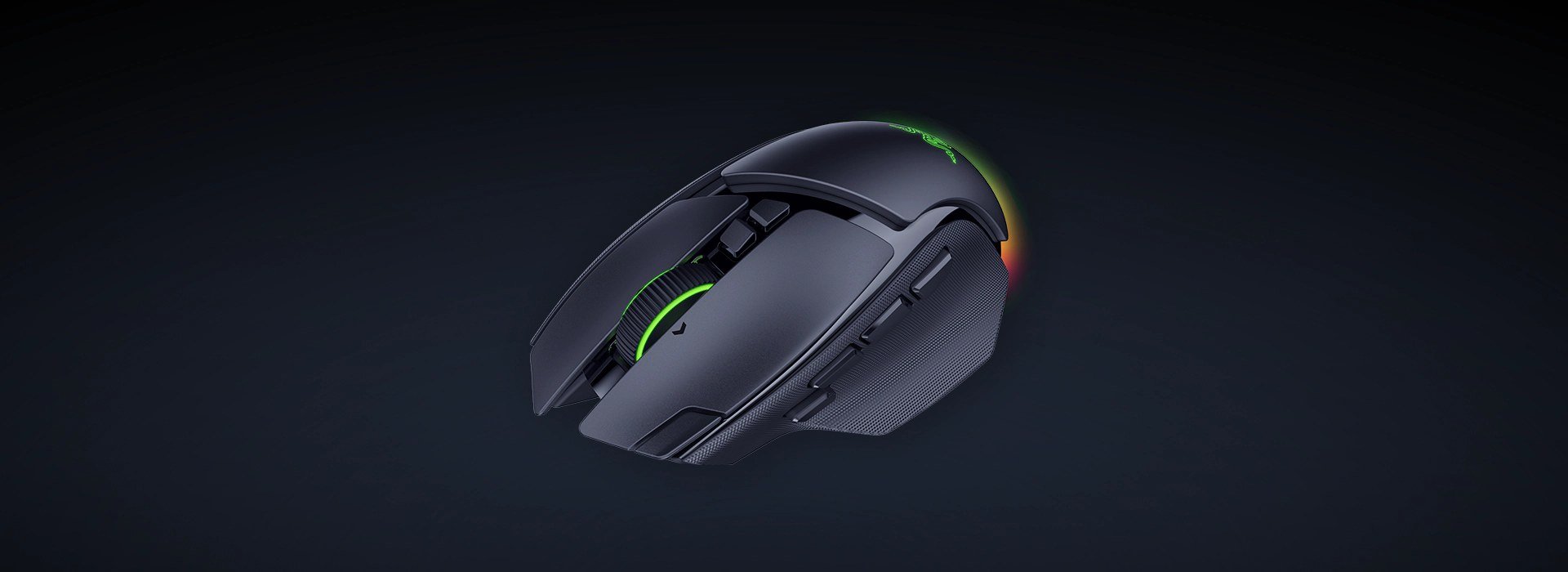
Both reviews say Razer kept the familiar right-handed ergonomic form. The weight is down: 100g against 112g for the Basilisk V3 Pro, which TechRadar puts at 10% lighter. Tom’s Hardware says the difference is noticeable and the mouse is easier to pick up, but that it is still “nowhere near the ultra-lightweight category”.
Battery life is the other headline gain. Razer rates it at up to 200 hours over 2.4GHz at a 1,000Hz polling rate, and Tom’s Hardware lists 54 hours at 8,000Hz. TechRadar’s own run was far shorter: its unit went from 66% to 0% in 45 hours with RGB on at 1,000Hz, which it projects as just under 70 hours on a full charge.
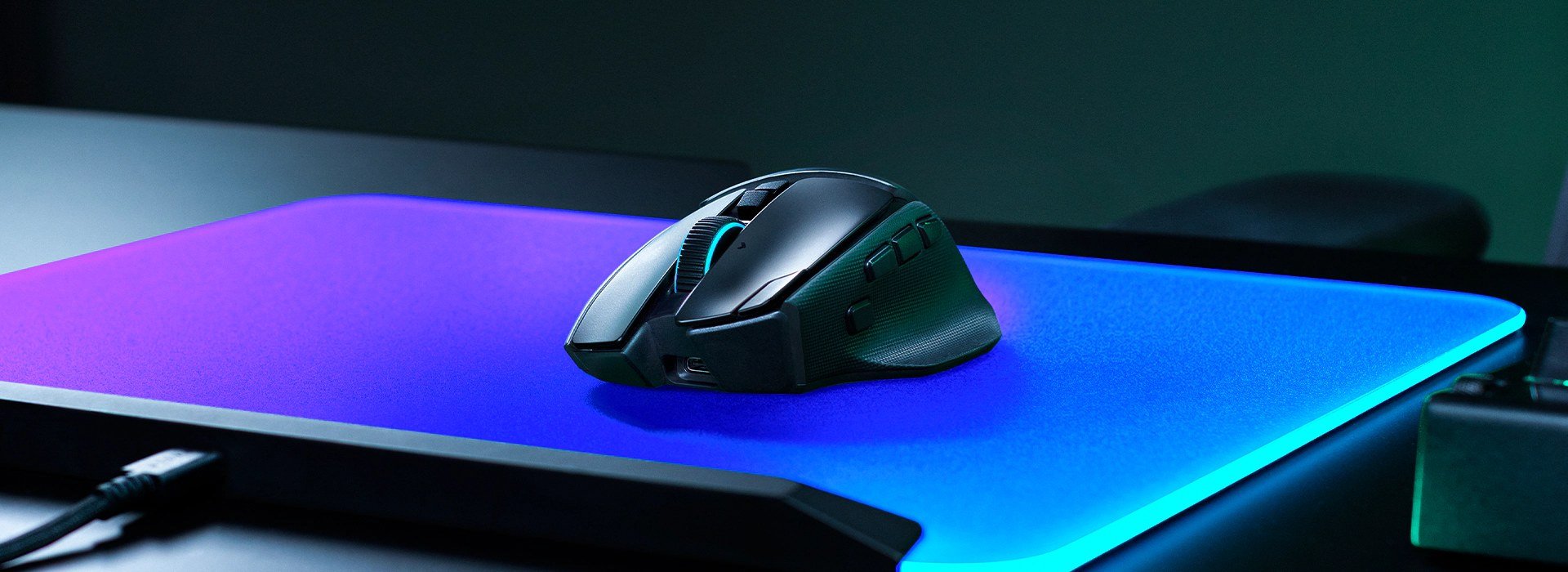
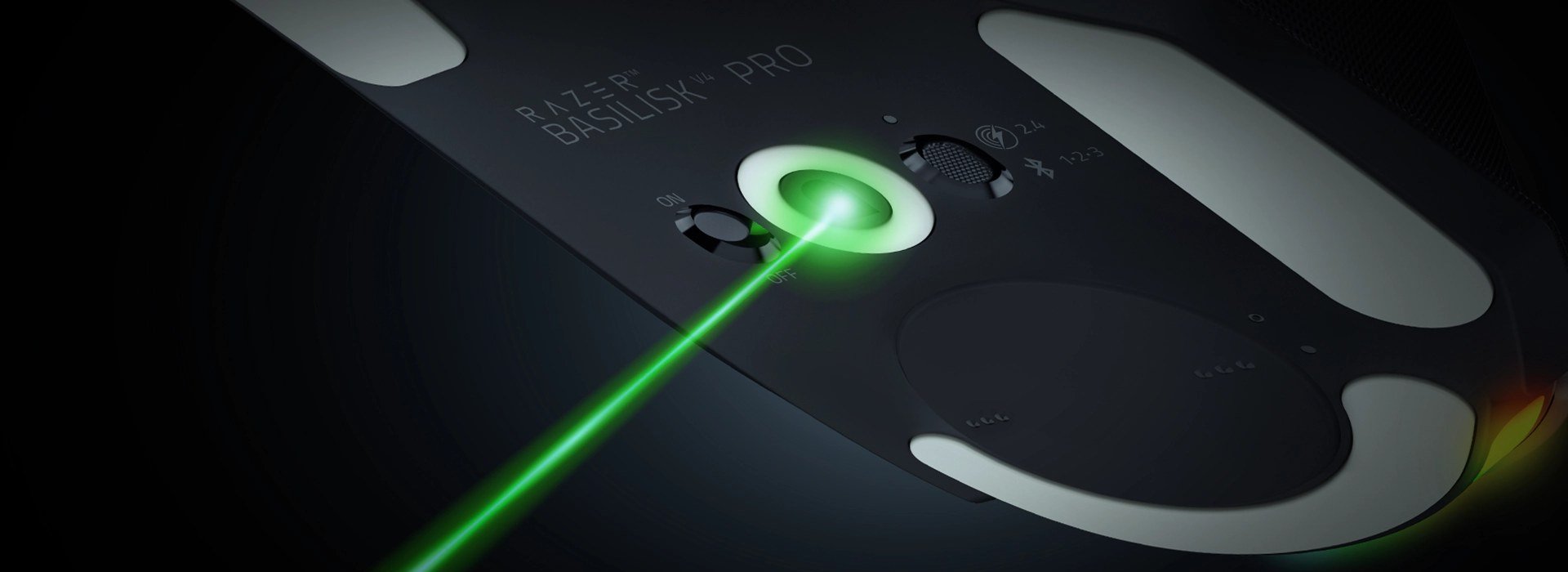
Connectivity covers Razer HyperSpeed Wireless Gen-2 (2.4GHz), Bluetooth and wired USB-C, with polling up to 8,000Hz, TechRadar’s spec table. The sensor is Razer’s Focus Pro 50K Gen-3 optical sensor, rated to 50,000 DPI; Tom’s Hardware calls it “a solid sensor” that tracks well across nearly every surface, glass at least 4mm thick included.
The buttons are the argument
Tom’s Hardware counts 12 programmable buttons (14 controls if you include scroll up and down), while TechRadar counts 14 customizable ones; either way there are two more than on the V3 Pro. The new third thumb button opens Razer’s AI prompt by default, and Tom’s Hardware found it pushes the existing thumb buttons back, leaving the often-used MB4 too far to press comfortably. Its list of cons says the AI button “messes up the thumb button harmony”.
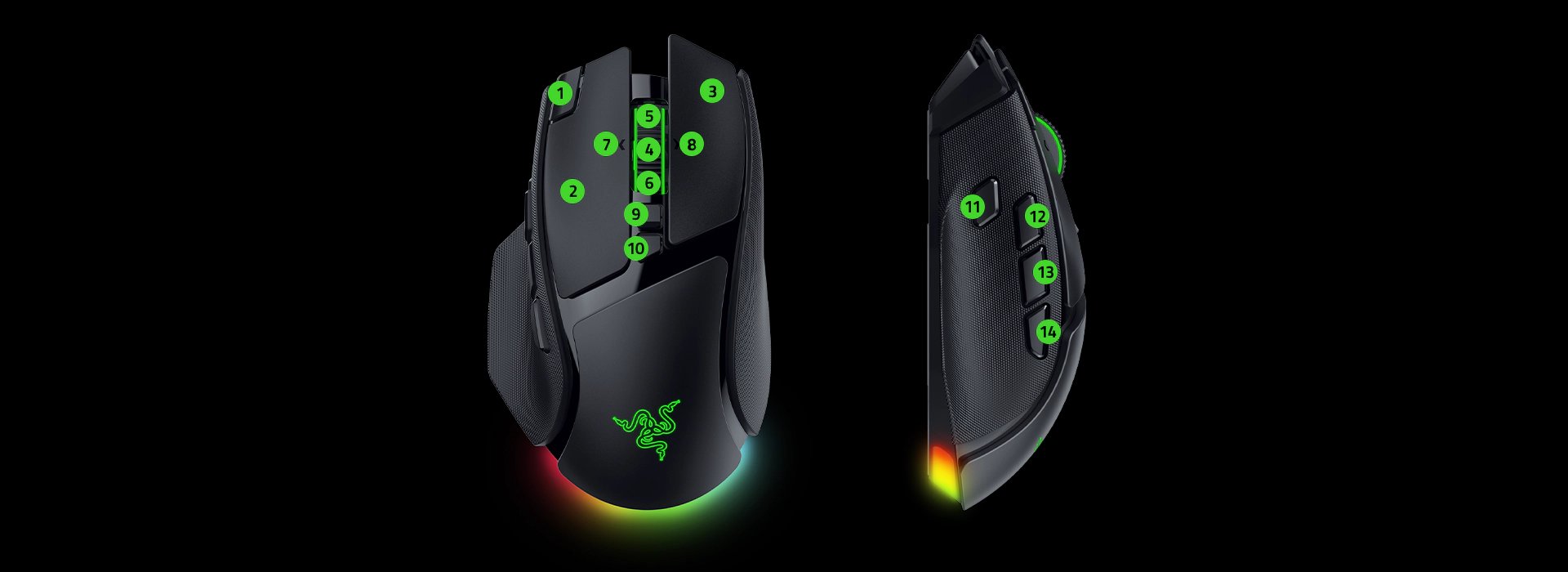
TechRadar’s complaint is similar: button placements “aren’t ideal for fingertip grip or smaller hands”, and the extra side button got in the way of its two-side-button muscle memory. It also found the scroll wheel loud when it switches modes and “mushy” to click, though it liked the Smart-Reel idea.
We’d go further than either outlet: the AI button is the weakest idea on the spec sheet. It is the one new input that makes the old layout worse, and you can remap it, but you are paying for a button you may well have to rebind first.
Price and who should pay
Both reviews put the Basilisk V4 Pro at $169.99. Tom’s Hardware adds that the Mouse Dock V2 Pro, which launched alongside it, is sold separately for $69.99. TechRadar’s Value note sums it up: “Very expensive, but you get plenty for your cash”, and it says many capable options cost less than half. Razer’s pricing is a recurring theme; our piece on the Barracuda V2 Pro’s reviews found the same tension on the headset side.
Weight is the other filter. If you chase low mass, HyperX’s 47-gram flagship mouse is a different world from 100g, and our Logitech G Pro X3 Superstrike review covers another top-end mouse worth weighing against it.
Consensus score: 85/100. That is the mean of the four marks on TechRadar’s scorecard (Features 5/5, Performance 4/5, Design 4/5, Value 4/5), which averages 4.25/5. Tom’s Hardware gives a written verdict without a numeric score, so it is not in the average.
- Buy if: you have a large hand or a palm grip, want plenty of buttons without going full Naga, and care about battery life.
- Skip if: you use a fingertip grip, have small hands, want an ultralight mouse or are watching the price.
Our take
The Basilisk V4 Pro is an easy pick for the right hand and an awkward one for everyone else. It improves on its predecessor in weight and battery life, and the sensor is current, but the button layout and the $169.99 price are the real decision. We’d wait for a discount unless you already know you like the Basilisk shape.