Freezing video on RTX 50
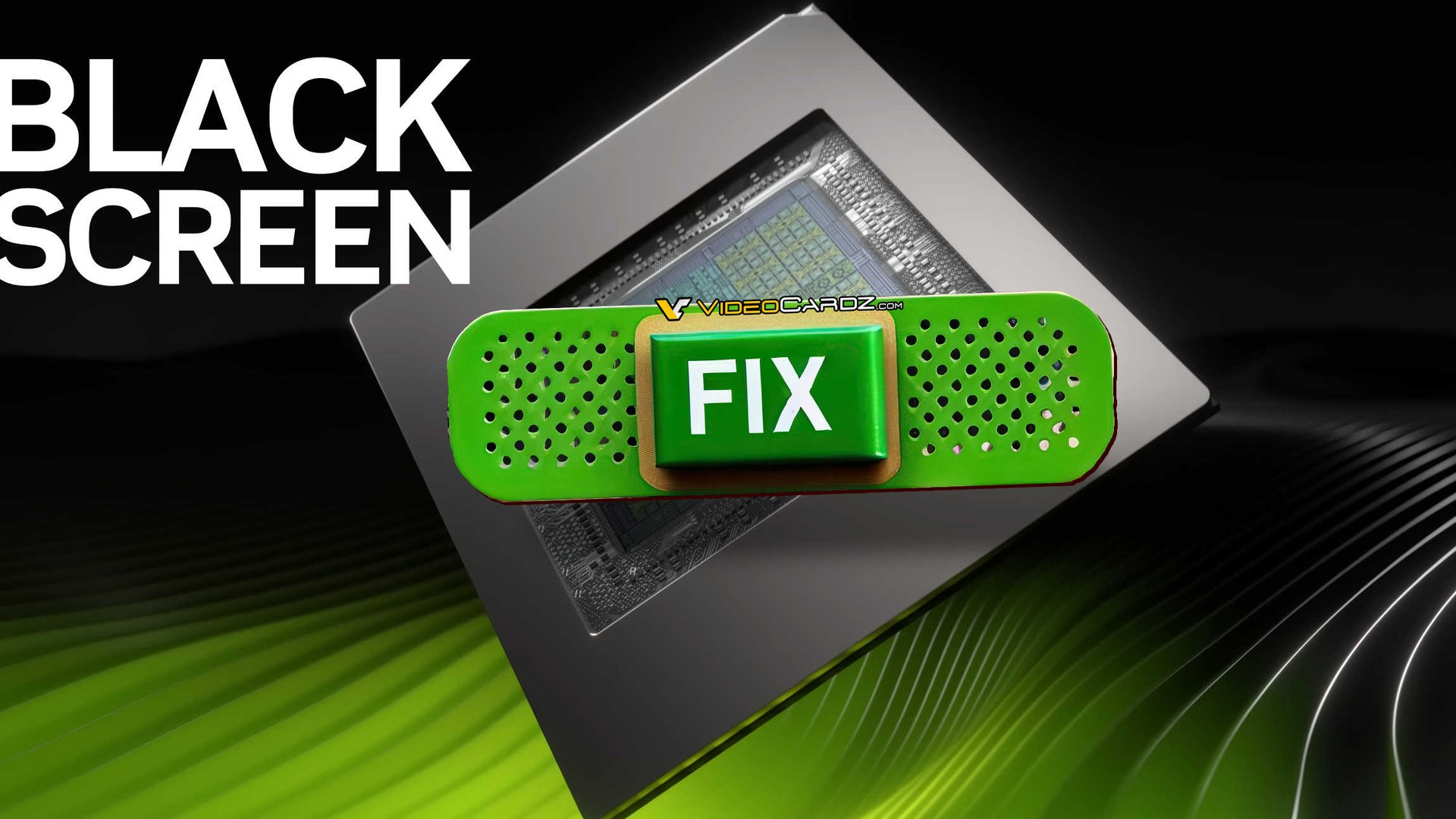
If video playback has been freezing or going black on your RTX 50-series card since you installed Game Ready Driver 621.01, NVIDIA has a fix. If it hasn’t, you can skip this one.
NVIDIA published GeForce/RTX Spark Hotfix Driver 621.12 on its Customer Care site, with the page updated 10/27/2026 10:25 AM. It is based on the latest Game Ready Driver branch rather than a new feature drop, and it is a hotfix — beta, optional, and not a WHQL Game Ready Driver. The notes list four fixes.
Four fixes, one that matters to most people
- Video playback: on some RTX 50-series and RTX Spark systems, video could freeze or show a black screen after installing Game Ready Driver 621.01 (NVIDIA bug 6979343).
- Unreal Engine 5.8: a crash when Ray Lighting Mode is set to Hit Lighting (bug 6914378).
- RTX Spark over HDMI: display corruption when connected through a StarTech Thunderbolt 3 to HDMI 2.0 adapter (bug 6054761).
- MSI N16 Flip: intermittent flickering (bug 6945359).
The first item is the headline, because video playback is something nearly everyone with a GeForce card does every day. The other three are narrow: a game-engine setting that mostly matters to developers, one adapter and one laptop model. Notice that the notes say the freezes happened after 621.01 was installed. They don’t say what caused it, and neither will we.
Who should install it, and who should wait
Hotfix drivers are interim builds. NVIDIA’s guidance for this family is to use one only if you’re hitting the problems it fixes and otherwise stay on the latest Game Ready Driver, and the hotfix may be superseded by the next WHQL release. We’d follow that to the letter: if your video plays fine, 621.01 is the better place to sit.
If you are affected, install 621.12 over the top and see if the freezes stop. If something still misbehaves afterwards, a clean install is the usual next step, and our walkthrough of a clean GPU driver reinstall with DDU covers it.
It’s also a reminder to read the whole release note, not just the fixed list. We did exactly that with AMD’s Adrenalin 26.8.1 driver, where the known-issues section told the bigger story. We haven’t installed or tested 621.12 ourselves, so how it behaves on your setup is a question for the first few days of owner reports.
Our view: a driver that needs a hotfix for something as basic as watching a video is a good argument for waiting a week before taking any new Game Ready build. Whether the next WHQL driver folds 621.12 in is what to watch for.
Sources checked 28 October 2026: NVIDIA’s GeForce forum announcement of Hotfix Driver 621.12 and Overclock3D’s report on the release notes.