Preset C explained
The most useful thing in Nvidia’s latest DLSS drop isn’t DLSS 5. It’s a dropdown option called Preset C that makes Frame Generation cheaper to run, and it works on RTX 40 cards as well as RTX 50.
Nvidia’s DLSS update post, published October 13, bundles three things: a 2X faster DLSS 5 model, new DLSS 5 games and dates, and a beta Performance Mode for Frame Generation in the NVIDIA app. Here’s what changed, and what didn’t.
Preset C swaps an AI model for something lighter
Frame Generation runs two AI models: one reads motion vectors and depth to work out how objects move between rendered frames, and a second calculates optical flow for things like UI and ray-traced effects. Preset C replaces that second model with “a faster and lighter algorithm,” which Nvidia says comes “with minor trade-offs in image quality.” It applies to Frame Generation, Multi Frame Generation and Dynamic Multi Frame Generation on RTX 40 and RTX 50 desktop cards and RTX Spark laptops.
Nvidia’s headline claim is up to 35% more speed on an RTX 5060. Its own chart, run in Cyberpunk 2077 at 1440p with medium ray tracing, DLSS Super Resolution on Balanced and a Ryzen 7 9800X3D, shows the gain growing with the multiplier:
| Frame Gen mode | Quality (Preset A/B) | Performance (Preset C) | Gain |
|---|---|---|---|
| Off | 83 fps | 83 fps | — |
| 2X | 120 fps | 132 fps | +10% |
| 4X | 197 fps | 244 fps | +24% |
| 6X | 255 fps | 348 fps | +36% |
That pattern makes sense: the more frames you generate, the more often the optical-flow step runs, so making it cheaper pays off most at 4X and 6X. On a 120Hz or 144Hz monitor, 2X is where most people actually live, and there the gain is a modest 12 fps. Entry-level cards are where every frame counts, and our RTX 5060 Ti 8GB review roundup explains why the 8GB models are already short on headroom.
Turning it on takes a beta opt-in and one dropdown
- Update the NVIDIA app, then go to Settings > About and tick “Opt in to access Beta or experimental features.”
- Let the beta download, then click the on-screen prompt to install it.
- Open Graphics and pick a game that supports Frame Generation, or choose Global Settings to apply it everywhere.
- In the Frame Generation dropdown, choose Preset C. If it isn’t listed, reboot.
- Launch the game and watch its UI and ray-traced effects, since those are what the lighter algorithm handles.
We’d treat it as a per-game choice rather than a global one. Nvidia hasn’t published image-quality comparisons for Preset C, only the frame-rate chart, so the “minor trade-offs” are its description, not something anyone has measured yet.
DLSS 5 is twice as fast and still RTX 50-only
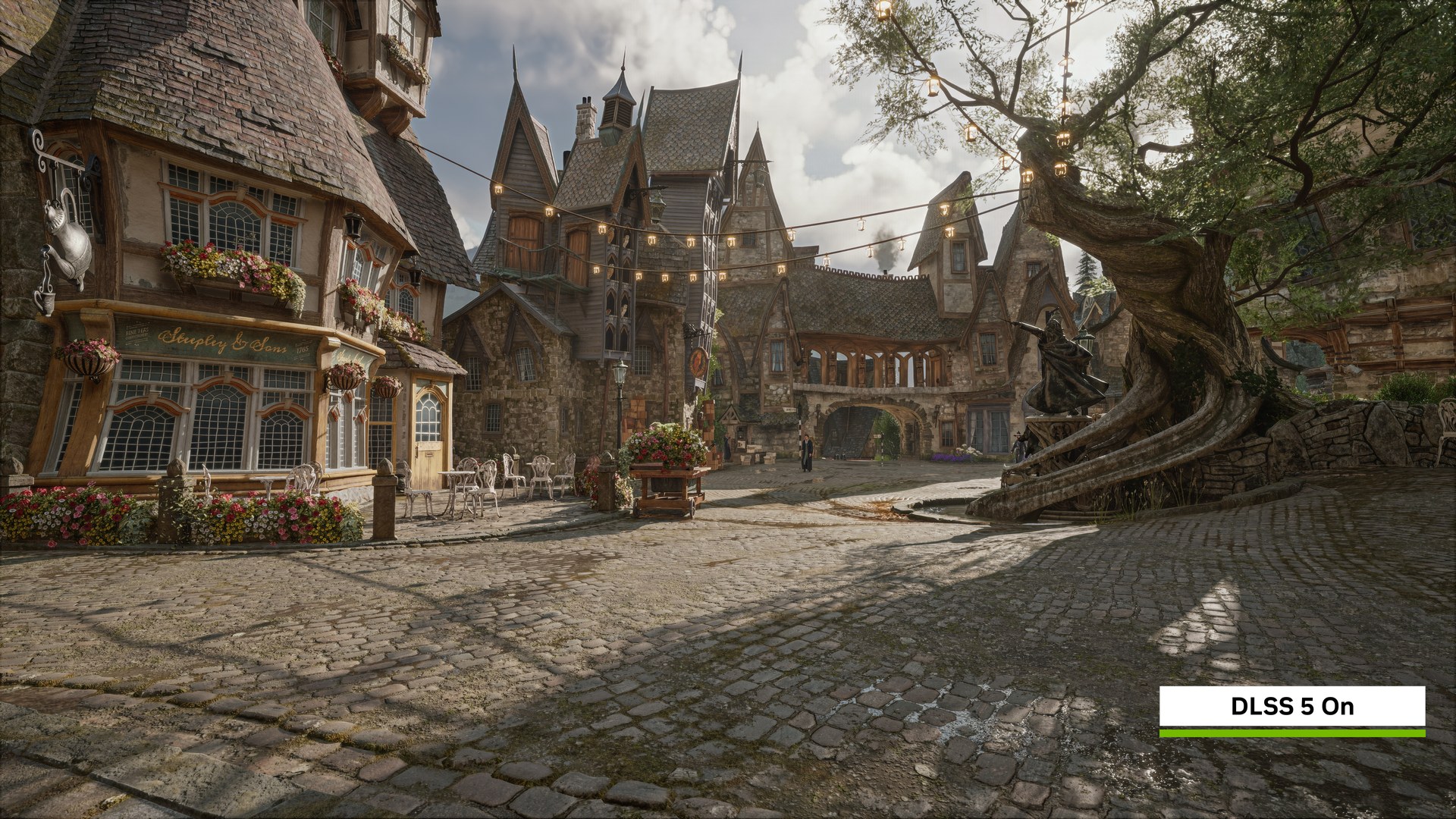
The DLSS 5 changes are bigger on paper. Nvidia says the 3D-Guided Neural Rendering model is 24% smaller, at roughly 118 million parameters, uses 20% less VRAM at 4K, and has half the GPU overhead of the September version. It calls the result 10X faster than when DLSS 5 was announced in March. The new model reaches NBA 2K27 on October 16 with up to 1.4X higher frame rates, and ships by default in future DLSS 5 games.
- NBA 2K27: faster model from October 16 on RTX 50, RTX Spark and GeForce NOW.
- RTX Remix: DLSS 5 and the Frame Generation Performance Mode arrive October 23.
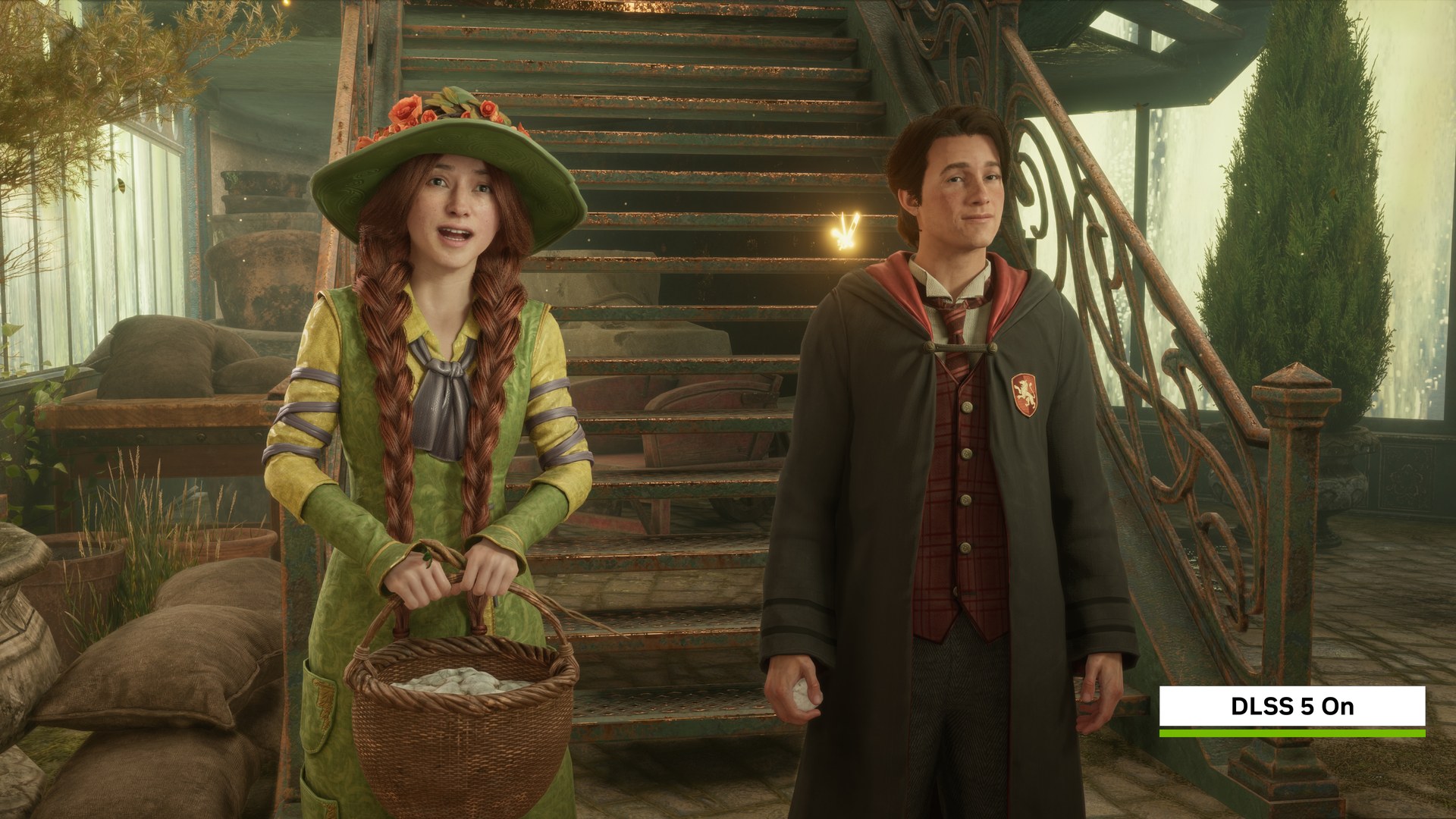
- Hogwarts Legacy: DLSS 5 from November 5.
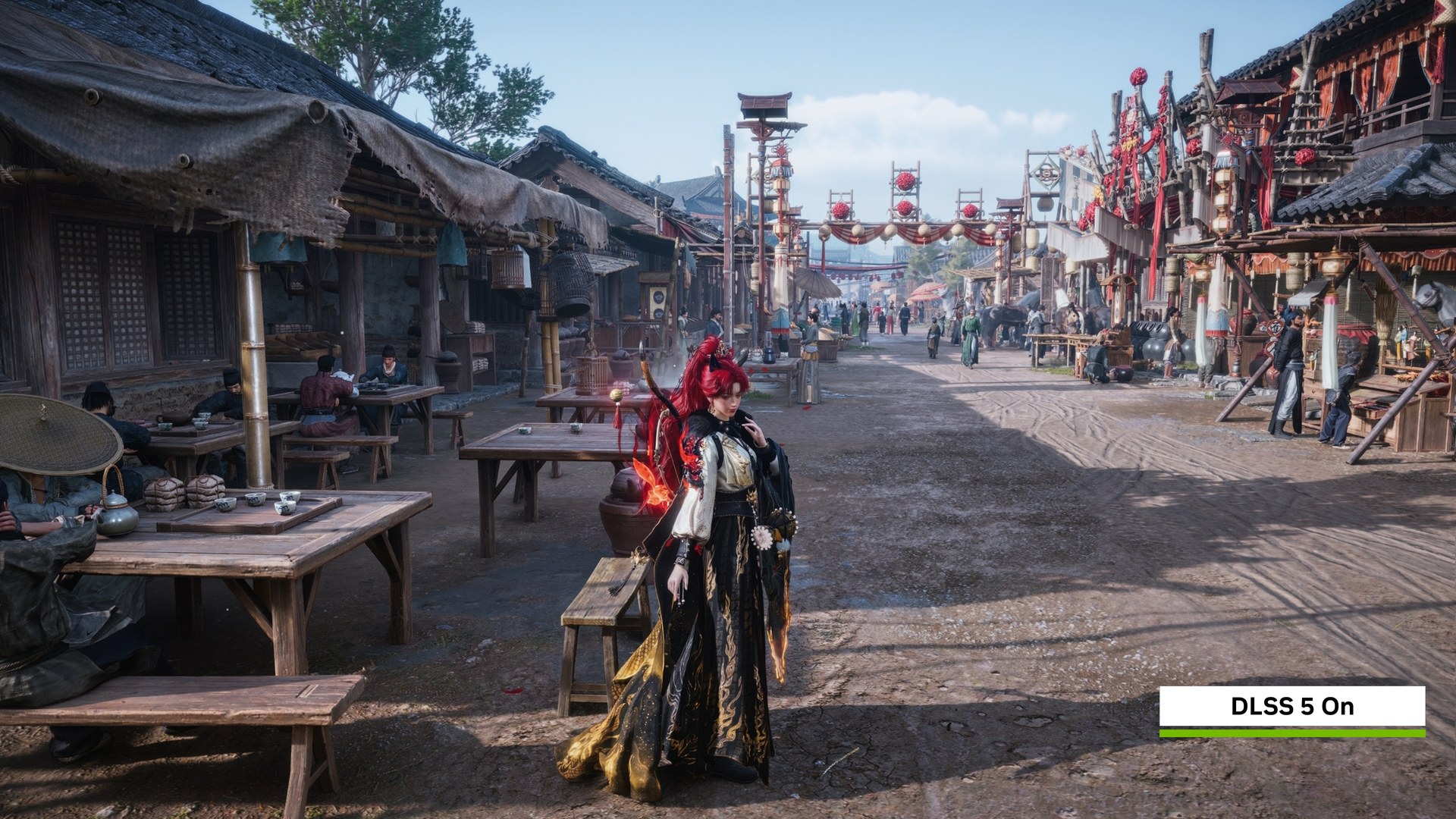
- Where Winds Meet: DLSS 5 in late November.
All of that stays on RTX 50 hardware. If you bought into the 50 series, as in our RTX 5070 Ti review roundup, this is a free upgrade to a feature that now costs half as much to run as it did in September. If you’re on an RTX 40 card, Preset C is the part of this release you can use tonight.
RTX 30 owners are already being served by modders rather than Nvidia. TechPowerUp reports that the latest Universal MFG Unlocker adds Preset C on RTX 30 and RTX 40 cards in DirectX 12 games, with no RTX 30 performance figures shared yet. It’s a long way from the DLSS 4.5 Ray Reconstruction showcase at Gamescom, and a sign of how quickly the Frame Generation side of DLSS is now moving.
Our take: try Preset C at 3X or 4X, where the gain is real, and keep the quality preset for slower games where artefacts are easier to spot. The bigger question is why a cheaper optical-flow path that works on RTX 40 stops there. Nvidia hasn’t said whether it will come to RTX 30 officially.