A Vulkan first for FSR
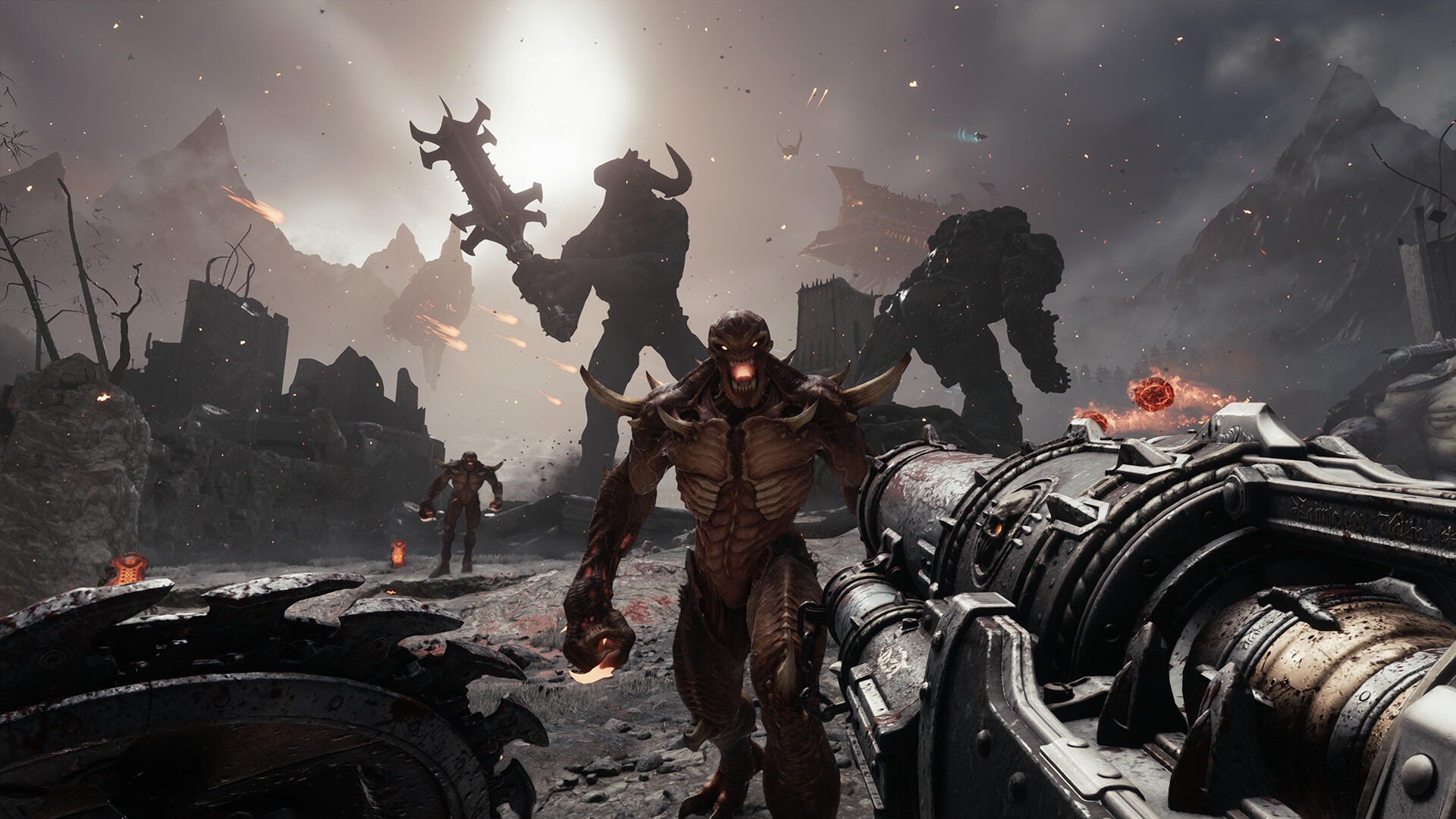
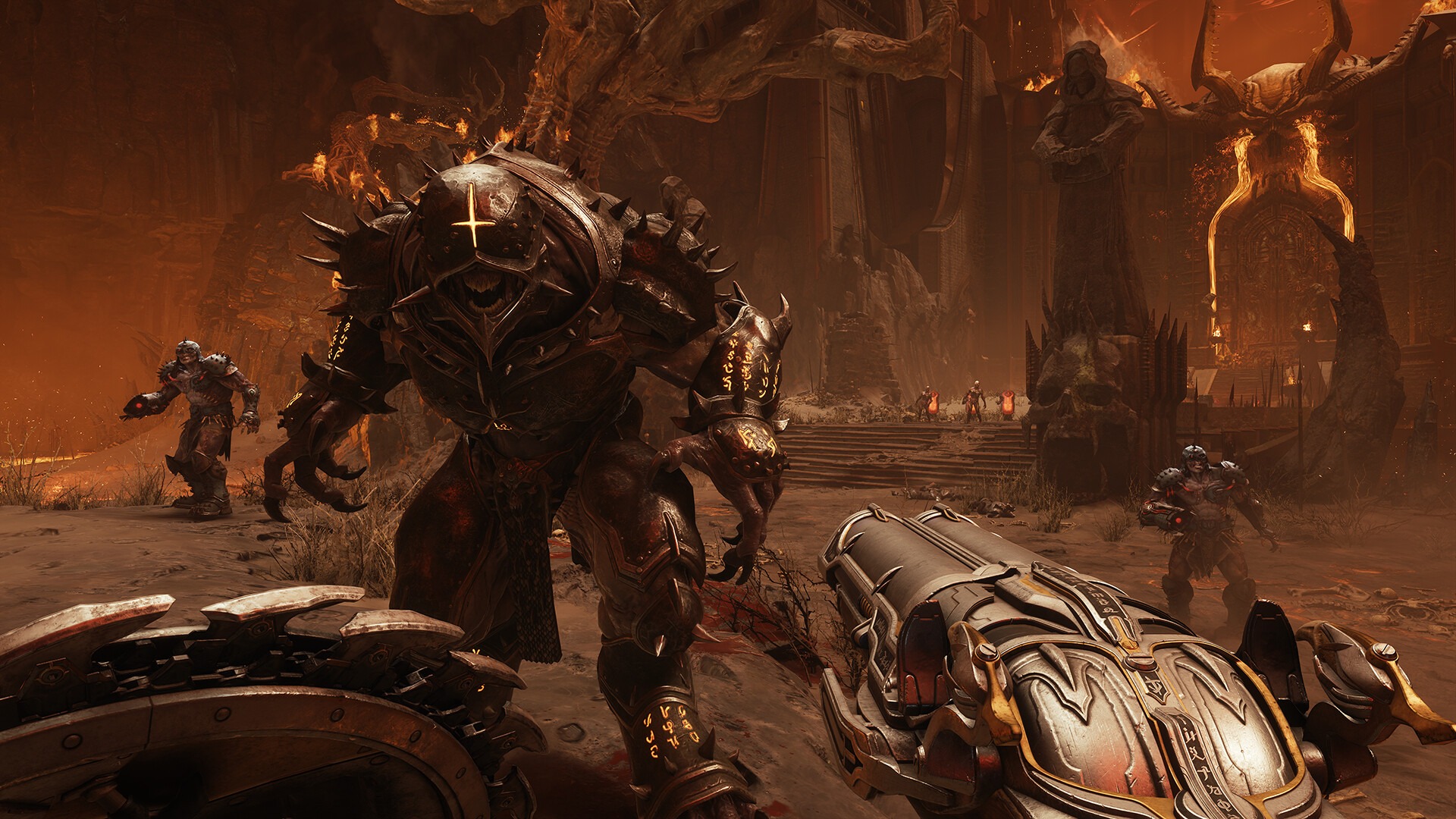
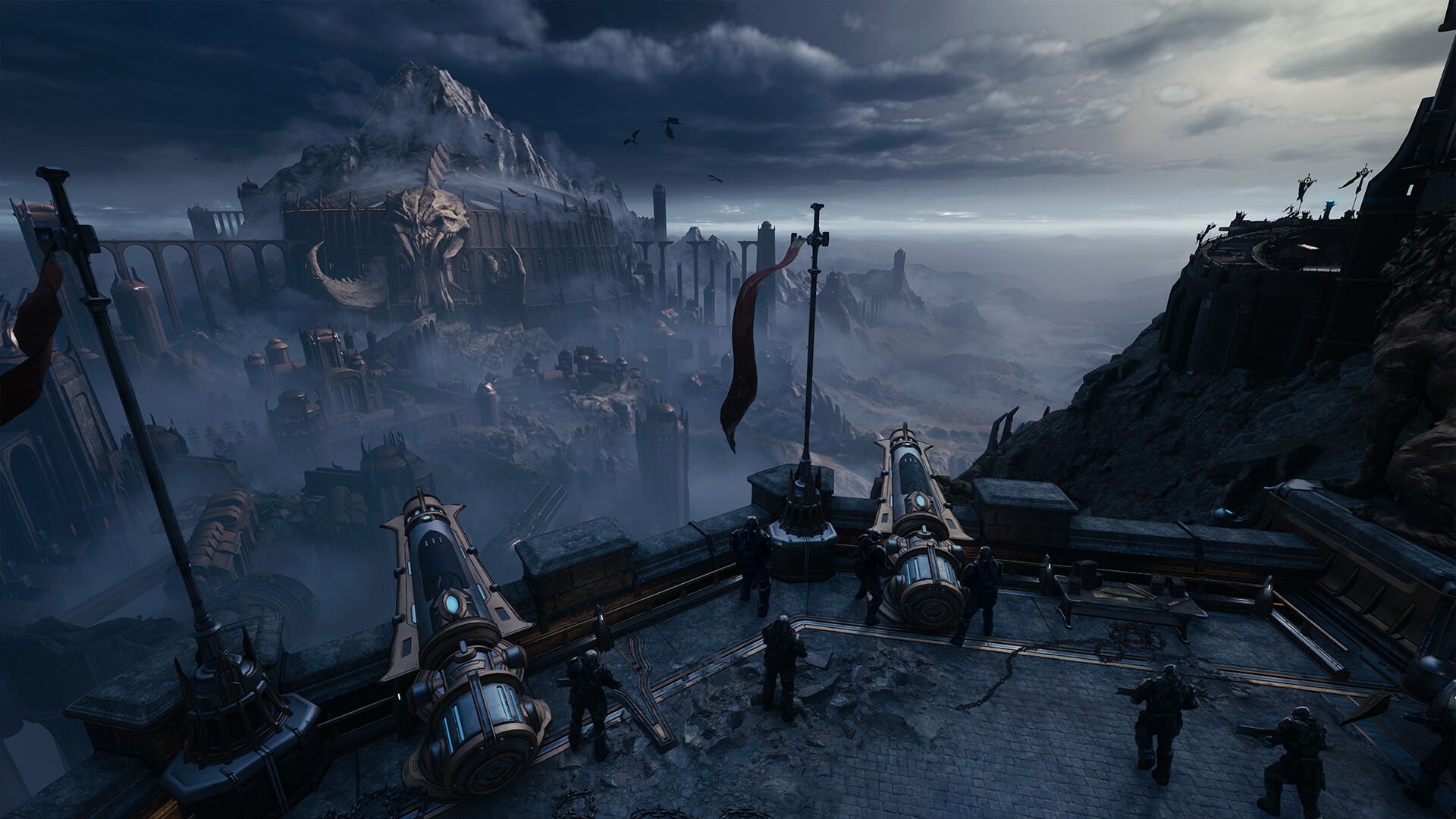
FSR 4.1 Vulkan support has just gone from an SDK feature to something you can switch on in a shipping game. id Software’s Update 5 notes for DOOM: The Dark Ages say the game now supports AMD FSR 4 on compatible GPUs, featuring FSR Upscaling 4.1 and Frame Generation 4.
In a 16 November post on X, AMD’s Jack Huynh confirmed DOOM is the first Vulkan game to officially implement FSR Upscaling 4.1 alongside Frame Generation 4, Wccftech reported. Until now, Vulkan titles such as DOOM needed third-party workarounds like OptiScaler to run FSR 4, often through a Vulkan-to-DirectX 12 compatibility path.
What Radeon owners should switch on
The patch notes file the change under PC-only video settings and don’t list which GPUs count as compatible. Wccftech’s reading is that the ML-based upscaling supports Radeon RX 9000, RX 7000 and RX 6000 Series GPUs plus select Ryzen APUs, while ML-based Frame Generation 4 stays exclusive to RX 9000 and newer.
We’d take that as the working assumption and then trust the in-game menu. If you’re on an RX 9000 card, turn on both options and see how the game feels. On anything older, expect upscaling only.
RX 6000 owners, read the small print
Separately, AMD’s GPUOpen team updated its Unreal Engine FSR plugin to 4.1.2, covering Unreal Engine 5.3 up to 5.8. ML-based FSR Upscaling now runs on Radeon RX 6000 Series (RDNA 2) discrete GPUs and, for the first time, on select Ryzen processors with integrated Radeon graphics. It does that with two INT8 models: RX 6000 GPUs and Ryzen AI Max processors run the full model, while a second model, less than half the size, targets more constrained integrated graphics. AMD says results vary by game, resolution, quality mode and hardware. Our RX 6000 FSR Upscaling 4.1 guide covers where the switch lives.
Frame generation is where RX 6000 owners shouldn’t expect miracles. The plugin ships FSR Frame Generation 4.0.2 and Frame Generation Swapchain 4.0.0, which adds Driver-Assisted Frame Pacing on Radeon RX 9000 Series GPUs. That needs Adrenalin Edition 26.10.1 or later, and Frame Generation 4.0.2 requires Windows 11.
The plugin supports DirectX 12 only. Vulkan support arrived in FSR SDK 2.4 for upscaling and frame generation, but AMD says it isn’t in the plugin yet. ML upscaling has already reached Xbox too, so AMD is clearly pushing the same upscaler well beyond the PC.
Intel gets a door, not a promise
The patch notes add that FSR frame generation can now be enabled on Intel GPUs that meet the required hardware and driver capabilities. Wccftech points out that id doesn’t name eligible models or promise the ML-based version. For Arc owners that’s a maybe, so check the option rather than assume it.
One game is not a trend
We think DOOM matters less for its own frame rate than as a signal that official FSR 4.1 on Vulkan exists outside a slide deck. A feature that only one game ships is a proof of concept, and the OptiScaler era ends only if more Vulkan developers integrate SDK 2.4. That’s the thing to watch, and it’s the kind of software-stack detail that now sits in any AMD versus Nvidia decision.
For now, Radeon owners should switch it on in DOOM and judge the image themselves. Next question: which Vulkan game ships it second?