A mid-pack AIO with a trick
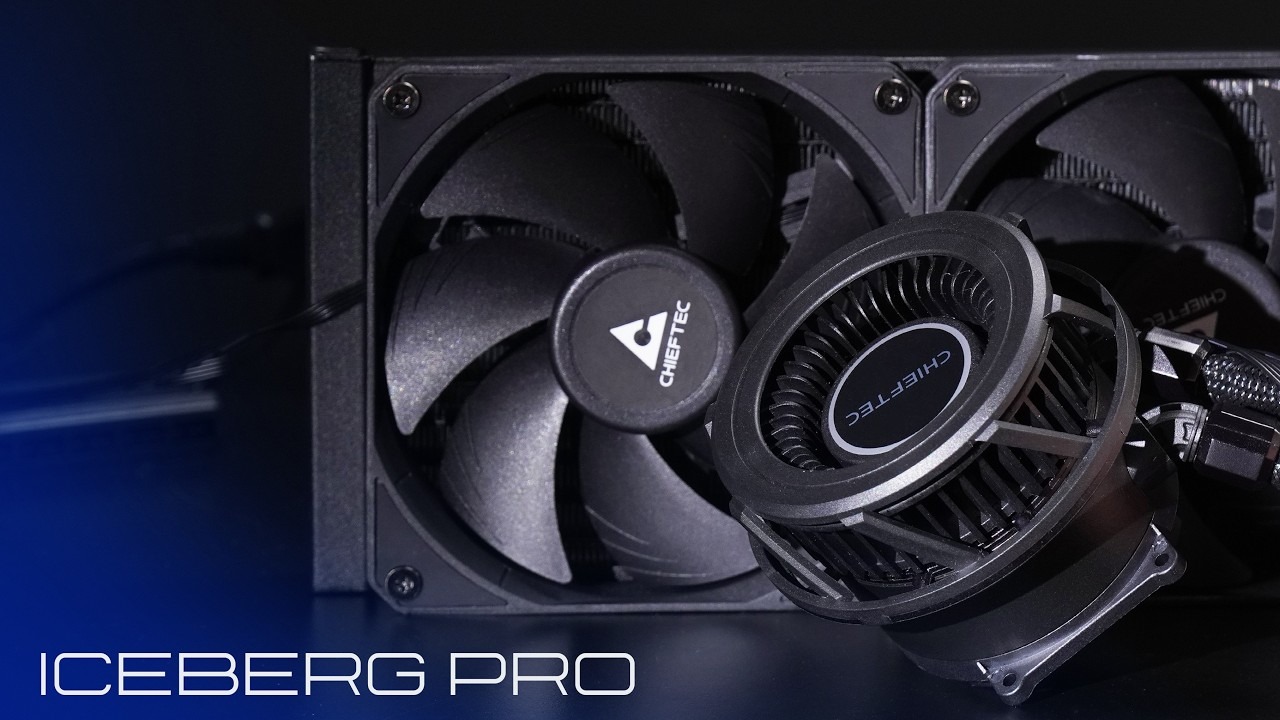
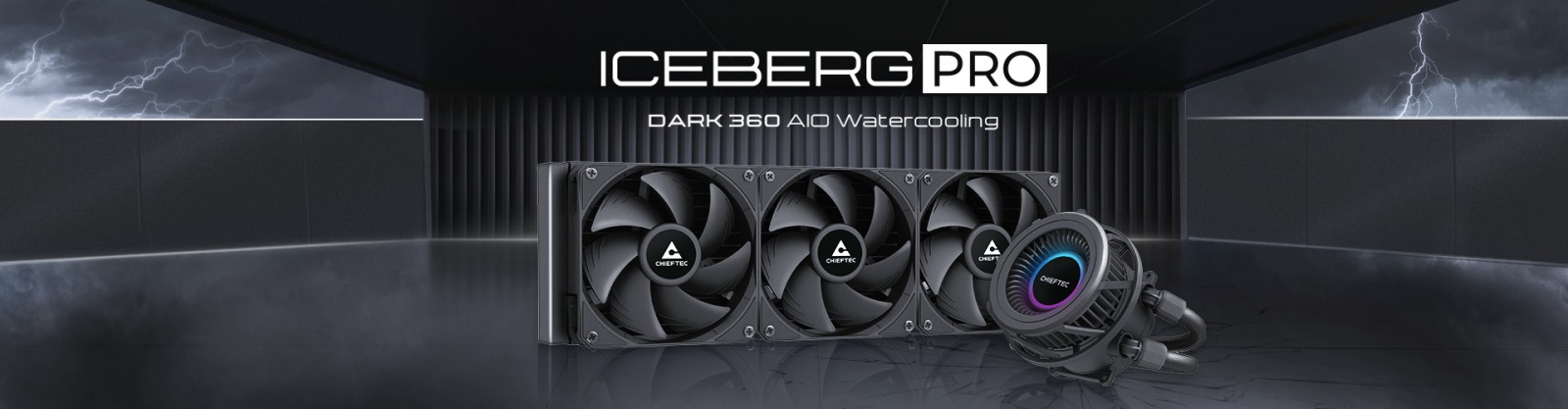
Chieftec’s pitch is a 360 mm AIO with a blower on the pump head, and in TechPowerUp’s Chieftec Iceberg PRO 360 review the blower is the part that works. The cooling itself lands roughly in the middle of every 360 mm AIO the site has tested, on both AMD and Intel systems. At €99.90 including VAT, or about US$94 without it, the DARK model asks for little and delivers about that.
Reviewer crazyeyesreaper published the verdict on 16 November 2026, calling it “a decent all-in-one liquid CPU cooler that tends to be a middle-of-the-road performer with useful features”. We think that’s fair, and it turns the question from “is it good?” into “what are you paying the €99.90 for?”
Behind the leaders on both platforms
TechPowerUp says the cooler ends up “roughly in the middle of the pack” of all tested 360 mm AIOs, and that applies to both the max-RPM and the noise-normalised tests. On AMD it falls behind the best options, the be quiet! light loop 360 and the Arctic Liquid Freezer III Pro 360 A-RGB. On Intel it fell a bit further back: roughly 4 °C behind the top-performing Noctua NL-LC1-36, and 2 °C behind value-focused options such as the ID-Cooling FX360 INF.
Cost is where the review shrugs. “Price to performance could be better” sits in the cons, yet the closing section also says that what it lacks in chart-topping performance, “it makes up for with a relatively affordable price”. We’d read that as a features purchase rather than a thermals purchase: if the lowest temperatures are the goal, the coolers TechPowerUp names above are the ones to look at.
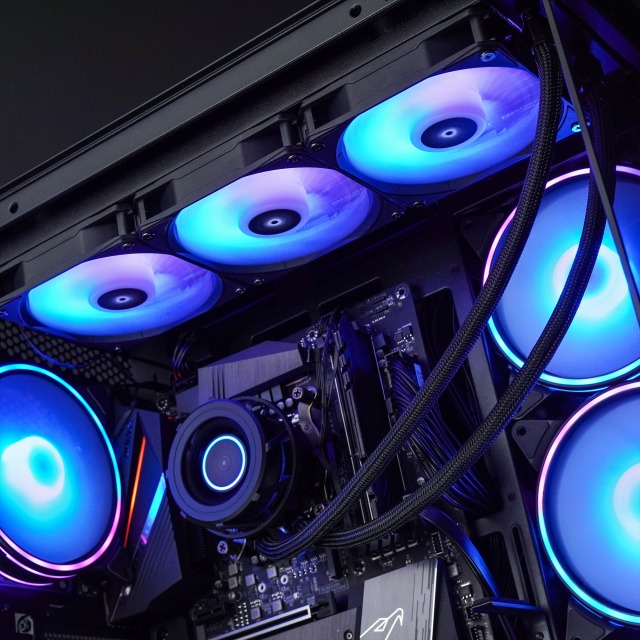
The VRM fan earns its keep
The Iceberg PRO’s party piece is a squirrel-cage (centrifugal) fan on the pump head that blows air outward in all directions rather than straight down onto the socket. On an open test bench the differences in VRM temperatures were minor, but the review says the Chieftec made a more noticeable impact, even at lower RPMs, and expects it to do better in a compact setup.
The numbers: a 3–4 °C drop in VRM temperature, which the review calls on par or slightly better than the Noctua NL-LC1-36 with its VRM fan. SSD temperatures fell only 2–3 °C against the Noctua’s 4–5 °C, and RAM temperatures dropped 3 °C on both. Because the fan disperses air rather than pushing it down, the impact might differ with lower-profile heatsinks.
Loud at the top end
Noise was the surprise: the DARK was overall louder than the Iceberg 360 the reviewer tested before it, and buyers “will want to stay below 60 % PWM”. There was no ticking, grinding or odd tonal hum on any fan, and the VRM fan simply gave a noticeable “Whoosh” of air. It is controlled separately from the radiator fans, and its 500–2200 RPM range is wide enough to find a workable sweet spot.
Mind the DIMM slots on AM5
Build quality gets a clean bill of health, with a robust mounting kit, snap-on fans that keep cables tidy and ARGB that stays tasteful. The one flag is memory clearance on AMD: because of the mounting mechanism, the tubing typically sits on the memory side and can block the first DIMM slot. Rotating the pump moves the tubing to the VRM side, which costs about 1 °C against the charts and may not work on every board’s VRM layout. With two DIMMs there is no problem, and Intel systems have no clearance issues at all. Anyone speccing a compact AM5 board such as ASUS’s white B850-I should check that before ordering.
| Spec | Iceberg PRO 360 DARK |
|---|---|
| Radiator | 396 × 129 × 27 mm, aluminium |
| Radiator fans | TF3012 PWM, 120 mm, 500–2200 RPM |
| Pump | 1800–2700 RPM, copper base |
| VRM fan | Centrifugal, separately controlled, 500–2200 RPM |
| Sockets | Intel LGA1851, 1700, 1200, 115X, 1366, 2011; AMD AM5, AM4 and older |
| Warranty | Three years |
| Price | €99.90 incl. VAT, about US$94 without VAT |
Buy it if, skip it if
- ✅ You want a 360 mm AIO whose VRM fan lowered VRM temperatures by 3–4 °C in TechPowerUp’s testing.
- ✅ You’re building something older or mid-range: the socket list runs from AM5 and LGA1851 back to AM2 and LGA1366.
- ✅ You can find it near the €99.90 retail price; TechPowerUp calls it compelling at that point.
- ❌ You want chart-topping temperatures: it trails the Noctua NL-LC1-36 by roughly 4 °C on Intel.
- ❌ Noise matters at full tilt: it’s loud at max RPM and the reviewer suggests staying under 60 % PWM.
- ❌ You want a long warranty: three years, against the five or six some rivals now offer.
A features buy, not a thermals buy
TechPowerUp gave no numeric score or award, so our 76 out of 100 is mapped from its verdict wording: “decent”, “middle-of-the-road” and “compelling” if you can find it near the expected retail price. We think that’s the right ceiling. The blower and the snap-on fans solve real problems, but the cooling is average and the three-year warranty is short for the category.
If you’re dropping it into a budget case such as the Antec C6 Curve Air, check radiator support first, and if you like the fit-and-forget idea, Noctua’s NT-CP1 pad takes it one step further for the CPU interface. Pricing up the rest of the build? Our PC Builder is the place to start.