Tiny, quiet and awkwardly priced
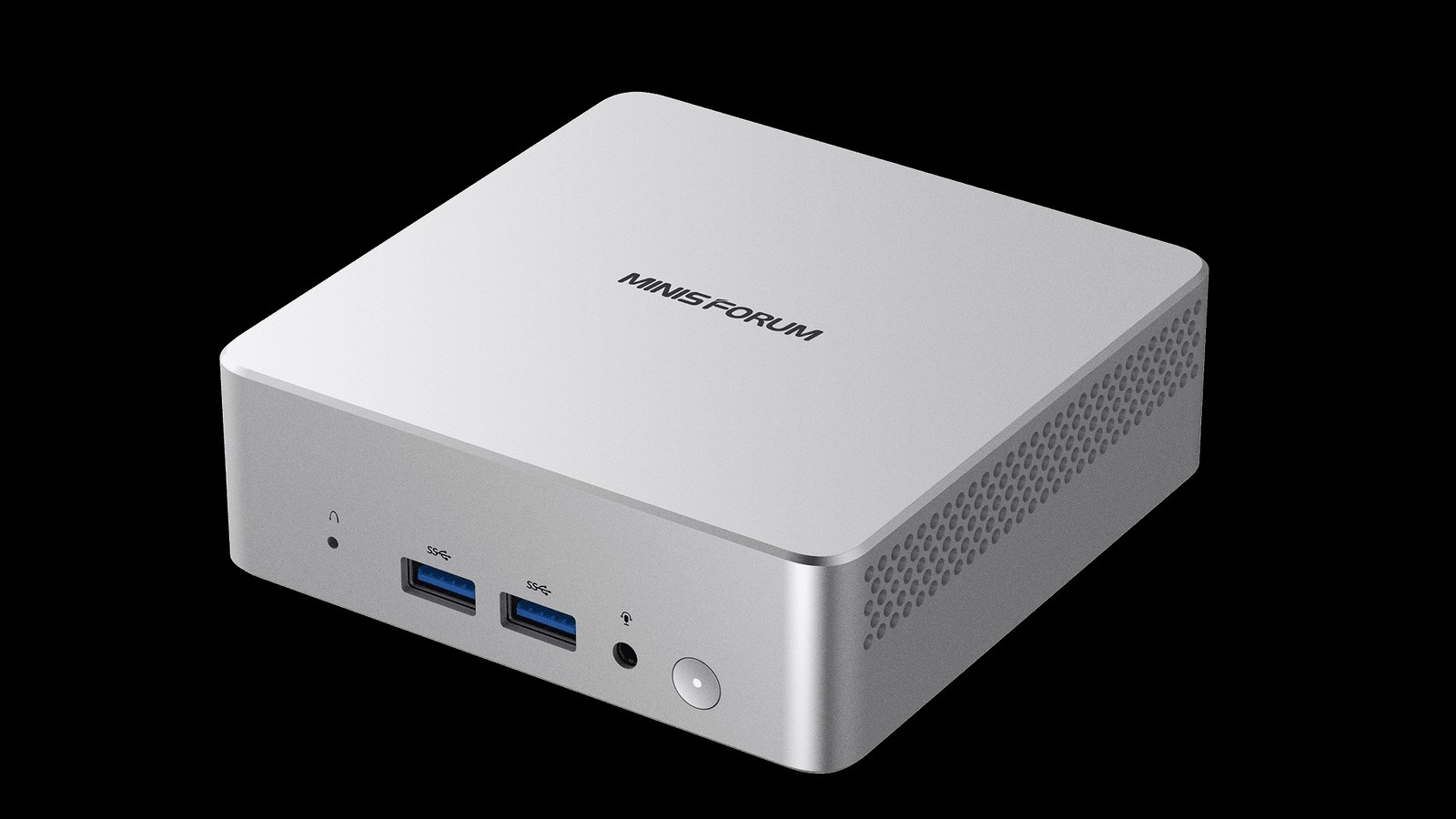
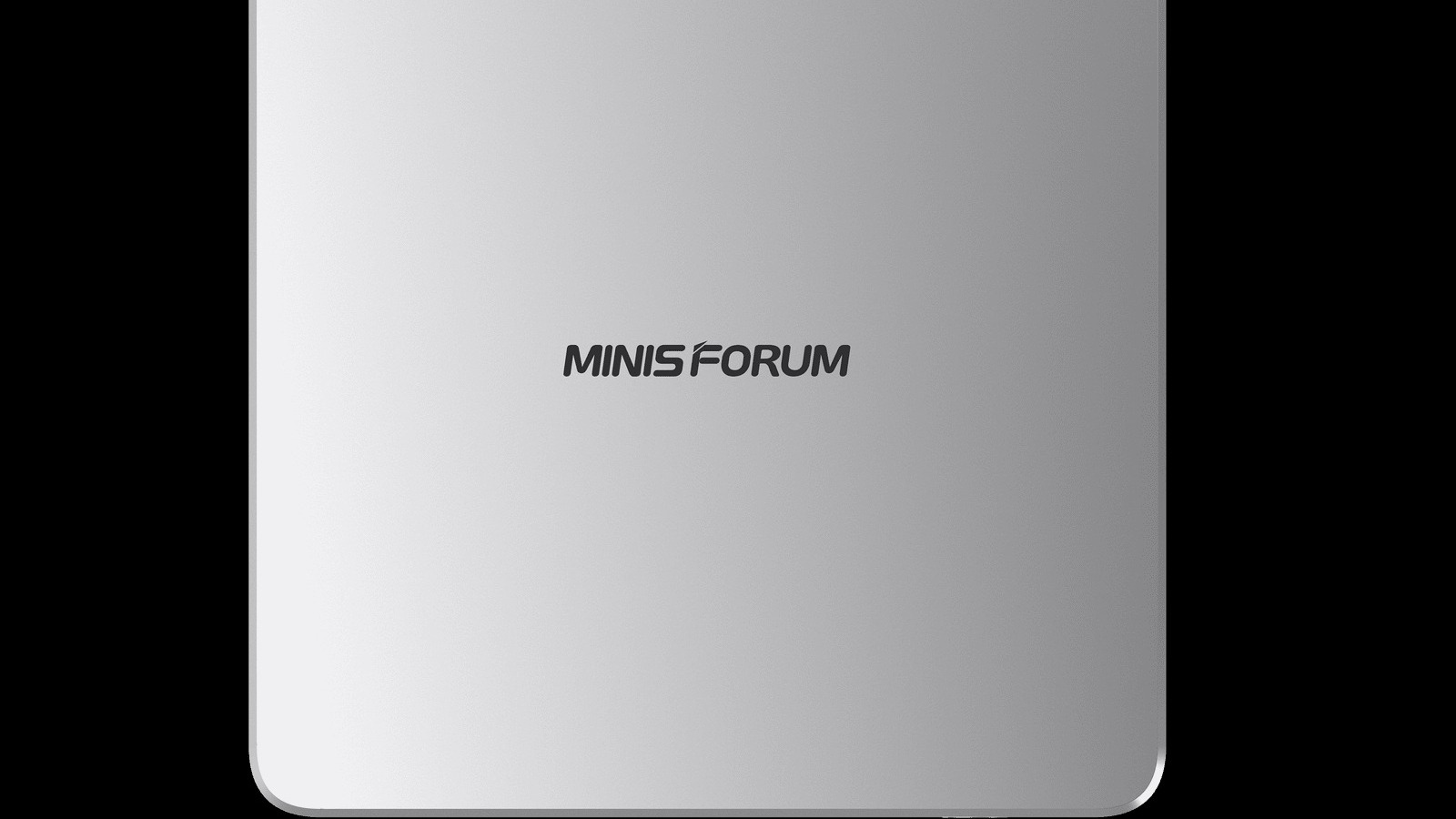
The Minisforum M2 Air-304, formally the Elite Mini M2 Air-304, is a mini PC that is easier to like than to recommend. Tom’s Hardware’s review found a 0.47-litre box that idles around 9 W and barely whispers, then pointed out that its performance is only for light workloads and that the price depends entirely on which version you buy.
Tom’s verdict puts it neatly: “It is small, quiet, and easy to stow away, but this machine’s performance is really only for light workloads.” That is the only full review we have on this one, so read what follows as one outlet’s view. We’ve turned it into a score of 62 out of 100. That is our reading of the verdict, not an average of outlet scores: the size, noise, power draw, upgradeability and build are real positives, and the weak performance and the price of the fitted-out version are real negatives.
The money is where the story turns. Minisforum’s store lists the barebone at $263, down from $329. The 16 GB / 500 GB / Windows 11 Pro configuration that Tom’s tested is $559 as a limited-time price, and the product page shows $699 as the normal one. That step up from the barebone adds $296, and Tom’s says it has seen B&H Photo selling the 16 GB / 500 GB model at $729.
Sips power, whispers under load
Tom’s saw around 9 W idling on the desktop and about 31 W at the highest under the heaviest loads it threw at the machine. CPU temperatures sat in the low 30s Celsius for web browsing and never went beyond the low 70s Celsius in long gaming or benchmarking runs. From about half a foot away, noise read under 30 dBA at idle, which Tom’s says is beneath the threshold of its meter, and a little over 37 dBA with CPU and GPU loaded together. It called the M2 Air probably the smallest, cheapest and least power-hungry mini PC it has tested this year.
Minisforum’s own store page quotes preliminary whole-system figures of 9.5 W at idle and approximately 39.4 W under full load, a little higher than Tom’s peak. It also puts full-load noise at around 28.1 dB in Silent Mode and around 32.7 dB in Balanced Mode.
Plenty of ports, one slot each
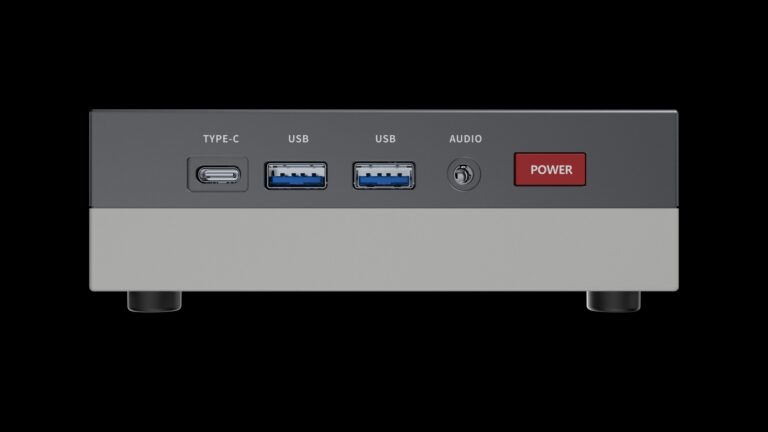
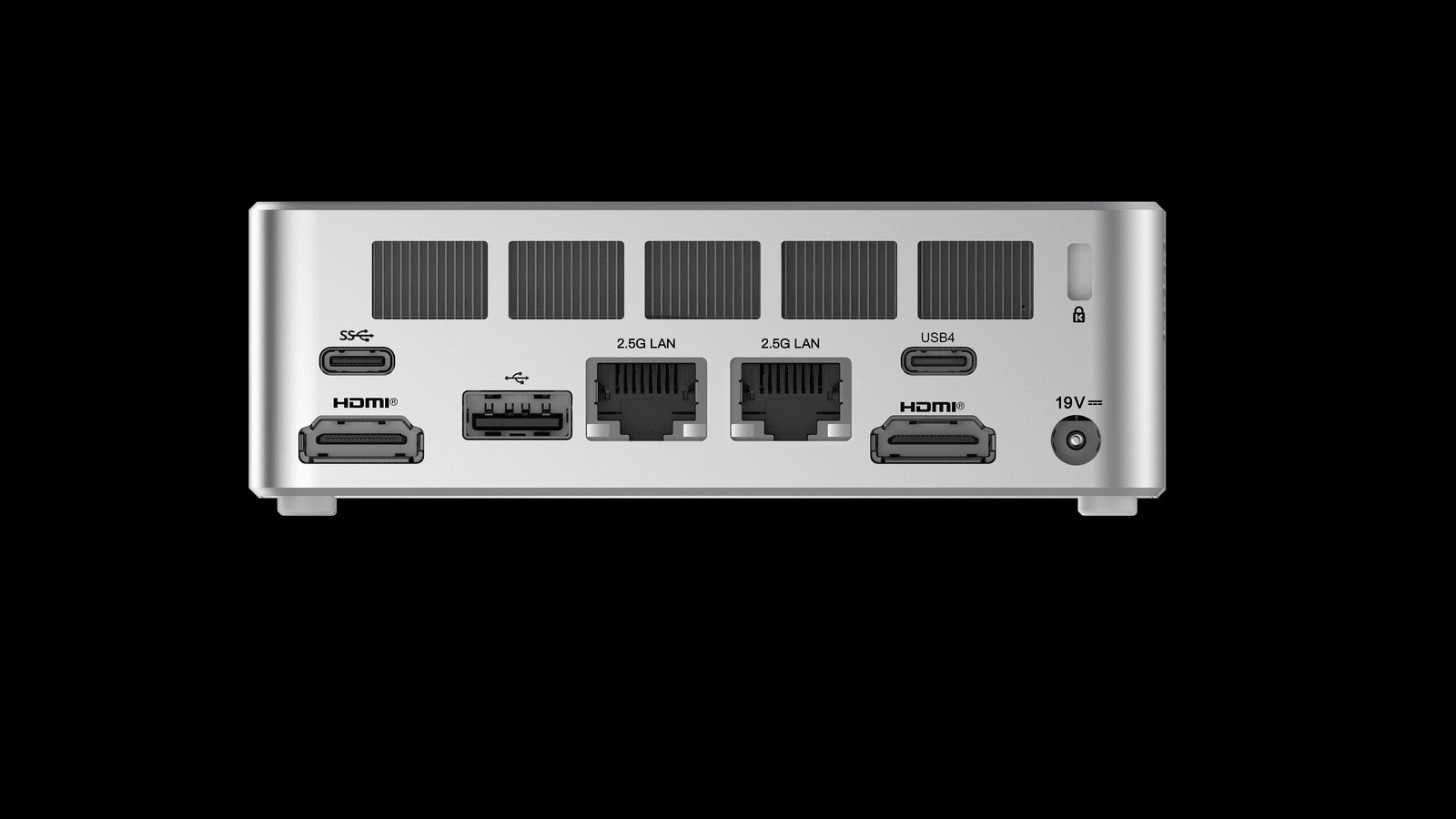
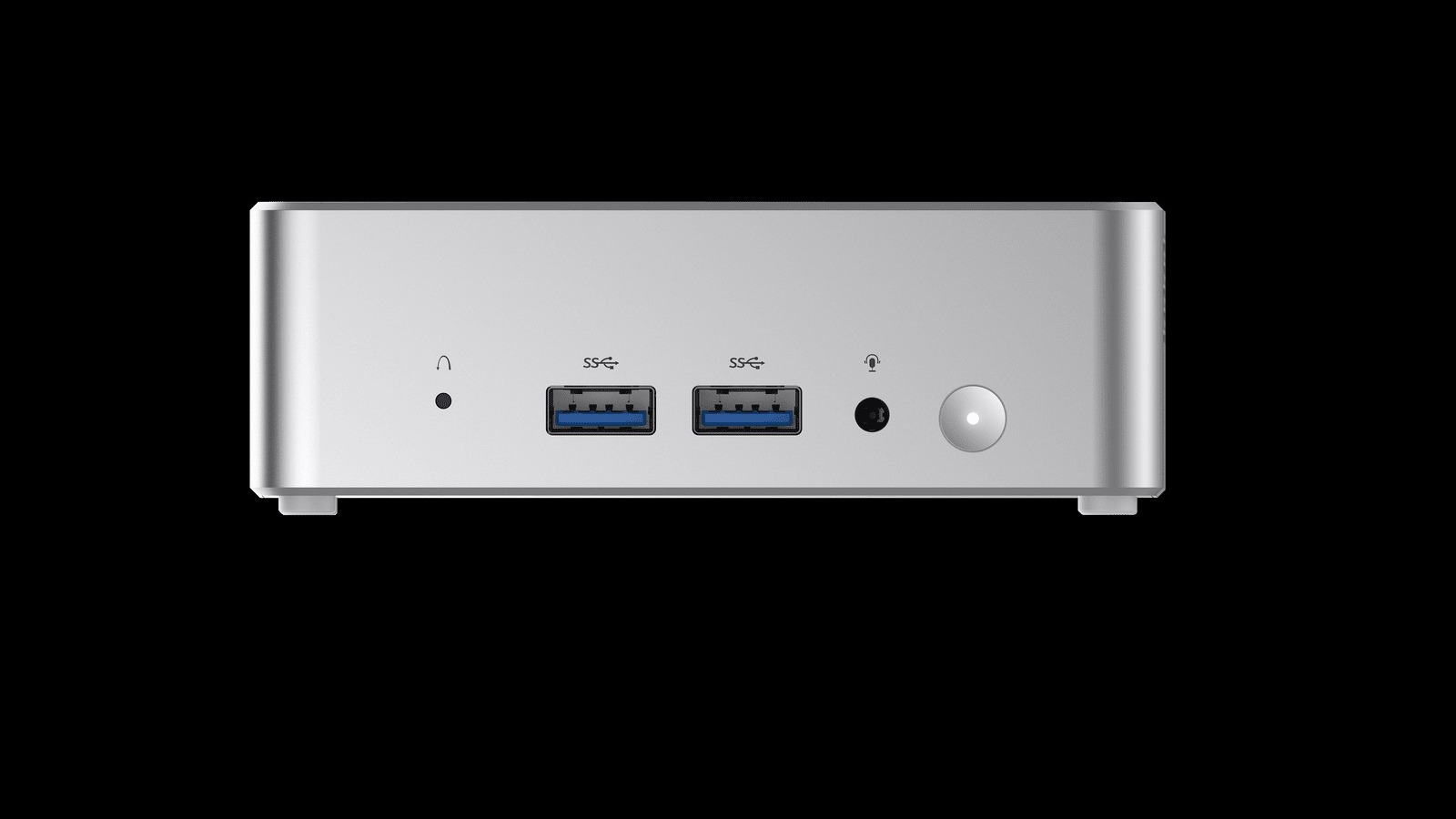
For a 112 × 112 × 37.15 mm chassis that weighs 440 grams, the port list is generous. The front has two USB-A 3.2 Gen 2 ports and a 3.5 mm audio jack, the side has a microSD slot, and the back has USB4 (40 Gbps), a 10 Gbps USB-C, USB 2.0, two HDMI 2.0 outputs and two 2.5GbE ports. Tom’s would have liked a Type-C on the front, but says USB4 makes a capable, fast dock possible. Wireless is Wi-Fi 6E and Bluetooth 5.4.
RAM and storage can be upgraded, within limits. There is one SODIMM slot that takes up to a 64 GB DDR5-6400 module and one M.2 2280 slot for an SSD up to 2 TB, and both are populated in the tested configuration, so adding memory means swapping the module. Getting inside takes peeling off four rubber feet, removing four long screws and prising off a metal bottom plate that the thermal pads hold on with some adhesive force.
Tom’s calls the build solid, though the silver top shell is plastic rather than metal. A VESA mounting bracket is in the box, there is an LED-lit power button on the front, and the 65 W power brick is bulkier than you’d expect, although the machine can also run from USB-C.
Performance is the weak spot
The Core 3 304 is a 5C/5T chip with one performance core and four low-power efficiency cores, paired here with single-channel RAM. Tom’s found it perfectly usable in Windows 11, browsers and word processing. Single-core results were respectable: roughly 107 points in Cinebench 2024 single-core against 120 for the Beelink SER10 MAX and the MSI Cubi NUC AI+ 3MG. Multi-core tests exposed the thin core count, and Tom’s says it might still handle transcoding a short video or two as long as you aren’t in a rush.
Graphics are thinner still, with a single Xe3 core. 3DMark Solar Bay and Speed Way wouldn’t run at all, and Steel Nomad managed 135 against 1,624 for the GMKtec Evo-T2’s 12-core Xe3 graphics. Shadow of the Tomb Raider and Cyberpunk 2077 gave no better than 10 or 12 FPS at Tom’s standard settings, and reaching 25 to 30 FPS meant dropping to 720p and the lowest settings. Tom’s only real fun came from the PPSSPP emulator: Wipeout Pure held a steady 60 FPS on a 1440p monitor at 6x render resolution.
Who should buy it
- ✅ Buy if you have a spare DDR5 SODIMM and an M.2 SSD and can get the barebone at about $263 for a quiet home-office or media box.
- ✅ Buy if idle draw around 9 W and noise under 30 dBA matter more to you than speed.
- ❌ Skip if you want creator workloads or anything beyond casual and retro gaming.
- ❌ Skip the fitted-out version at $559, and certainly at $699: Tom’s would look elsewhere.
Our take: bare or nothing
We think the M2 Air-304 makes sense in exactly one form: the $263 barebone dropped onto spare parts. A quiet, 0.47-litre box that idles near 9 W is a good fit for a desk where the PC should disappear. If small and silent is the brief, it’s also worth a glance at ZOTAC’s fanless ZBOX nano trio and ASUS’s palm-sized ProArt GR1X.
Add Minisforum’s RAM, SSD and Windows licence and the sums stop working. Tom’s says that if the price ever reaches the $699 list figure it would definitely look elsewhere, because far more powerful previous-generation mini PCs are on sale around that price, and it points to the Geekom IT13 Max 2026 as one candidate. We’d go further: at $559 we’d already be shopping discounted previous-generation machines. Tom’s doesn’t know when these prices will change, so check the current figure before you commit.