A $100 question about fans
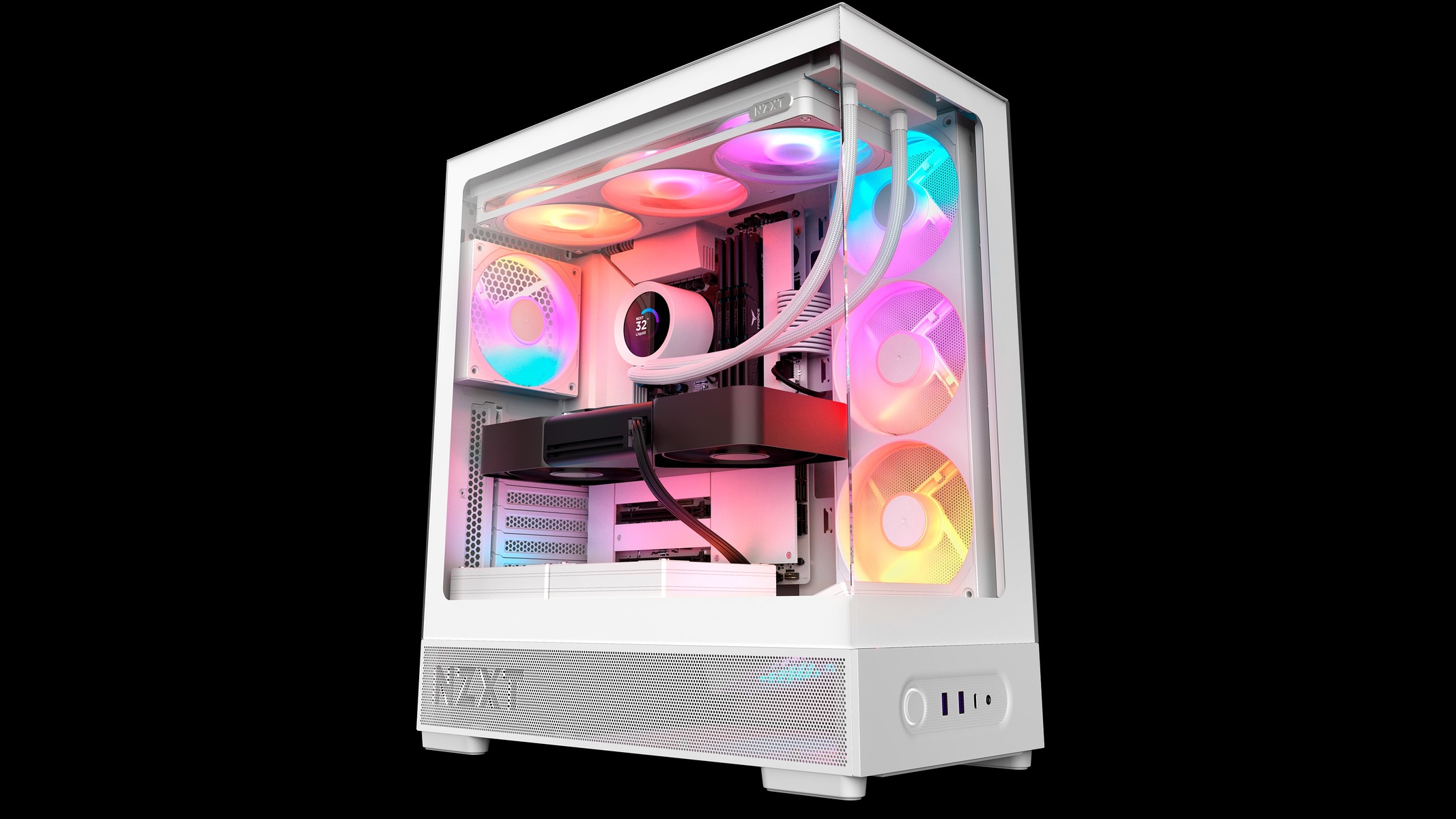
Read the NZXT H7 RGB+ review verdicts and they keep returning to one $100 question. The 2026 case is $259.99 with three pre-installed RGB fans and a Control Hub Lite; the standard H7 is $159.99 with none of them. We think the RGB+ is the right buy only if you’d have bought fans anyway, and only if your desk can take a very large case.
What the extra $100 buys
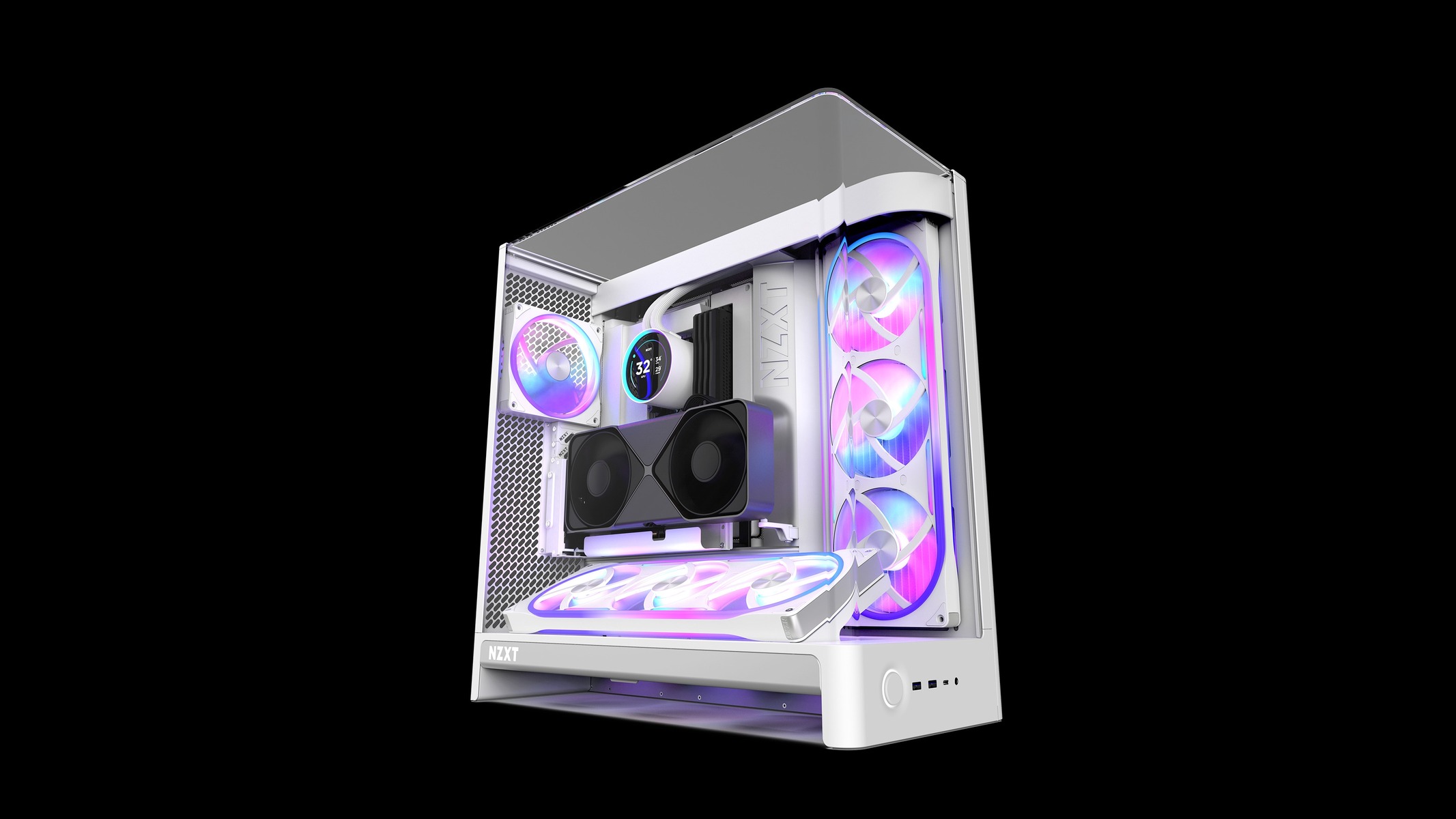
Both lids come in the box: a glass top that extends the curved, wrap-around glass (Vista Mode) or a mesh one for airflow (Aero Mode). Guru3D says the premium buys two F420 RGB Reverse fans, one F140 RGB rear fan and the Control Hub Lite, all pre-installed, and that the fans and controller make the extra cost “easier to justify than buying those parts separately”.
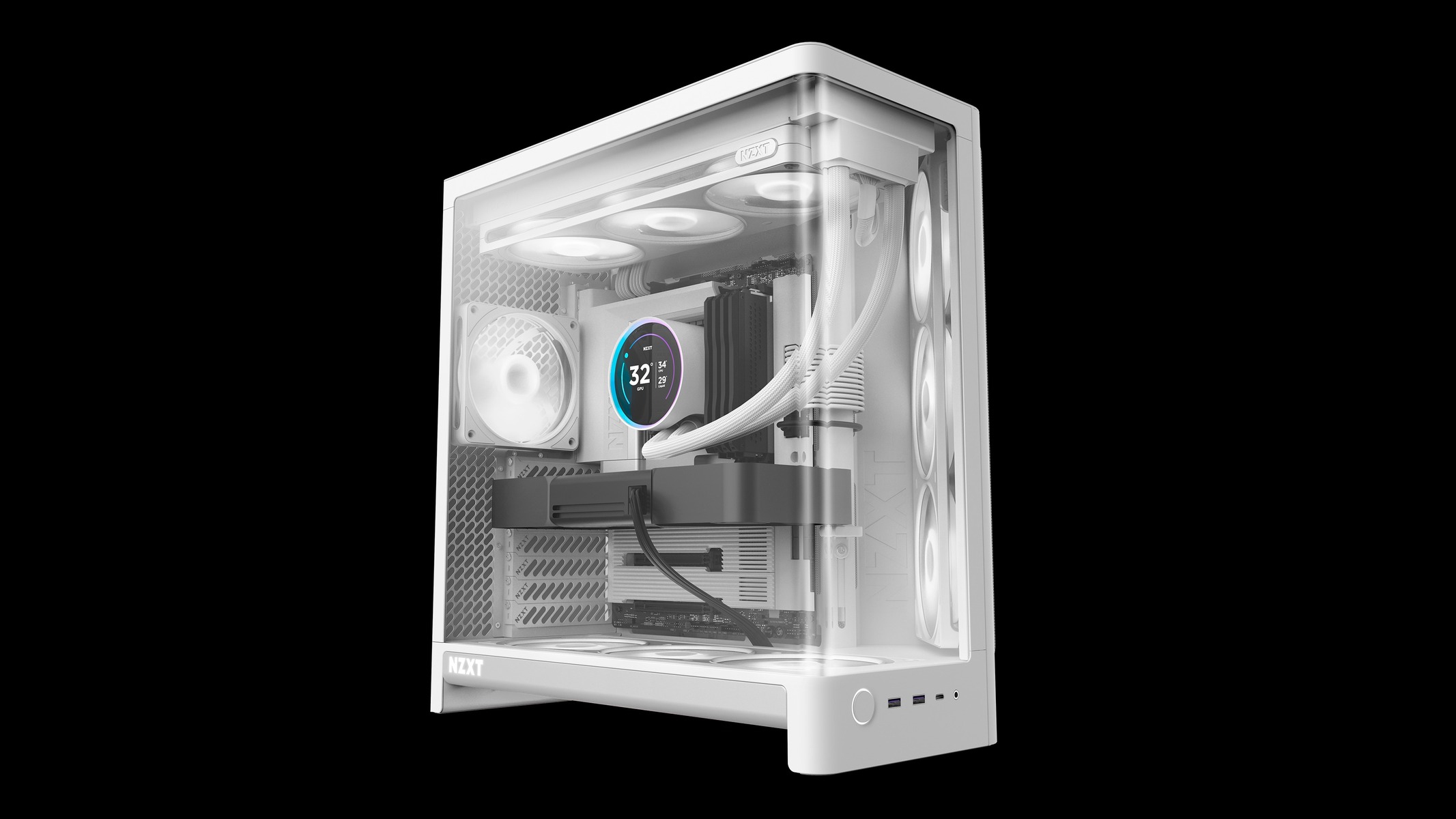
Outlets count the same bundle in different ways. TechPowerUp lists “two triple-fan-frame units and one fan”, TweakTown talks about six 140mm intake fans, and PauseHardware counts seven 140mm fans in all. The sums line up: two three-fan frames plus the rear fan.
TechPowerUp calls the price “certainly steep”, but says the fan frames make up part of it, and that the standard H7 “still has the same excellent cooling potential, at least once you’ve bought your own fans”. We made a similar fans-first argument for Montech’s King 95 3D Pro.
Measure your desk first
Guru3D lists the case at 551 × 260 × 525mm with a 75.2 litre volume and calls it “a large mid-tower and needs a fair amount of desk or floor space”. The RGB+ weighs 14.05kg, against 12.46kg for the base version. TweakTown files it as a full tower and lists 14.2 kg, though its final thoughts call the case “little more than a mid-tower with additional open airspace”. Its spec line also gives the dimensions as 551mm x 540mm x 260mm, so the depth differs from the 525mm that Guru3D and PauseHardware list.
TweakTown’s three regrets are size, weight and price, and it adds: “We can live with that.” Placement matters in a second way too. TechPowerUp lists a power button that is easily kicked if the case sits on the floor, and PauseHardware says the front ports sit at the bottom of the front panel, which suits a desktop better than the floor.
| Spec | As listed | Outlet |
|---|---|---|
| Size and volume | 551 × 260 × 525mm, 75.2 litres | Guru3D |
| Weight | 14.05kg (base H7: 12.46kg) | Guru3D |
| Motherboards | ATX, micro-ATX, Mini-ITX, back-connect ATX | Guru3D |
| Clearances | GPU 495mm, CPU cooler 188mm, PSU 200mm | Guru3D |
| Radiators | Up to 420mm at the top and side | Guru3D |
| Front ports | 2 × USB-A, 1 × USB-C (USB 3.2 Gen 2×2), headset jack | Guru3D |
| Warranty | Two years | Guru3D |
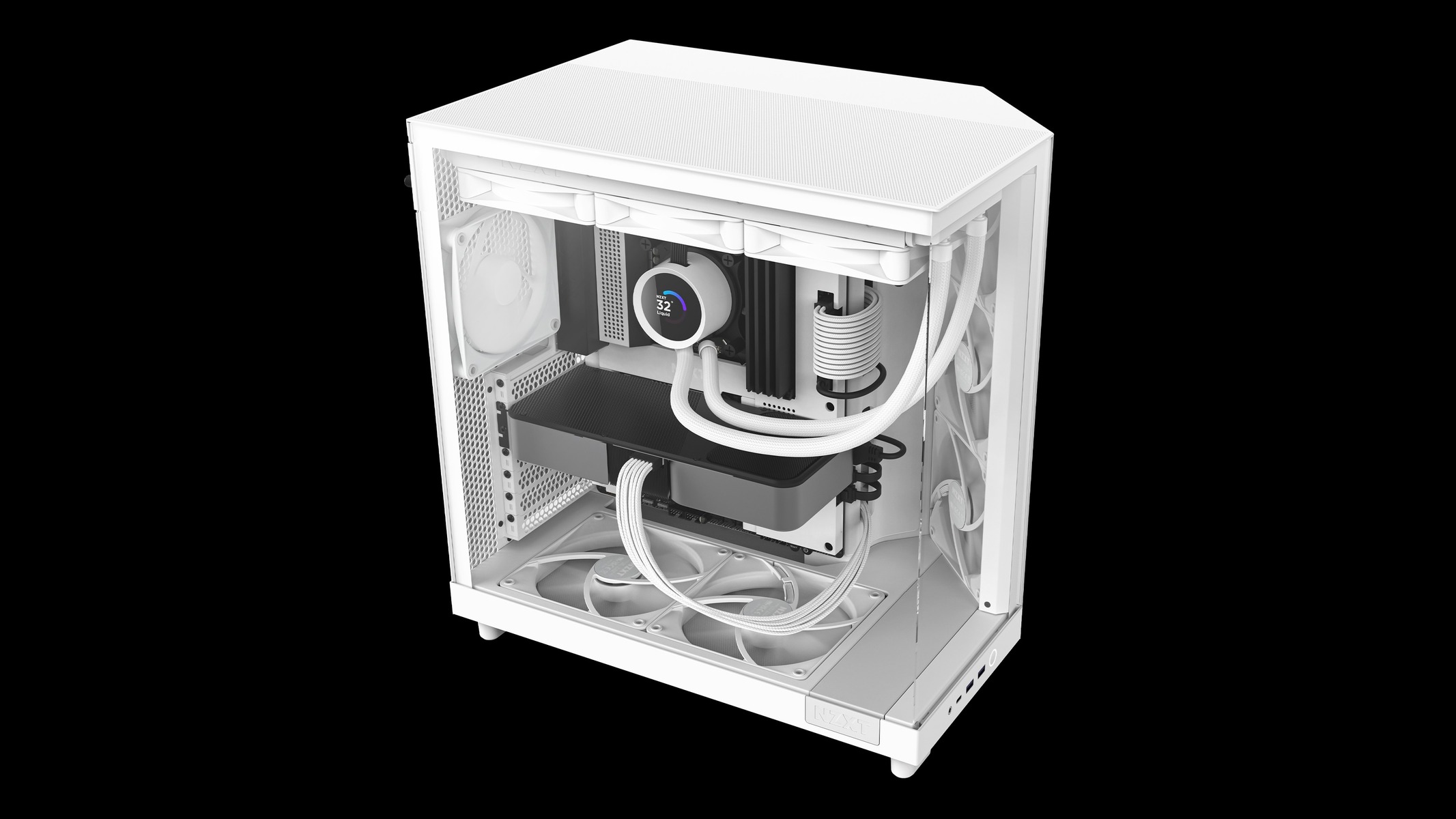
Pick the lid before you plan a radiator. TweakTown lists “120/240/360 coolers require accessory (non-glass) lid” as a con, and PauseHardware says a top-mounted radiator needs the mesh panel.
Cooling is the strong suit
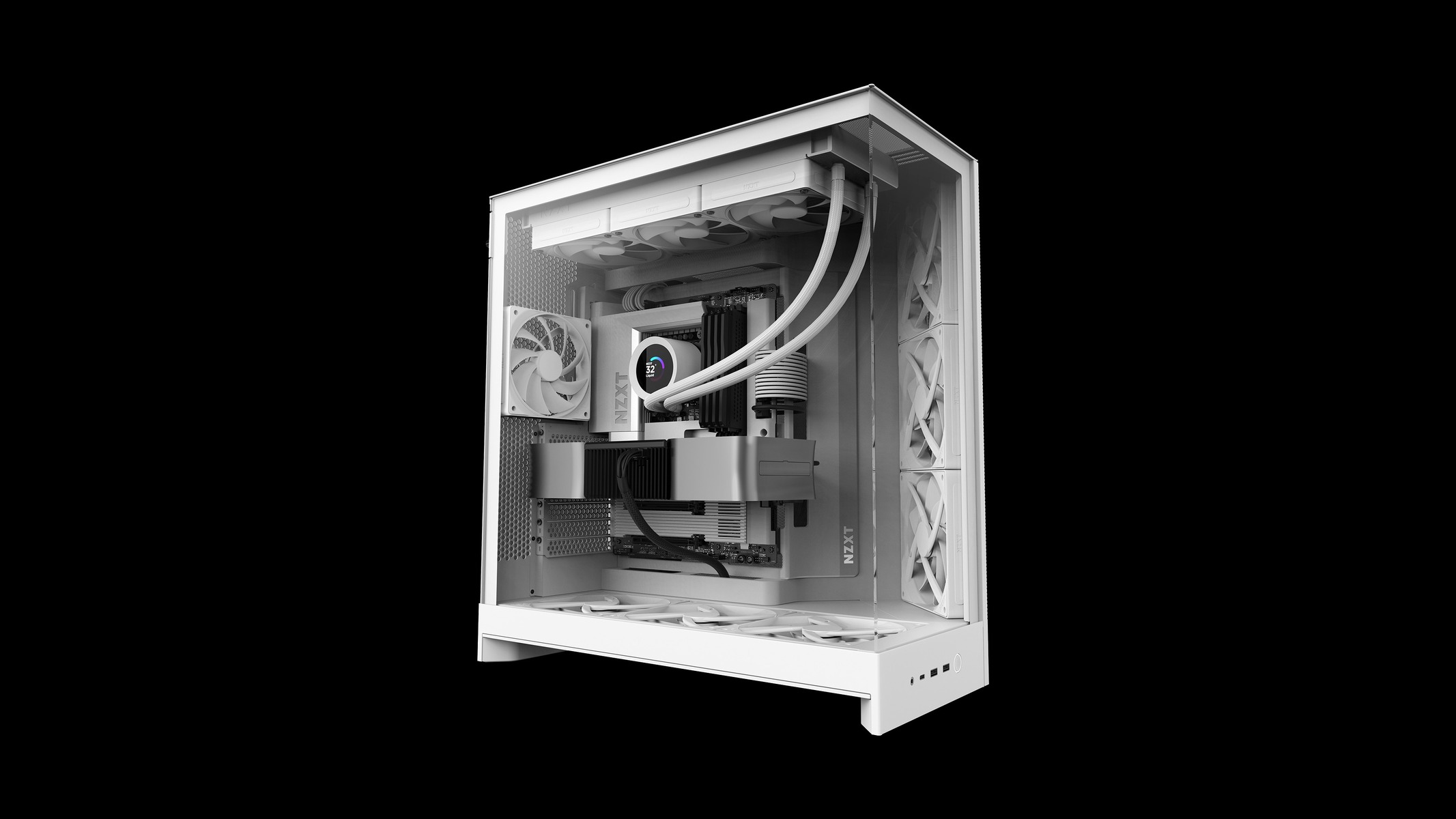
TechPowerUp credits the “two enormous 420 mm fan frames” with “some of the best thermals we’ve seen”. In TweakTown’s one-hour stress test, the H7 RGB+ build kept the CPU, VRM and RTX 5070 cooler than the bare system. At 100% fan speed it ran cooler than the Gamdias Atlas M4 and the bare system across all three measured components, with a noise level of 55.6 dB that fell between those two.
The glass lid doesn’t look like a thermal penalty. PauseHardware’s air-cooled Ryzen 7 7800X3D reached 82°C under load with either lid, against 81.6°C with the test bench open, and TechPowerUp also found little difference in temperatures between the mesh and glass roof panels.
Noise is the less tidy story. TechPowerUp lists high idle fan speed at stock and higher average noise levels, and says it would “definitely spend some time tweaking those default fan curves”. PauseHardware measured 38.7 dB(A) at idle, 40.2 dB(A) in a game and 42.4 dB(A) at 100% fan speed from 50 cm, which isn’t comparable with TweakTown’s 55.6 dB.
Nitpicks that add up
TechPowerUp’s complaints are about the details a $259.99 case should have covered: limited anti-vibration measures for 2.5/3.5″ storage and the PSU, a GPU support it says could be larger for the size of the case, and too few Velcro cable anchors. It calls the gap to HAVN’s HS 360 case, with its anti-vibration measures, “stark”.
PauseHardware found the mesh lid didn’t sit flush against the curved glass on its sample, the bottom dust filter awkward to pull out, and the glass slightly tinted, which dims darker components. Guru3D adds that the two-year warranty is short for a premium case and that a system with several fan and lighting connections takes time to tidy behind the motherboard tray.
Where the score comes from
Our headline score is 91 out of 100. That is PauseHardware’s 9.1/10, the only numeric score among the four verdicts; TechPowerUp, Guru3D and TweakTown give written verdicts without a number to average, so 91 is one outlet’s score rather than a mean. PauseHardware also gave the case its “Recommandé” award. TechPowerUp’s closing line is “The H7 RGB+ is a superb case, but it is a little unrefined in some areas”, and Guru3D calls it “a good product”.
- ✅ Buy if you’d otherwise pay for fans and a controller, and want a lit build seen through curved glass.
- ✅ Buy if you want the choice of glass or mesh top without buying extras: both are in the box.
- ❌ Skip if you already own good fans: the $159.99 standard H7 has the same chassis and, per TechPowerUp, the same cooling potential.
- ❌ Skip if space is tight: 551 × 260 × 525mm and 14.05kg is a lot of case.
- ❌ Skip if price leads: TechPowerUp says the Cooler Master HAF II 500 is significantly cheaper and keeps up on cooling, and that NZXT’s H6 RGB+ does nearly as much for a lot less, with smaller radiator support.
Our take
We’d buy the RGB+ for the fans, not the glass. The cooling record is strong, the lids are both included, and if you were going to spend on three RGB fans and a controller anyway, the $100 is easier to swallow. If you weren’t, the $159.99 H7 is the smarter case, and our Antec C6 Curve Air roundup covers a show case at a budget price. Whichever you pick, measure the desk first.