A showpiece with a catch
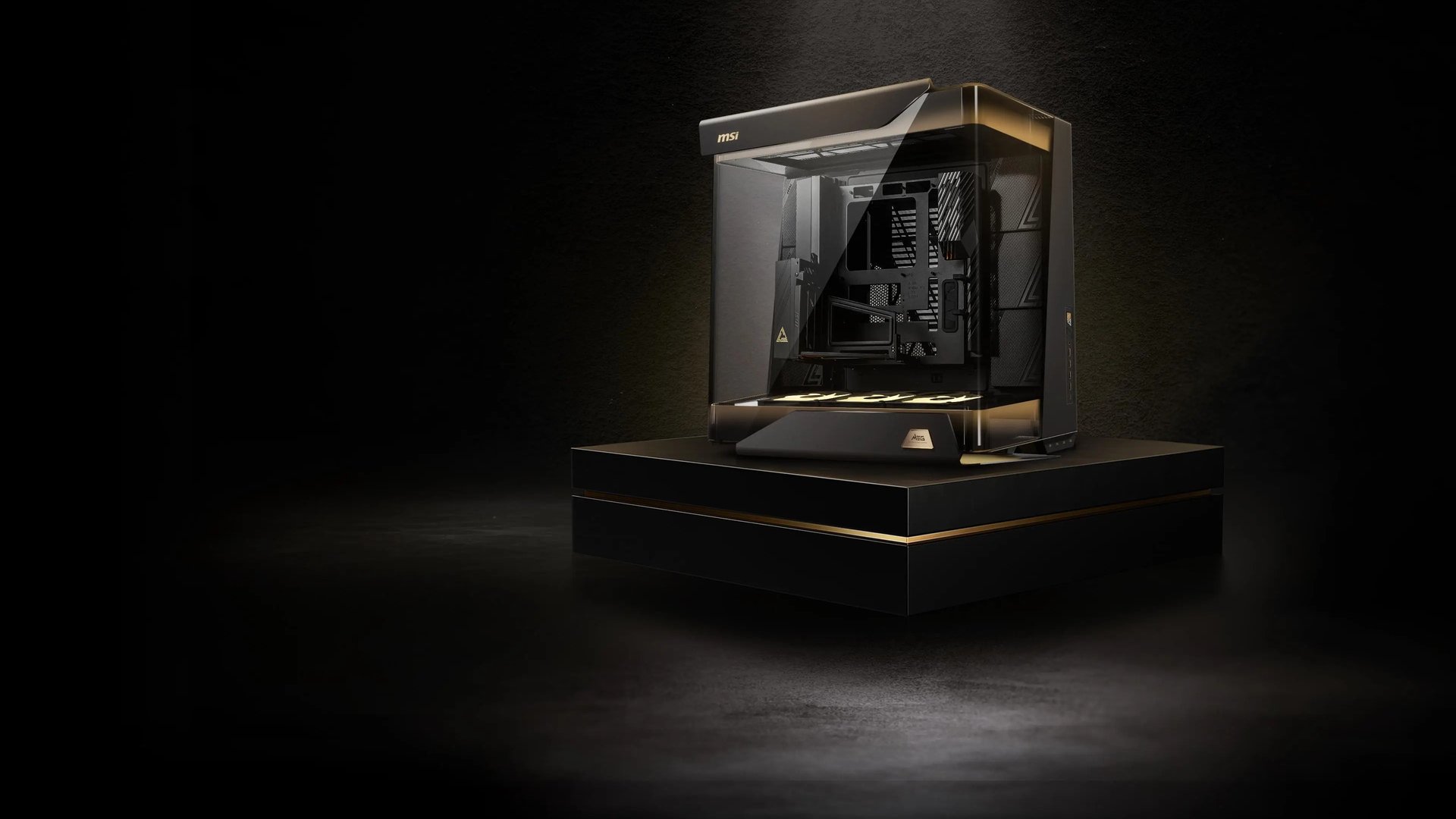
Everyone who has built into MSI’s flagship agrees it is gorgeous, and almost everyone ends up complaining about the same things: the weight, the price and the cables. This MSI MEG Maestro 900R review roundup pulls together four outlets. The case is a full tower with the motherboard centred in the chassis, three sides of tempered glass and a black-and-gold finish, and the US price is about $700 (PC Gamer lists $700, OC3D lists $699). The UK price is £799.99 per OC3D, or £799 per Club386.
What the scores say
PC Gamer gave it 71 out of 100, calling it “a monstrous PC chassis with premium pretentions it just fails to grasp”. GeekaWhat scored it 3.6 out of 5, with features at 4.7, design 3.5, performance 3.8 and value for money 2.5. Club386 titled its review “a big, beautiful case at an uncomfortable cost”, and OC3D called the case “stunning” but said building inside it is “a challenge”. Neither of those two pages shows a numeric score, so they are not in the average. The two scores do not conflict: 71 and 72 (3.6/5 scaled to 100) sit a point apart, and all four outlets land on the same split verdict.
| Outlet | Score / verdict | Headline point |
|---|---|---|
| PC Gamer | 71/100 | Looks great, price is “prohibitive”, access frustrates |
| GeekaWhat | 3.6/5 (72/100) | Value for money is the low mark at 2.5/5 |
| Club386 | No numeric score shown | “Woefully expensive”, “Enormous and weighty” |
| OC3D | No numeric score shown | Stunning, but a challenge to build in |
Our consensus score is 72/100. Method: the mean of the two numeric scores, 71 and 72 (GeekaWhat’s 3.6/5 multiplied by 20), which is 71.5 and rounds up to 72. We would not read more into it than “impressive and impractical”: the case is a spectacle first and a tool second.
Cooling and noise
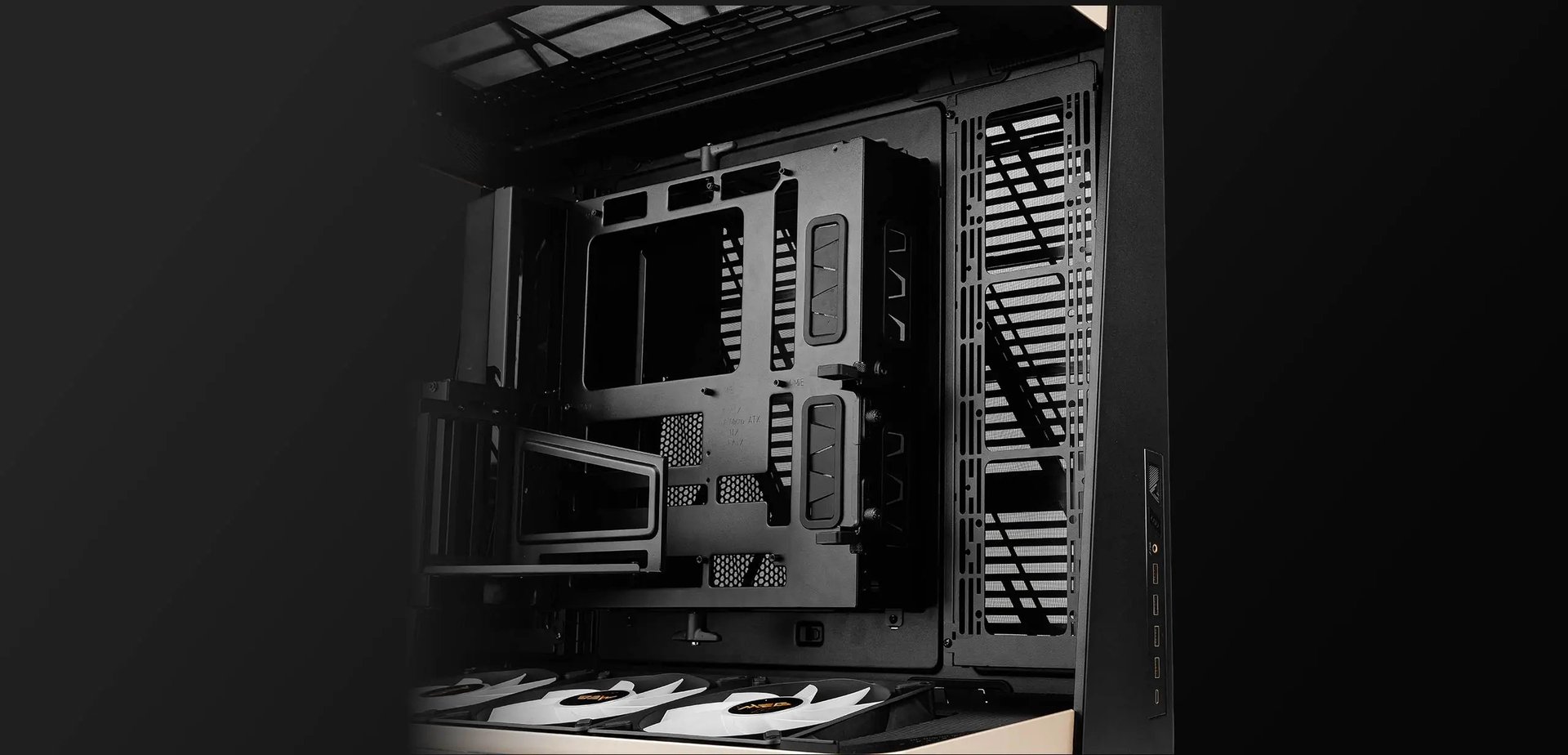
The numbers come from Club386, which ran a Ryzen 9 9950X3D2 and an RTX 5090 Founders Edition in a 20°C room, with the pump at 100% and every fan at 30%. Noise measured 34dBA, which it called nearly inaudible. The CPU idled at 27°C and peaked at 81°C in a 10-minute Cinebench 2026 run, against a maximum of 84°C on its own test bench in a 22°C office. In the Cyberpunk 2077 benchmark the CPU reached 69°C and the GPU also sat at 69°C. Its read was “solid” airflow with room to drop fan speeds, though it also noted that “all that extra space isn’t greatly benefitting baseline cooling”.
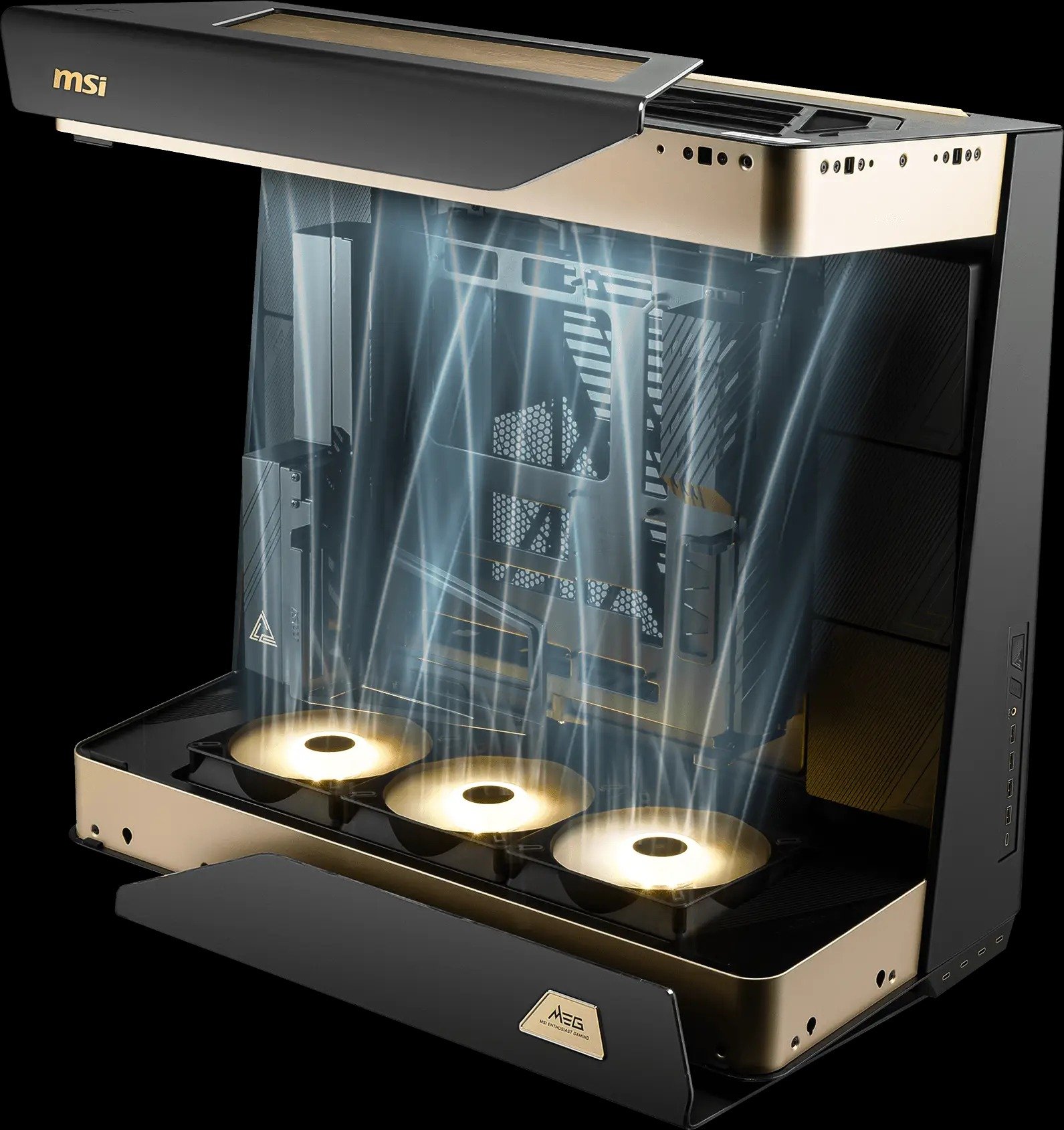
Three 160mm reverse-blade ARGB fans along the bottom push air upwards, and GeekaWhat lists radiator support up to 420mm on the top and bottom and 360mm at the side. Club386 counts room for up to 13 fans in total. OC3D kept to bottom-to-top airflow and skipped extra side fans in its build. None of the four published a head-to-head against another case, so treat the figures as one data point, not a ranking.
Size, weight and the build
The case measures 695mm deep, 379mm wide and 671mm tall. GeekaWhat puts it at 33kg empty, and the spec table in PC Gamer’s review lists 33kg net and 38kg gross; Club386 quotes 38kg. Either way it is a two-person lift: PC Gamer’s reviewer dreaded lifting it onto the test bench, and GeekaWhat estimates 45kg to 50kg once a flagship build is inside, more than many desks are rated to carry.
The removable, rotatable motherboard tray is the favourite feature across the board. PC Gamer called it “a treat” and “effectively a standalone test bench”, and Club386 said its system “came together swiftly outside the case”. OC3D is cooler on it, saying the tray is cramped as a test bench, has no AIO mounting and leaves little PSU airflow room when laid flat. The pain comes later: Club386’s full build took about two hours against its one-hour target for smaller cases.
Cables and port access
Because the board sits in the middle, its rear I/O and the GPU outputs are inside the case, so every monitor, network and power cable has to be fed through grommets on the underside. PC Gamer warned you may need a longer HDMI or DisplayPort cable and called the buried PSU switch and socket “impossible-to-reach”. Club386 advised a “set and forget” mindset and found the rear chamber and its trench too tight for the slack. OC3D flagged multi-monitor setups as especially hard, and GeekaWhat lists tight cable slack for peripherals among its cons. The front panel helps: five USB-C ports (one 20Gbps with 60W power delivery) and four USB-A.
Build-quality complaints are small but sting at this price. PC Gamer found the top lid covers only half the dust filter, which is flimsy plastic, and called the rear shroud and front buttons cheap-feeling. GeekaWhat adds that the best look all but demands an all-MSI build, and the 60W front charging only works on MSI’s MEG X870E, X670E, Z890 and Z790 boards.
Our take
We think the Maestro 900R is the right answer to a question most buyers are not asking. If you want a build to be the centrepiece of a room, it has few rivals, and the tray and the airflow results are real engineering. If you want to touch your ports, move the PC or spend sensibly, look at something like HAVN’s HS 360, Corsair’s Warthog or the budget-friendly Formula V Line Air Power G10, all covered in our own reviews. Our score of 72 says: admire it, and be honest about whether you have the desk, the helper and the roughly $700.
- Buy it if you have the space, a second pair of hands and a showpiece budget.
- Skip it if you need regular access to motherboard ports or a lighter, cheaper case.