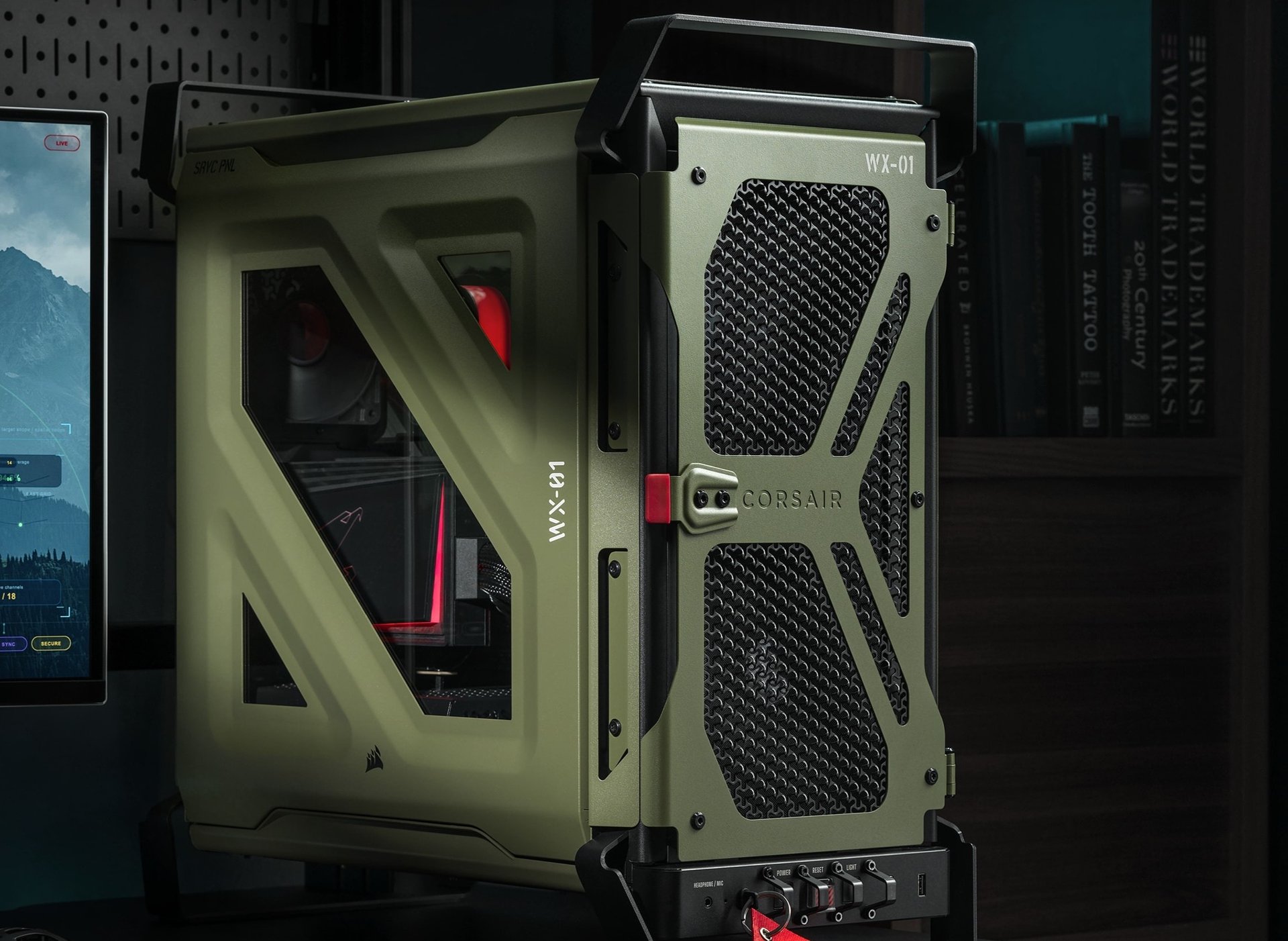
A case you buy with your eyes
Three reviewers looked at Corsair’s Warthog and all three came back to the same thing: it is a military-styled mid-tower that looks like nothing else on the shelf. Tom’s Hardware gave it 3.5/5, PCMag gave the Warthog RS 4/5, and KitGuru gave it 8.5/10.
Averaging the three after converting each to a percentage (70, 80 and 85), the mean comes to 78 out of 100. That is our consensus figure score. Note that PCMag reviewed the RS version with fans fitted, while Tom’s Hardware and KitGuru review the main Warthog page, with the RS covered alongside it.
| Outlet | Score | Model and tone |
|---|---|---|
| Tom’s Hardware | 3.5/5 (70%) | Warthog; pricey, with weak noise-normalised GPU cooling |
| PCMag | 4/5 (80%) | Warthog RS; “unmistakable, head-turning military style”, ho-hum cooling and acoustics |
| KitGuru | 8.5/10 (85%) | Warthog; styling a “triumph”, cooling “so-so”, costs “a small fortune” |
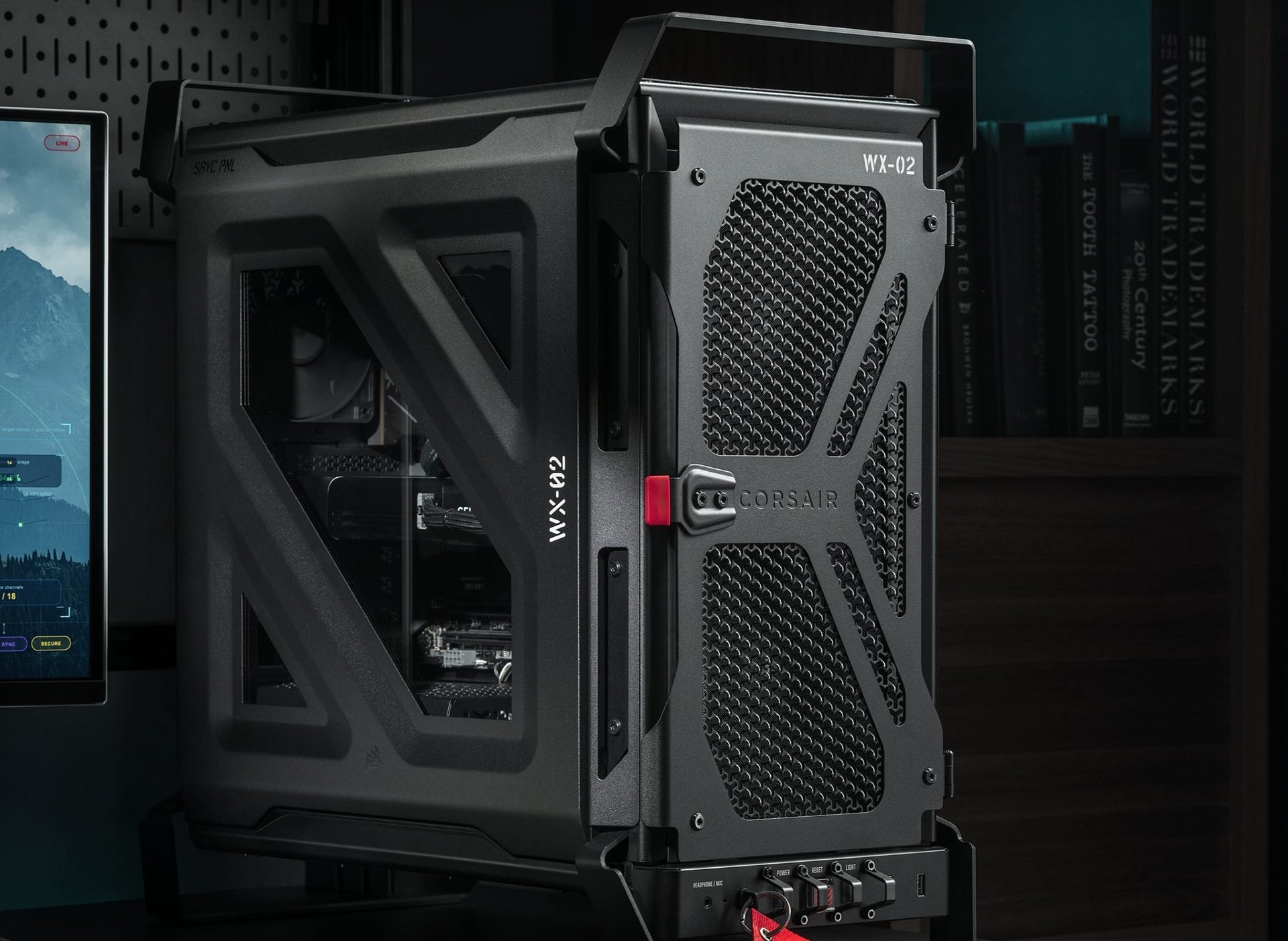
What the reviewers love
The styling is the story. Tom’s Hardware’s Joe Shields says the case resembles the jerry can fuel canisters seen on military vehicles, with a fighter-jet-style front I/O panel that has bump guards and a flip-up cover over the reset button. His verdict on the look: “Its rugged military look and fighter-jet-style IO make it stand out in a sea of boring cases.” KitGuru’s Leo Waldock goes further, saying Corsair “has delivered a triumph and scored a major success” on styling, and lists “We love the military styling” and “Bare minimum of RGB lighting” among the pros.
Build quality gets credit too. PCMag’s Thomas Soderstrom lists “Rigid, smart build quality” as a pro, KitGuru praises its “chunky steel panels”, and Tom’s Hardware lists rugged construction and a roomy interior. All three mention the light over the rear I/O, which Tom’s Hardware says is switched on from the front panel. The Warthog supports back-connect motherboards, with Tom’s Hardware naming Asus BTF, Gigabyte Stealth and MSI Project Zero.
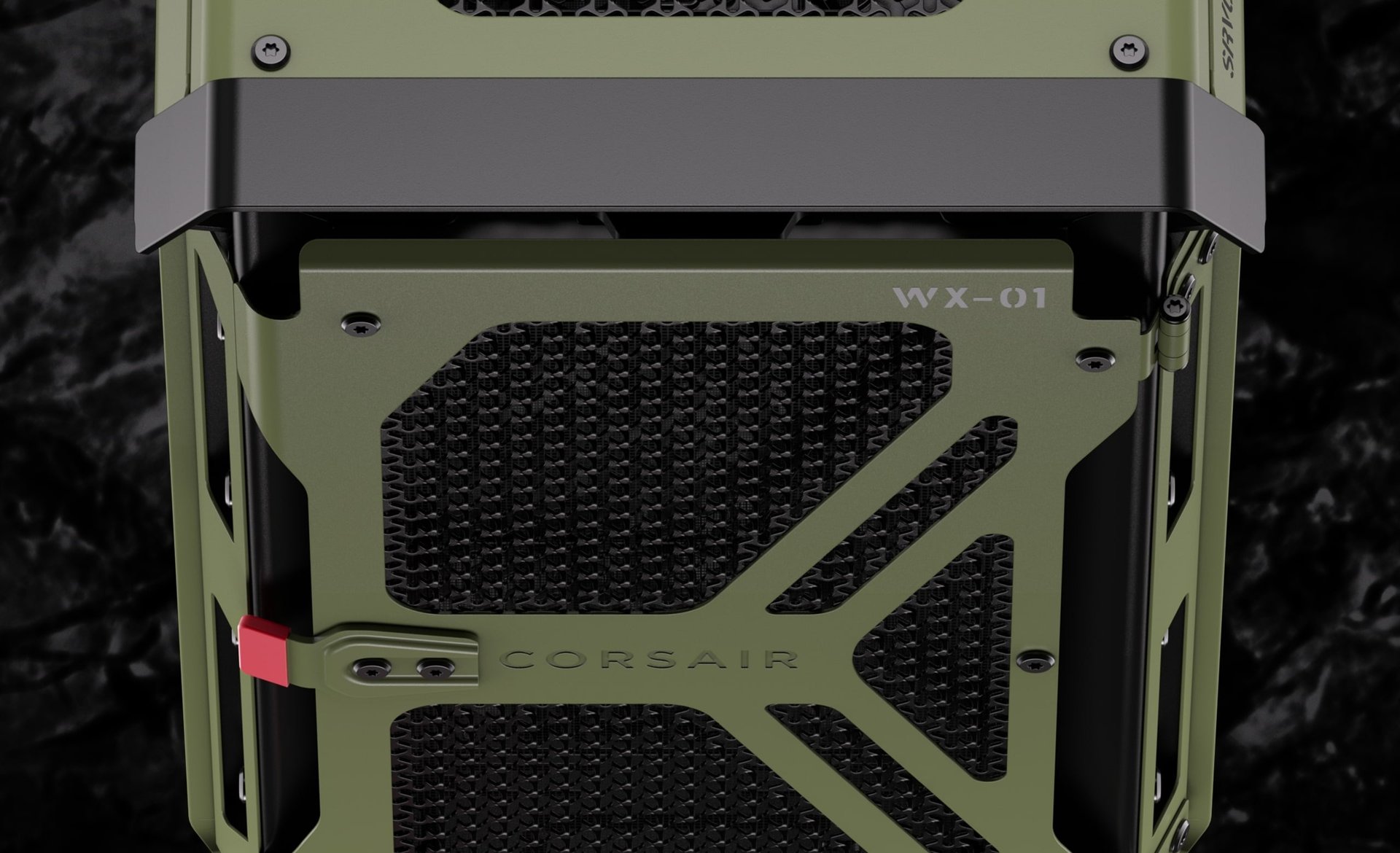
Where the temperatures slip
Here is the drawback the reviewers flag most clearly. Tom’s Hardware tested with an Intel Core Ultra 7 270K Plus and an Asus TUF RTX 4080, and said that with its fans normalised to 42 dBA the CPU averaged 89 degrees Celsius. The video card temperatures “were the worst we’ve seen so far, by a couple of degrees, which is surprising considering the air flow out of the box.” Its explanation is that the open-air front doesn’t block much sound, so the fans had to run slower than in other cases. With the fans at 100%, CPU temperatures dropped five degrees Celsius and the video card’s dropped 12. The loudest the case got was 51 dBA.
KitGuru stressed the case with 700W of gaming hardware, including a Palit RTX 5080, and said it “pulled through reasonably well”, but “the fans got incredibly noisy when they were ramped up to full speed” and “there are many cases on the market that work more effectively.” PCMag put the Warthog RS and its predecessor, Corsair’s 4000D Wood RS, in a race for last place on CPU cooling in its comparison group. Soderstrom adds that none of the temperatures is “actually bad”, but he can’t work out why they aren’t better given the oversize intake fans. If cooling is what you’re shopping on, our write-up of Corsair’s TITAN II LCD is another case of a Corsair cooling product that reviewers praised for one thing and doubted on another.
Radiator layout is the other flagged limit. Tom’s Hardware says you can’t mount radiators in the front and side at the same time, and PCMag notes that the 200mm front fans eat into side radiator space. Soderstrom suggests that builders who want a 280mm radiator behind the side panel, or any radiator behind the front panel, will probably want the non-RS version so they aren’t paying for fans they won’t use.
What it costs, and where reviewers disagree
Tom’s Hardware lists the US MSRP as $179.99 for the Warthog without fans and $199.99 for the RS with pre-installed fans, and PCMag also gives $199.99 for the Warthog RS as tested. KitGuru’s UK prices are £169.99 for the regular Warthog and £199.99 for the RS. All three call the price a weak point in different words: Tom’s Hardware says “it’s not cheap” but “worth the price” if you like the look, PCMag lists “Expensive” as a con, and KitGuru says it “costs a small fortune”.
The reviewers don’t agree on everything. Tom’s Hardware’s spec table lists GPU clearance of 393mm with the front fans fitted and 405mm without, while KitGuru gives 400mm with the RS200 fans and 430mm without. Check Corsair’s own spec sheet before fitting a long card. On noise, Tom’s Hardware said that even with the pre-installed fans cranked “the noise wasn’t unbearable”, while KitGuru called the fans incredibly noisy at full speed.
Buy if, skip if
- ✅ Buy if you want a mid-tower with an unmistakable military look and little RGB, and you accept that all three reviewers flag the price.
- ✅ Buy if you plan to fill the fan slots yourself: Tom’s Hardware recommends doing so, and says the case has “plenty of airflow potential”.
- ❌ Skip if GPU temperatures at low noise matter most; Tom’s Hardware recorded the worst video card temperatures it had seen at its 42 dBA setting.
- ❌ Skip if you want radiators at both the front and the side; Tom’s Hardware says that combination isn’t possible.
Our take
We think the Warthog is a case for people who already know they want this look, and the reviews back that up. PCMag puts it plainly: “This case is all about whether you’re captured by the look; if so, you’ll be in its camp, despite any of our quibbles.” Scores of 70, 80 and 85 out of 100 are what we’d expect for a case that wins the style argument and gets marked down on price and cooling.
If you’re building around a gaming CPU like the one in our Ryzen 7 9800X3D review roundup, we’d lean towards the non-RS version if you want to add your own radiators, and the RS if you’d rather have big front fans out of the box. We’d want to see cooling numbers from more reviewers before paying the premium purely on airflow claims. Sources checked 1 November 2026: Tom’s Hardware (October 28, 2026), PCMag Middle East (updated October 10, 2026) and KitGuru (September 22, 2026). Prices are the figures stated in those reviews and can change.