Full drive, slow disk
What this fixes: a full system drive, or games on a slow hard drive you’d rather run from an SSD. Who it’s for: Steam users on Windows who want to move games without downloading them again.
Verified against Steam Support’s FAQ on changing the install path, moving games and moving the Steam installation.
Add a new library folder
- Open Steam’s Settings.
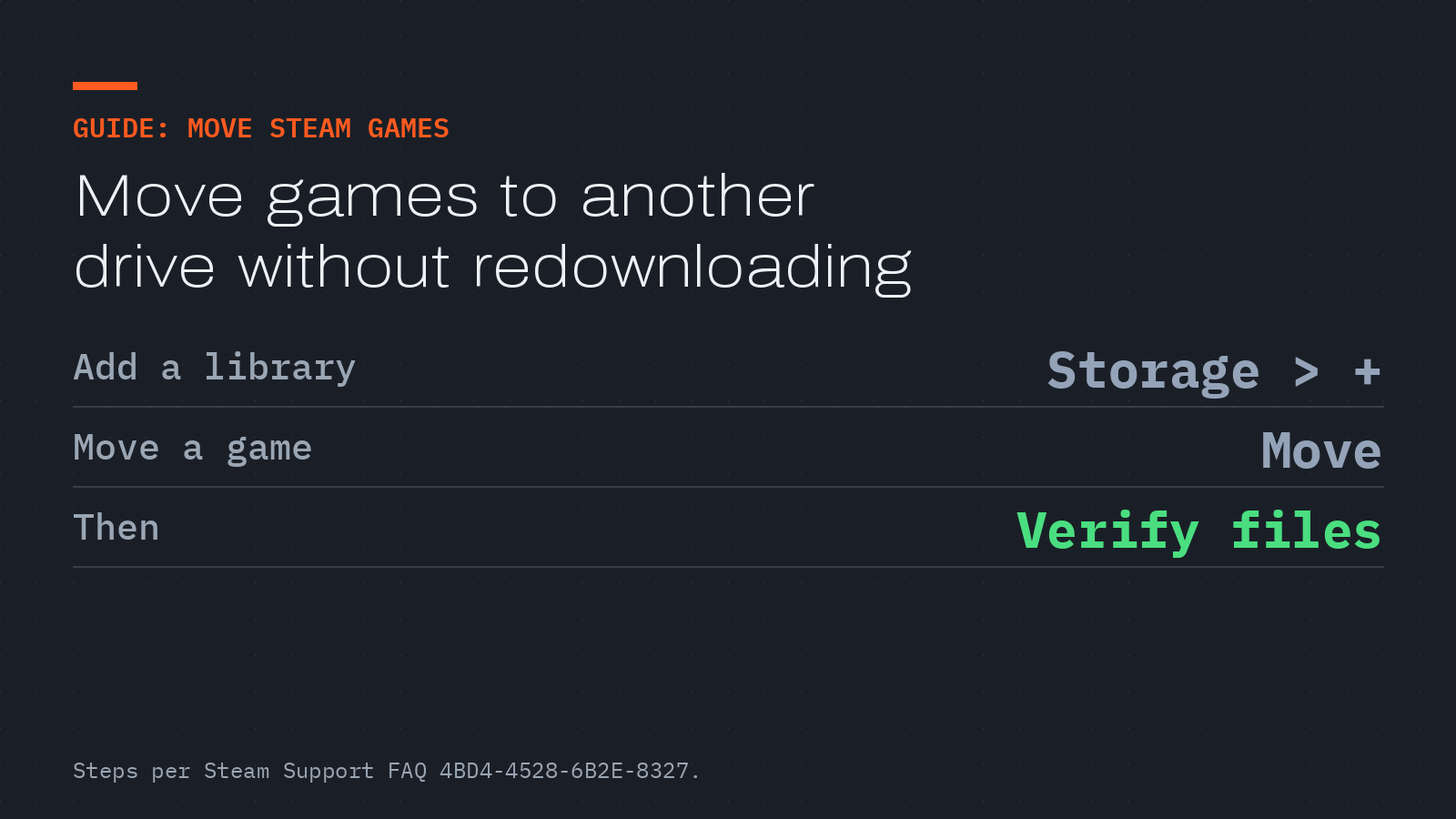
- Select the Storage tab. You’ll see your current default install drive.
- Click + at the top and choose a folder on the new drive.
Every future install can go to that library. By default, Steam installs to C:\Program Files (x86)\Steam\steamapps\common\.
Move games you already have
- Make sure a second library exists, using the steps above.
- Open Settings, then Storage.
- Select the drive the games are on now.
- Select the games, click Move, and choose the new library.
Move the whole Steam installation
Warning: This deletes files from your Steam folder. Steam Support “highly” recommends backing up your steamapps folder first, because without a backup you may have to reinstall every game. Have your Steam login and password to hand, and make sure your account email is current so you can reset your password. Steam doesn’t recommend installing Steam itself to an external drive.
Go to your Steam folder, by default C:\Program Files (x86)\Steam\. Delete everything except the steamapps and userdata folders and steam.exe.
Cut and paste the whole Steam folder to its new location, for example D:\Games\Steam\, then launch Steam and log in. Steam will briefly update. Verify the files of installed games, and you’re ready to play.
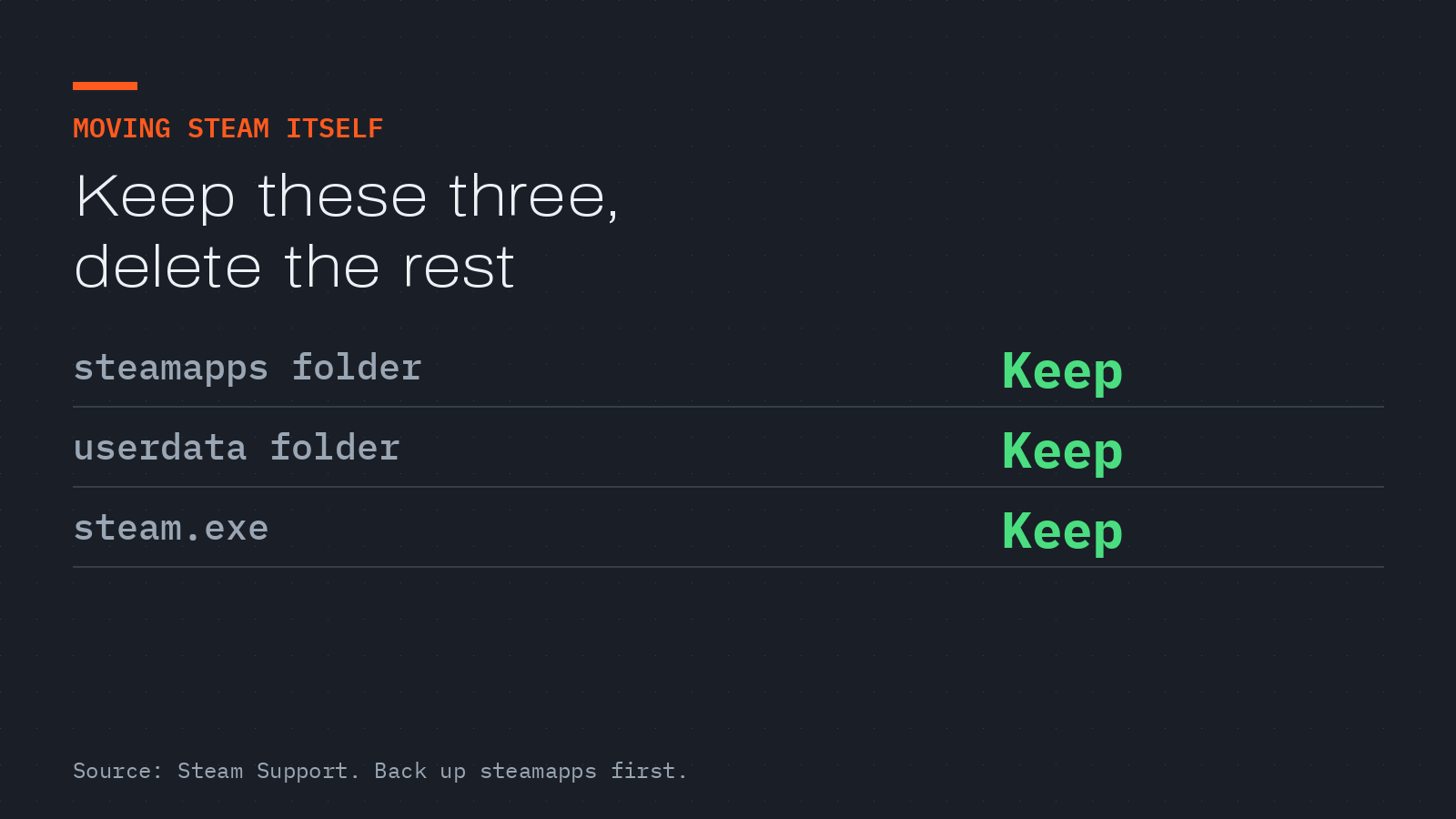
Steam Support says to keep only the steamapps and userdata folders and steam.exe when moving the whole Steam folder. Graphic: GEARCHAMBER, from Steam Support.
If Steam throws errors from the new location, Steam Support’s fallback is to move steamapps to your desktop, uninstall Steam to clear its old registry settings, reinstall Steam where you want it, and move steamapps back in. Saves for non-Steam Cloud games often live in Documents\My Games, and that folder doesn’t move with Steam.