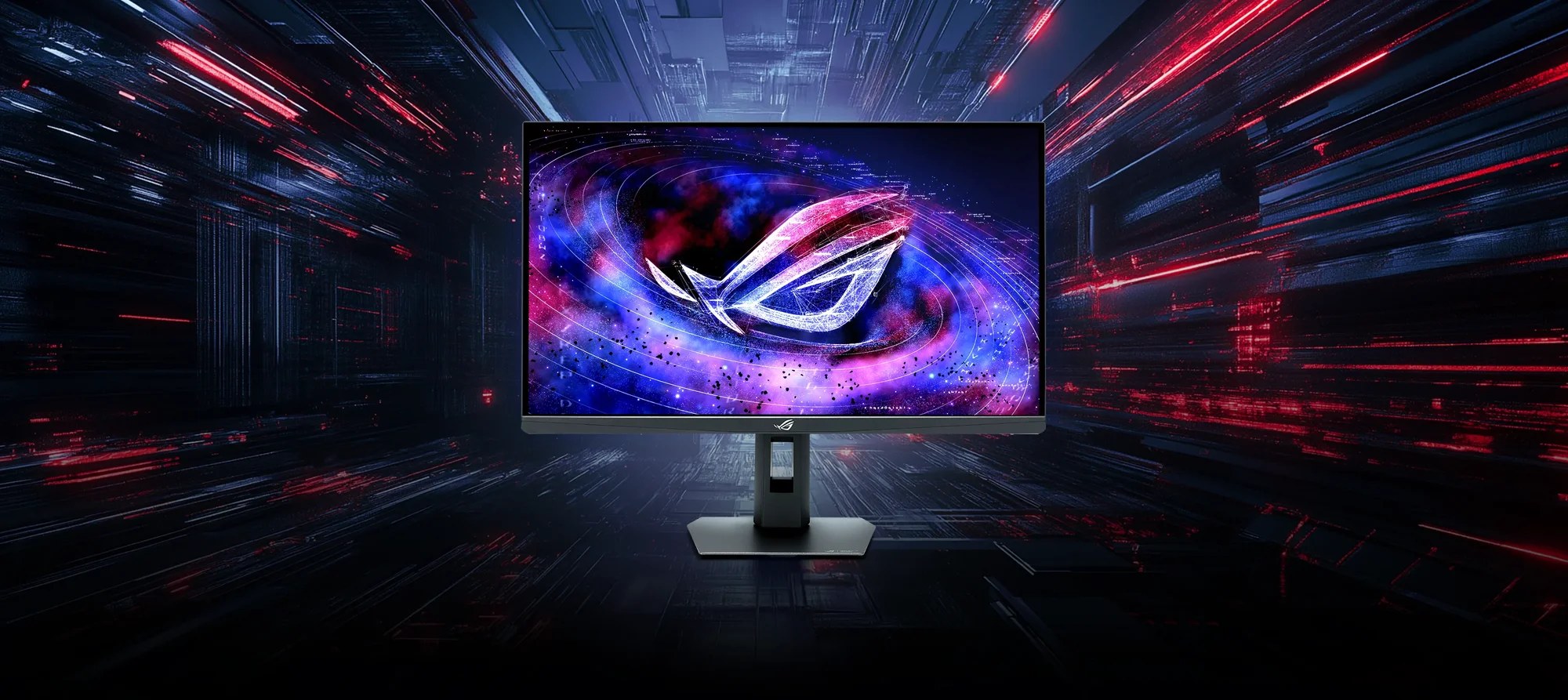
Two verdicts, one monitor
Tom’s Hardware says ASUS’s Pulsar monitor feels like an OLED. T3 says plenty of people would be better off spending less. Both can be right, and the gap between them is the whole buying decision on the ROG Strix Pulsar XG27AQNGV, a 27-inch 2560×1440 IPS panel that runs at up to 360Hz with Nvidia’s G-Sync Pulsar backlight strobing.
ASUS’s own product page and spec page list the model as XG27AQNGV; Tom’s and T3 spell it XG27AQGNV in their headlines, so both strings are the same monitor.
Three reviewers, three different questions
| Outlet | Verdict | Main complaints |
|---|---|---|
| Tom’s Hardware (Christian Eberle) | Editor’s Choice | Smaller colour gamut than other speedy monitors; no dynamic dimming, so HDR contrast is the same as SDR |
| T3 (Max Freeman-Mills) | “A niche monitor, but a highly impressive one” | Pretty pricey; capped at 1440p; colour not class-leading |
| GeekaWhat (Harry Coleman) | 4.0 / 5 | Pulsar locked to Nvidia GPUs; no USB-C, KVM or integrated speakers; low IPS contrast ratio |
We aren’t averaging anything, because only one of the three gives a number. GeekaWhat’s 4.0 / 5 (performance 4.6, features 3.9, value 3.9, design 3.6) is the only numeric score we found; Tom’s Hardware gives an Editor’s Choice award, and we found no numeric rating in T3’s verdict. The 80 on this page is GeekaWhat’s 4.0 / 5 restated out of 100, and nothing more.
Motion clarity is the whole case for buying it
Tom’s Hardware’s Christian Eberle is blunt: “Gameplay on the XG27AQNGV is instantly addictive.” Though it lacks the deep contrast and vivid colour of an OLED, he writes, its motion quality and responsiveness are “indistinguishable from that premium technology”, and he says Pulsar is better than a 500Hz LCD, “or a 540 Hz LCD for that matter”. He still adds that he would buy an OLED for himself.
GeekaWhat’s Harry Coleman scores performance highest of all, 4.6 / 5, and credits Pulsar with “motion clarity that simply has no equal among consumer displays at any price”. His explanation is that Pulsar reads the variable refresh rate signal and adjusts the strobe timing on a per-frame basis, so the effect survives frame-rate dips. ASUS’s own claim is 4x effective motion clarity over traditional LCD panels. T3’s Max Freeman-Mills, who tried Counter-Strike 2, puts it more carefully: Pulsar “isn’t making your game smoother – it’s just making it clearer in motion”, and the clarity he perceived was “quite striking”.
How rare is it? Tom’s calls it “one of only four monitors that offer G-Sync Pulsar”, and GeekaWhat counts four launch models, one each from Acer, AOC, ASUS and MSI. T3 goes further and says this is the only IPS option right now (“all the others are OLED”). Treat that last one as T3’s claim.
The colour figures don’t agree with each other
ASUS’s spec page lists 90% DCI-P3. Tom’s calls the XG27AQNGV an “sRGB+” display covering around 120% of sRGB, short of full DCI-P3 coverage. GeekaWhat’s own numbers split: its colour section reports 88% DCI-P3 and 100% sRGB from a Datacolor SpyderX Pro, “a touch below the 90% spec”, while its spec table lists 94% DCI-P3 and describes that as “a touch beyond the 90% spec”. We wouldn’t build a purchase on either figure. The shared message is vivid but not wide, and T3 says it doesn’t have class-leading colour.
Tom’s also reports a measured flaw: the default gamma is too light, and the 2.2 preset is lighter than 2.2. The fix is the monitor’s gamma control, which moves in 0.01 steps instead of the usual presets 0.2 apart, and Tom’s says it hopes others copy it. For HDR, Tom’s found no dynamic dimming, so HDR contrast is the same as SDR; GeekaWhat lists a 1129:1 contrast ratio and writes: “If HDR is a priority for you, this simply is not the monitor.”
An Nvidia lock, a 120Hz HDMI ceiling and a stand the reviewers read differently
GeekaWhat’s sharpest complaint is that Pulsar works only with Nvidia GPUs, and that AMD owners are locked out of the headline feature. It ties that to the move to a MediaTek scaler, though ASUS’s own page describes a built-in Nvidia G-Sync processor. GeekaWhat also says the full 360Hz is DisplayPort-only, with HDMI aimed at consoles; ASUS’s spec page lists 59–360Hz over DisplayPort and 50–120Hz over HDMI. The ports are one DisplayPort 1.4 with DSC, two HDMI 2.1 and three USB-A, with no speakers.
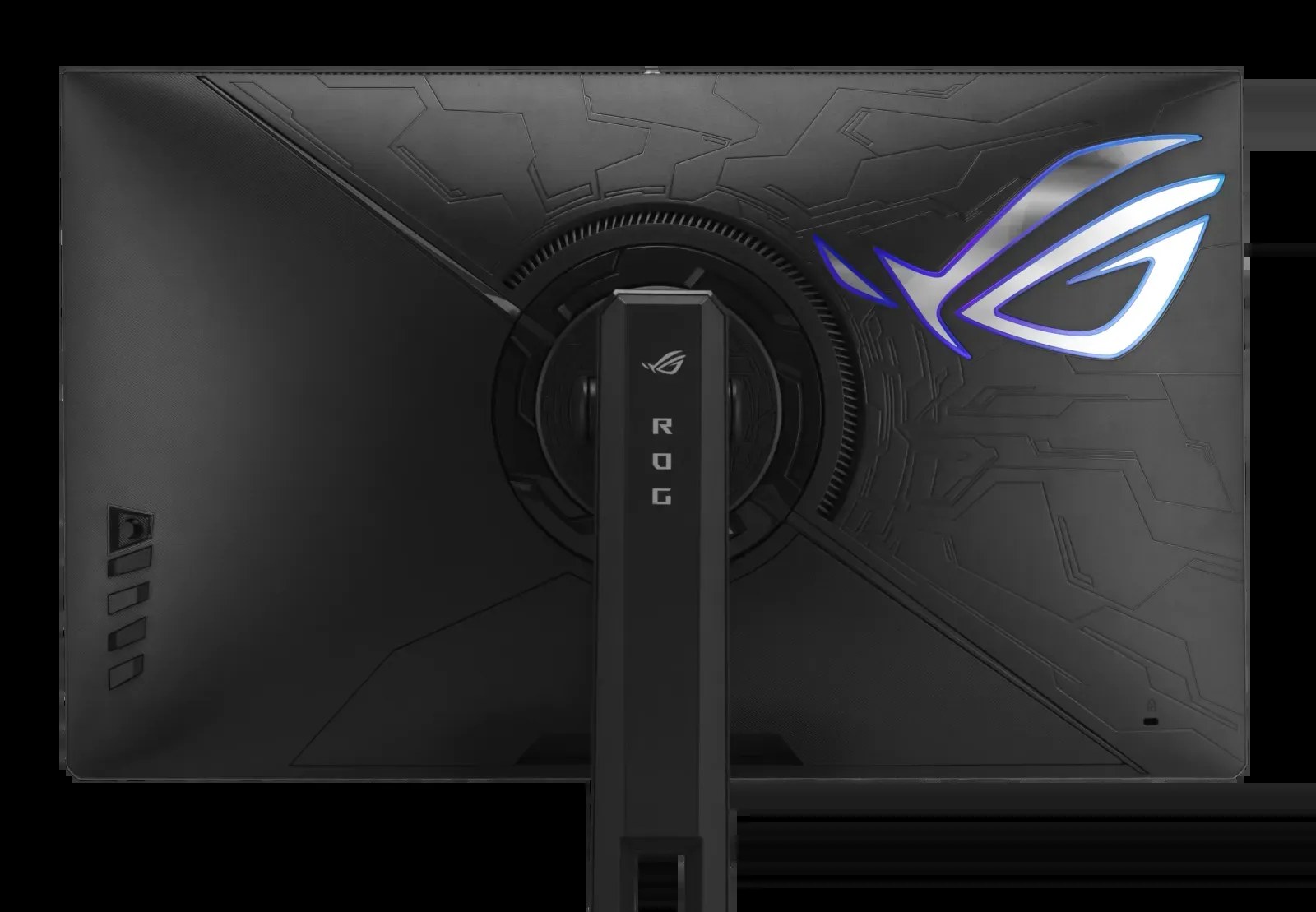
On the stand, the reviewers disagree. Tom’s found movements “very stiff with no hint of play”, and ASUS lists 0–110mm of height adjustment, 90-degree pivot and 100x100mm VESA mounting. GeekaWhat’s sample didn’t rotate smoothly, and it says the height range didn’t reach a neutral eye line; VESA mounting is its suggested workaround. Tom’s adds that the recessed ports are fiddly with large connectors.
What it costs, and what T3 would buy instead
T3 says the monitor was unveiled at CES 2026 and began reaching various regions from roughly May. It lists it at £629 in the UK, $599 in the US and €599,99 in the EU, which it calls “objectively pretty expensive for a 27-inch, 1440p gaming monitor”. T3’s alternatives are the 32-inch 4K Alienware AW3226Q, which it says costs a similar amount (here is our Alienware AW3226Q review roundup), and LG’s 27GX790B-B, which lacks Pulsar but is, T3 says, “a bit more impactful in terms of colour”.
Who should buy it, and who should wait
- ✅ Buy if you play competitive shooters on an Nvidia GPU and want the clearest motion an LCD can offer. GeekaWhat calls it “now the go-to option” for exactly that player.
- ✅ Buy if your room is bright. T3 found it “wildly bright” and says buyers with bright rooms “will find a real ally” in it.
- ❌ Skip if you run an AMD GPU. GeekaWhat says you’re “effectively locked out of the headline feature”.
- ❌ Skip if HDR matters to you. Tom’s Hardware found no dynamic dimming, and GeekaWhat says “this simply is not the monitor”.
- ❌ Skip if a PS5 Pro is part of the plan. T3 notes it can’t output its maximum resolution to a 1440p screen.
Our take
We think the split comes down to what you already own. For an Nvidia owner who lives in competitive shooters, Tom’s and GeekaWhat make a convincing case, and the Editor’s Choice is earned on that evidence. For everyone else, T3’s line that plenty of people might be better off spending less reads right to us. If 1440p value is what you’re after, Tom’s headline on Gigabyte’s 27-inch OLED was “Tremendous bang for the buck”, and our Gigabyte GO27Q24G roundup covers how that review landed.
OLED panel makers are also aiming far higher on speed, as TCL China Star’s 700Hz OLED panel plans show. We’d buy the XG27AQNGV only if Pulsar’s clarity is the thing you’ll notice every day and an Nvidia card is in the box; AMD owners should wait or look elsewhere.
Sources checked 30 October 2026: Tom’s Hardware, T3, GeekaWhat, and ASUS’s product and spec pages.