Mid-session crashes
Microsoft’s mandatory August security update for Windows 11, KB5121003, is crashing games mid-session for a chunk of PC players, and the company’s own release notes still say it isn’t aware of any problems. Embark Studios, the developer of ARC Raiders, disagrees: it has publicly confirmed the crash and pinned it on a specific driver conflict introduced by the patch. The bug lands during a bad week for it to surface, with several of the affected titles pulling extra players during Gamescom’s showcase window.
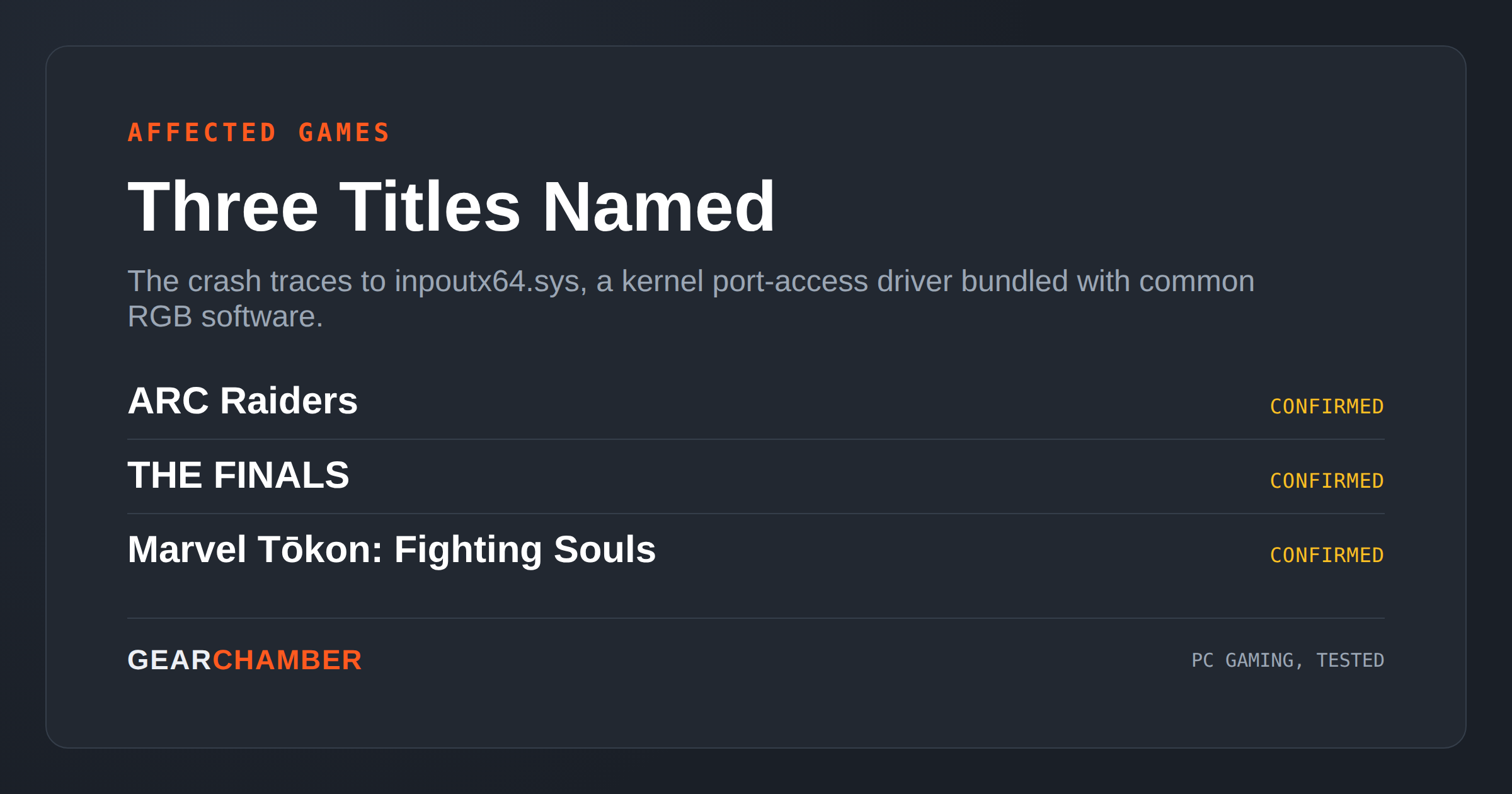
KB5121003 shipped on August 11, pushing Windows 11 25H2 to build 26200.9168 and 24H2 to build 26100.9168, and it closes out more than 400 security vulnerabilities, including a critical zero-day tracked as “LegacyHive.” Buried in that update is a compatibility change affecting inpoutx64.sys, a third-party kernel-level port-access driver that isn’t part of Windows itself but ships silently with a lot of RGB and peripheral-control software, including tools distributed through the Razer Update Tool. Once that driver is present and the patch is installed, affected games throw a “Hang detected on GameThread” error or crash outright with an EXCEPTION_ACCESS_VIOLATION.
The named casualties so far are ARC Raiders, THE FINALS, and Marvel Tōkon: Fighting Souls, though the underlying driver conflict isn’t specific to any one engine or publisher, so more titles could surface as players compare notes. It’s a narrower failure mode than the anti-cheat middleware bug that hit three shooters earlier this month, but it follows a familiar shape: a routine Patch Tuesday update touches a low-level system component that games and hardware utilities both quietly depend on, and nobody in the certification chain catches it before it ships. Beyond gaming, users on affected machines are also reporting display refresh-rate drops, HDR regressions, black screens, and Windows Hello login failures.
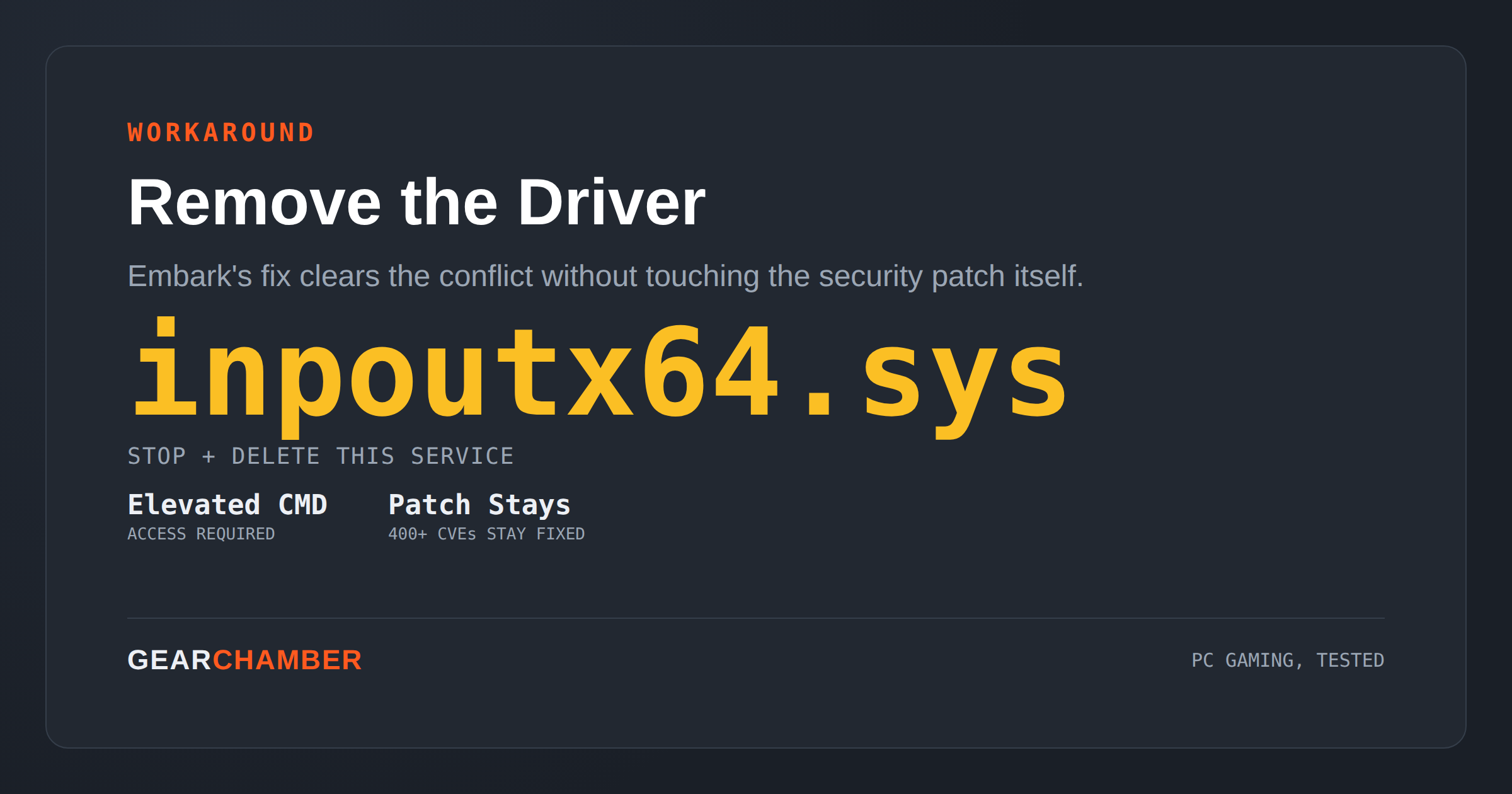
Embark’s guidance is a manual fix: open an elevated Command Prompt, stop and delete the inpoutx64 service, then remove the driver file from C:\Windows\System32\drivers\. That clears the conflict without touching the security patch itself. The blunter option, uninstalling KB5121003 entirely, works too, but it also reopens every one of the 400-plus vulnerabilities the update just closed, which Microsoft is explicitly warning against.
If you’re hitting the crash, the driver-removal workaround is the safer path until Microsoft ships a proper fix — there’s no timeline yet, and the official documentation hasn’t been updated to acknowledge the bug at all. Worth checking regardless of whether you’ve noticed crashes: any RGB software, fan controller, or peripheral utility on your system is a candidate for having quietly installed inpoutx64.sys years ago. Keep an eye on Windows Update and each affected game’s patch notes for the real fix rather than leaving the driver removed indefinitely, since some hardware utilities do need it to function normally.