A cheap 240 Hz OLED
A 27-inch, 240 Hz OLED for about $350 shouldn’t be this easy to recommend, and Tom’s Hardware doesn’t hesitate: it gave the Gigabyte GO27Q24G an Editor’s Choice award. PC Gamer’s Jeremy Laird scored the same monitor 75 and called the image noticeably duller and dingier than the pricier sibling next to it.
Two reviews, two different comparisons
The apparent disagreement is mostly about what each reviewer held the GO27Q24G up against. Tom’s Hardware’s Christian Eberle measured it against other 27-inch QHD OLED gaming monitors, which he says often cost $400 to $600. His verdict: “The Gigabyte GO27Q24G leaves out a few peripheral bits but delivers incredible performance and image quality for a super low price. It’s a competition weapon and gamers’ dream for sure.”
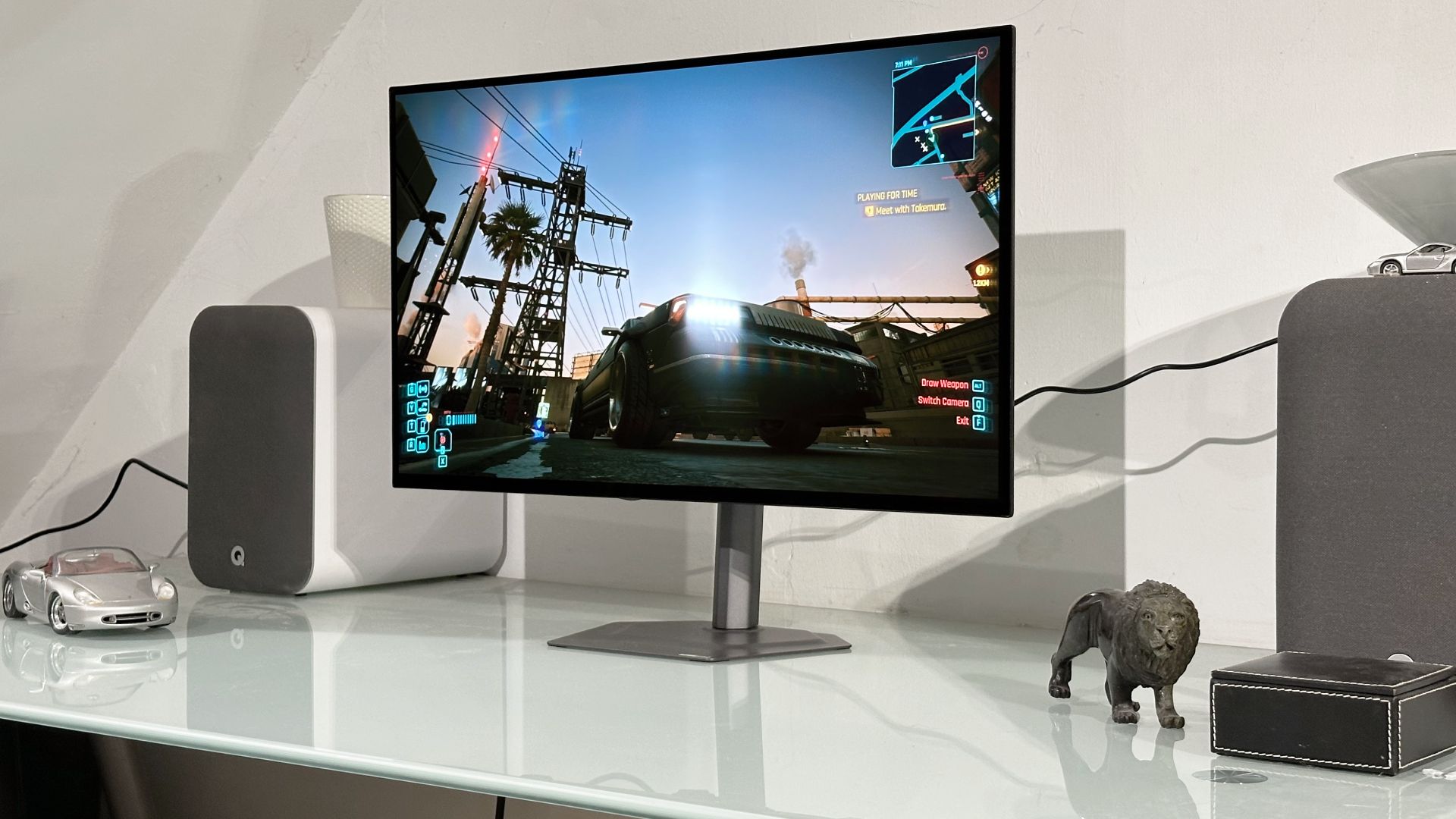
PC Gamer’s Jeremy Laird put it next to Gigabyte’s own MO27Q28GR, which uses a 4th Gen LG Primary RGB Tandem OLED panel and costs $100 more. His page credits the GO27Q24G with the same chassis and features as that sibling and good peak HDR brightness, and marks it down for the lower-quality image and for not being the cheapest WOLED around.
| Outlet | Verdict | Key claim |
|---|---|---|
| Tom’s Hardware | Editor’s Choice | Brighter than the competition; light gamma and warm colour temperature out of the box |
| PC Gamer | 75 | 275 nits full-screen; 1,300 nits in HDR at 1.5% APL |
Brightness, and the out-of-box picture
On brightness the two reviews agree more than the headline scores suggest. Tom’s Hardware says the panel’s micro lens array reaches up to 1,300 nits in HDR, and PC Gamer’s spec list shows 1,300 nits in HDR at 1.5% APL alongside 275 nits full-screen. Those are different test conditions, so the two figures aren’t a contradiction: a small bright window is a very different load from a full white screen.
Colour is where the budget shows. Tom’s Hardware lists light gamma and a warm colour temperature out of the box as its one con, and says accurate colour is available with calibration. It also cites coverage of about 96% of DCI-P3. If you’re buying this for competitive play and never touch a calibrator, that is the review to read twice.
What you give up for the price
The Gigabyte has no speakers, no USB and no LEDs; Tom’s Hardware still found slightly less input lag than its peers, plus black-frame insertion at 120 Hz. PC Gamer lists a 0.03 ms response time and 240 Hz on the spec sheet. Neither review is a pitch for a monitor that does everything. Both describe a stripped-back competitive screen.
If this is your price bracket, our look at the Alienware AW3226Q roundup shows what the labs say about spending about $700 on an OLED, and the LG 27GX790A-B roundup covers the other direction, a 480 Hz esports panel.
Panel makers are also still pushing speeds higher: TCL China Star’s plans for 700 Hz inkjet-printed OLED panels are aimed at 2028, so a 240 Hz screen isn’t about to look dated for competitive play.
How we got the score
The only numeric score among the reviews is PC Gamer’s 75. Tom’s Hardware gives an Editor’s Choice award rather than a number we could confirmThe 75 shown on this page is therefore PC Gamer’s score, not an average.
Buy if, skip if
- ✅ Buy if you want a fast 1440p OLED for competitive play and don’t mind calibrating it: Tom’s Hardware found accurate colour after calibration at about $349.99.
- ✅ Buy if HDR peak brightness matters: both reviews cite 1,300 nits.
- ❌ Skip if you want speakers, USB ports or lighting built in. Tom’s Hardware says it has none.
- ❌ Skip if image quality is the priority: PC Gamer found the tandem-OLED MO27Q28GR clearly better looking, for $100 more.
Our take
We think the two verdicts fit together: the Gigabyte is the right buy if you shop on price and speed, and the wrong one if you shop on picture quality alone. The fact that one outlet’s drawback, the out-of-box colour, is something Tom’s Hardware says calibration fixes tips it toward yes for us. If you can spend $100 more, read PC Gamer’s case for the MO27Q28GR first. If you can’t, this is the one to watch for a sale. Prices were not re-checked for this piece, so confirm the current price before ordering.