Eleven months in Labs
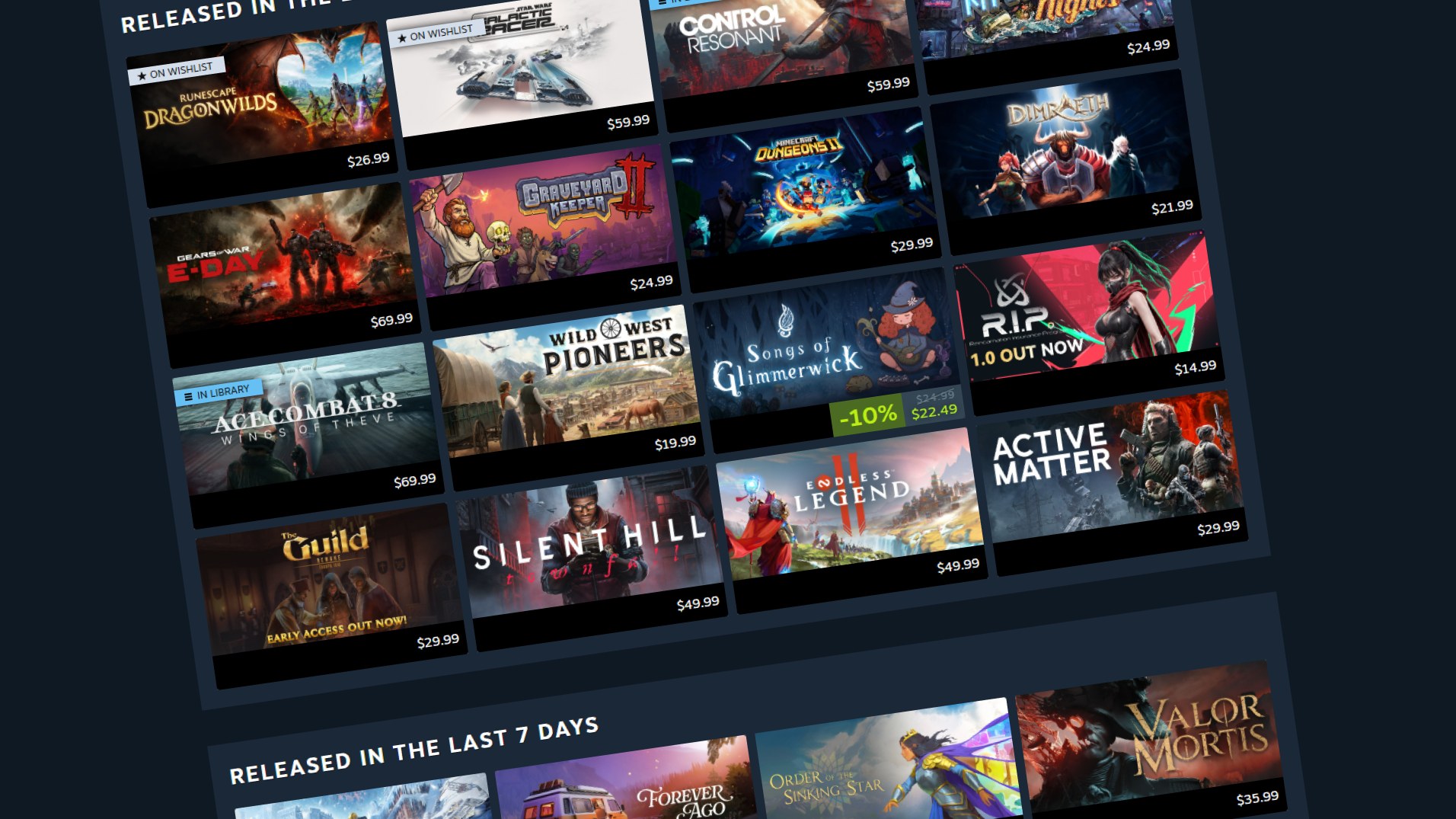
Valve has decided the Personal Calendar is worth keeping. After eleven months as a Steam Labs experiment, it’s now a full feature of the Steam Store.
Valve announced the graduation in a Steam News post dated 23 October. You’ll find the calendar on the store homepage or at store.steampowered.com/personalcalendar, where it lists recently released and upcoming games, filtered down to the ones Valve thinks you’re most likely to be interested in, across an 8-week horizon.
Your most-played games steer it, your experiments don’t
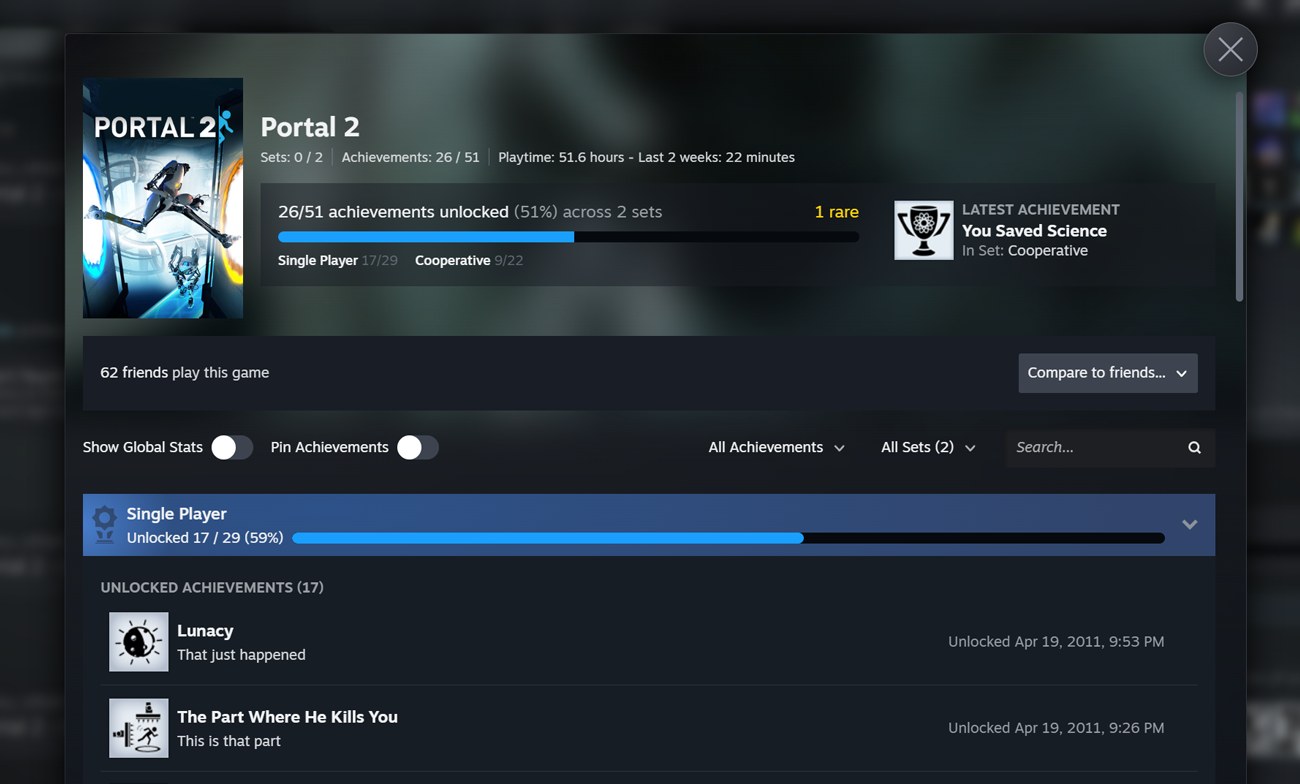
Valve says the system uses your recently played games to find people with similar playtime profiles, then looks at what those players are wishlisting or playing. It leans on the games you play the most, so “a few minutes trying out a new game or two won’t have much impact on your recommendations, but sinking a bunch of time into a new favorite will.”
The recommendation system is re-trained daily. Valve is upfront that you aren’t likely to see your list change much from one day to the next; new entries mostly appear as the 8-week window moves forward or as games lock in release dates.
Valve says nobody can pay to be on it
The post’s FAQ asks whether any of the games paid to be shown. Valve’s answer: “No, we don’t sell placement on the Steam Personal Calendar, or anywhere else on Steam.” It adds that the calendar isn’t hand-curated; featuring is algorithmic and personalised for each user.
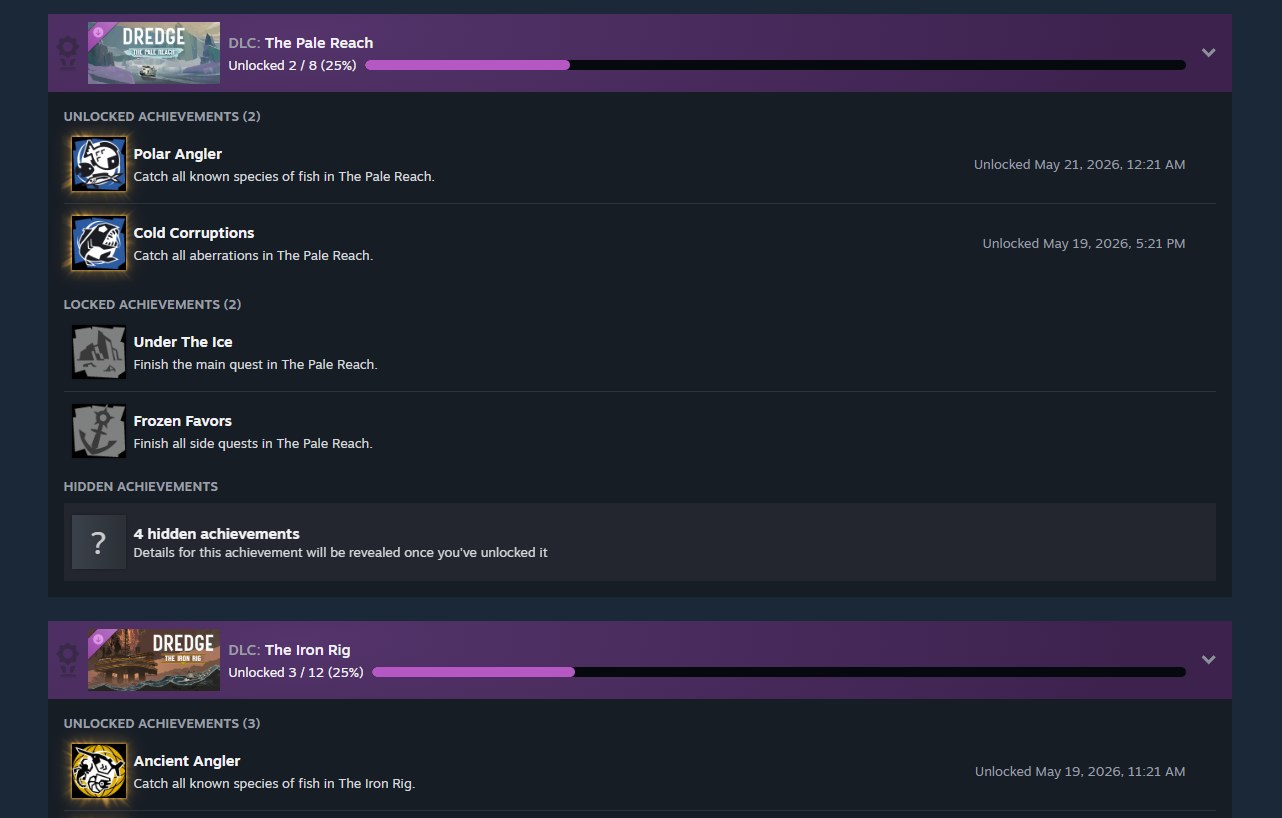
We think that’s the line that matters, and also the one nobody outside Valve can audit. It’s a clear, public commitment, which is worth having on the record, but it’s a statement of policy rather than something a reader can verify from the calendar itself. On the DLC side of Steam’s store changes, our earlier piece on Steam’s achievement sets covers a separate change to how DLC is handled.
Early Access finally gets a date slot
Labs feedback changed the feature in a few concrete ways. Developers can now specify the date they intend to go from Early Access to 1.0, so Valve can list those titles on the calendar. There are also better filters and display options for wishlisted games, Early Access games and DLC, and Valve says it put extensive work into making the calendar run smoothly on desktop PCs, mobile devices and SteamOS devices.
It lands on a platform that has been setting concurrent-user records, as in our report on Steam’s latest peak. More players means more games competing for the same attention, and a personalised calendar is one more place where that gets sorted.
The obvious worry with any playtime-driven recommender is a filter bubble. Valve raises it itself and answers with one sentence: “We’re also concerned about the potential for getting stuck in a filter bubble, so we work hard on keeping things varied.” The post gives no detail on how. Its one usage figure is that players click on over 2,000 different games in the calendar in an average 24-hour period, which tells us the clicks are spread widely but not whether they’re games people already lean toward.
We’d like to see Valve say more about the variety side, because a calendar built on what you already play will, by design, favour more of it. Whether the 8-week view surfaces anything you wouldn’t have found anyway is the question the Labs graduation doesn’t answer.
Source: Valve’s “Steam’s Personal Calendar Full Release” post on Steam News, 23 October 2026.