Losing the OLED asterisk
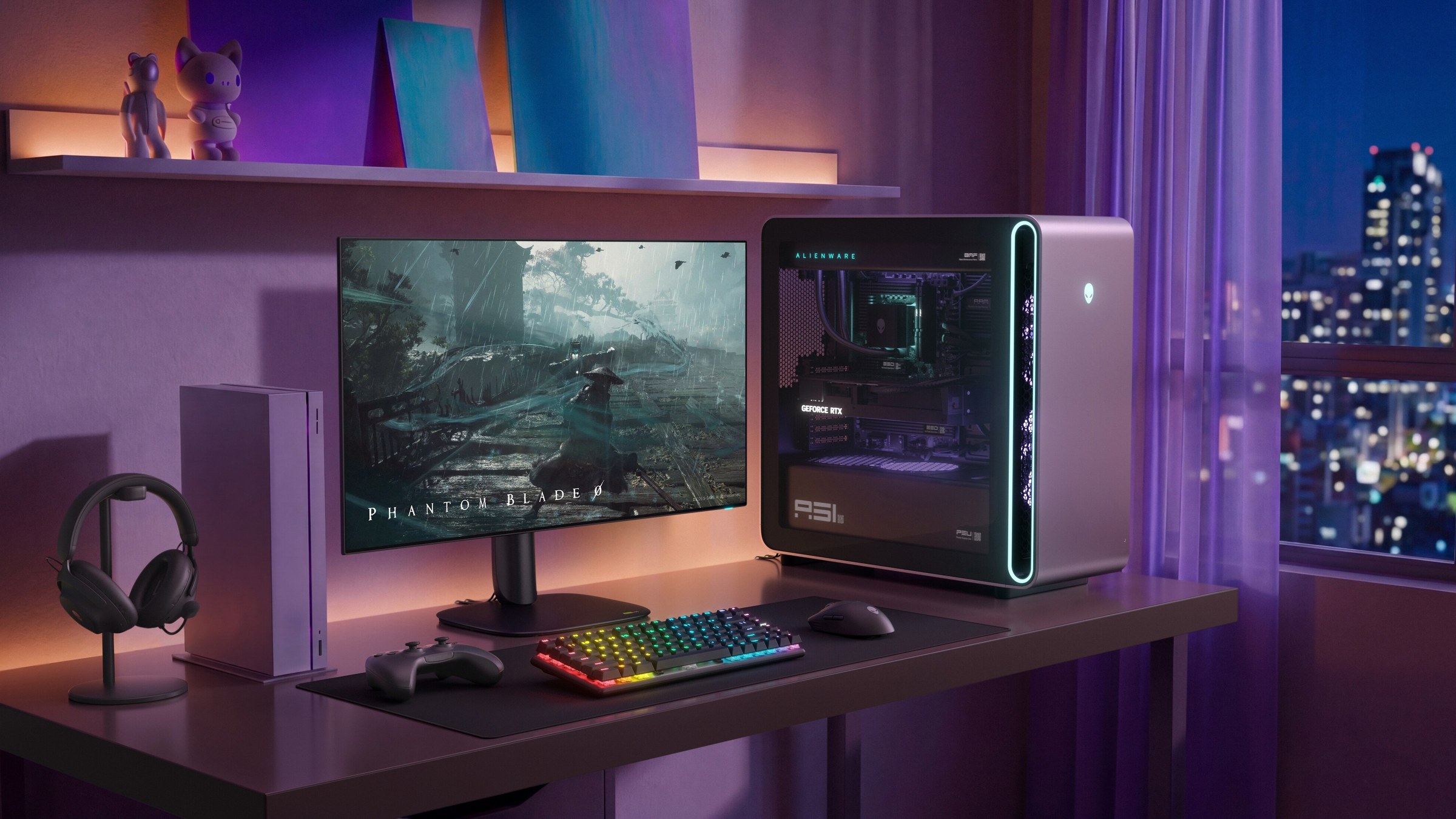
For years, buying an OLED monitor meant accepting a small asterisk: gorgeous games, slightly fuzzy text. Alienware’s AW3226Q is one of the first 32-inch 4K OLEDs with an RGB-stripe panel, reviewers say it has properly lost the asterisk, and it costs $699.99.
Our consensus score of 85 is the mean of the four scored reviews, converted to 100: two 4.5/5s and two 4/5s. TFTCentral’s detailed review doesn’t give a score, so it informs the measurements but isn’t in the average.
| Outlet | Score | Verdict in brief |
|---|---|---|
| PCWorld | 4.5/5 | Crisp text and a no-brainer price for work and play |
| Trusted Reviews | 4.5/5 | Makes tandem OLED feel affordable |
| Tom’s Hardware | 4/5 | Bright, colourful, sharp, but no practical gamma control |
| PCMag | 4/5 | Premium OLED, not-so-premium price |
| TFTCentral | No score | Detailed measurements that flag the power and brightness trade-offs |
RGB stripe is why reviewers are excited
Most OLED monitors arrange their subpixels in layouts Windows doesn’t expect, which causes coloured fringes around text. The AW3226Q uses an LG Display tandem WOLED panel with the white subpixel removed, leaving a conventional red, green and blue stripe. Brad Chacos’ 4.5/5 review for PCWorld calls the result “crisp text with virtually no color fringing,” and says it’s “the first OLED monitor I’d happily stare at all day for work, then fire up games on all night.”
Reece Bithrey’s 4.5/5 Trusted Reviews verdict agrees that text is “especially legible” at 140 pixels per inch, and measured a black level of 0.01 nits for a 9,050:1 contrast ratio in his testing. Tom’s Hardware’s Christian Eberle adds that the stripe gives “sharper detail and no chance of fringing.”
The labs’ measurements line up
| Measurement | Result | Lab |
|---|---|---|
| HDR peak (3% window) | 1,000 nits | Tom’s Hardware |
| SDR full-field brightness | 276 nits | Tom’s Hardware |
| SDR peak brightness | 249.8 nits | Trusted Reviews |
| SDR brightness | 254 nits | TFTCentral |
| DCI-P3 colour volume | 101% | Tom’s Hardware |
| Contrast ratio | 9,050:1 | Trusted Reviews |
| Power at 200 nits | 34 W | Tom’s Hardware |
Eberle’s 4/5 Tom’s Hardware review found 1,000 nits in HDR from a small window and verified the DisplayHDR True Black 400 rating. His main complaint is gamma: there’s no practical way to adjust it, and it measured too light by default, averaging 2.02 against the 2.2 reference. In the Custom Color mode, he got grayscale tracking down to an impressive 0.55dE, though gamma was still light at 2.05.
SDR brightness is where everyone sounds a note of caution. All three labs measured roughly 250 to 275 nits, which is fine in a dim room but not in a bright office. TFTCentral’s detailed review explains why: without the white subpixel, the panel has to light red, green and blue together to make white. Its testing found RGB-stripe panels like this draw around 80 to 90% more power on an all-white screen than the RGWB version of the same tandem panel, which also reaches higher SDR brightness.
165Hz and bare-bones ports keep it from perfection
This is a 165Hz screen, not a 240Hz or 480Hz one. Chacos says that “won’t satisfy hardcore esports junkies,” and if that’s you, our LG 27GX790A-B roundup is a better fit. At 4K in demanding games, most graphics cards won’t push far past 165fps anyway.
Connectivity is basic: one DisplayPort 1.4 and two HDMI 2.1 ports, one with eARC, plus a front USB-C port with just 15W of charging (Trusted Reviews). There’s no KVM switch, and no DisplayPort 2.1. The stand gets a mixed report. Tom’s lists a 90-degree portrait mode, but Trusted Reviews and TFTCentral both say it doesn’t rotate, and Dell’s own spec sheet lists only height, swivel and tilt adjustment. Plan on no portrait mode.
One extra that matters for OLED: PCWorld points out the three-year warranty covers burn-in.
Buy it or skip it
- ✅ Buy if you work and game on the same screen. PCWorld, Trusted Reviews and Tom’s Hardware all praise its text clarity.
- ✅ Buy if you want 32-inch 4K OLED for less. At $699.99, it undercuts Alienware’s own AW3225QF by about $300 (Tom’s Hardware).
- ✅ Buy if you play in a dim room and want deep blacks and strong HDR.
- ❌ Skip if you want more than 165Hz for competitive shooters.
- ❌ Skip if you work in a bright room with white backgrounds all day. SDR brightness tops out around 250 to 275 nits.
- ❌ Skip if you need portrait mode, a KVM or DisplayPort 2.1.
Our take
We think the 85 is fair, and the price makes it better value than the number suggests. This is the 32-inch OLED we’d point most people towards if they use one PC for everything: the text problem is fixed, the HDR is strong, and the burn-in warranty takes the sting out of the risk. Just don’t buy it to sit beside a sunny window. With panel makers already planning faster OLED panels for 2028, it won’t be the last word on OLED desktop monitors, but it’s the most sensible one right now.
Price checked on Dell’s US store, 18 October 2026.