Haptic clicks are the draw
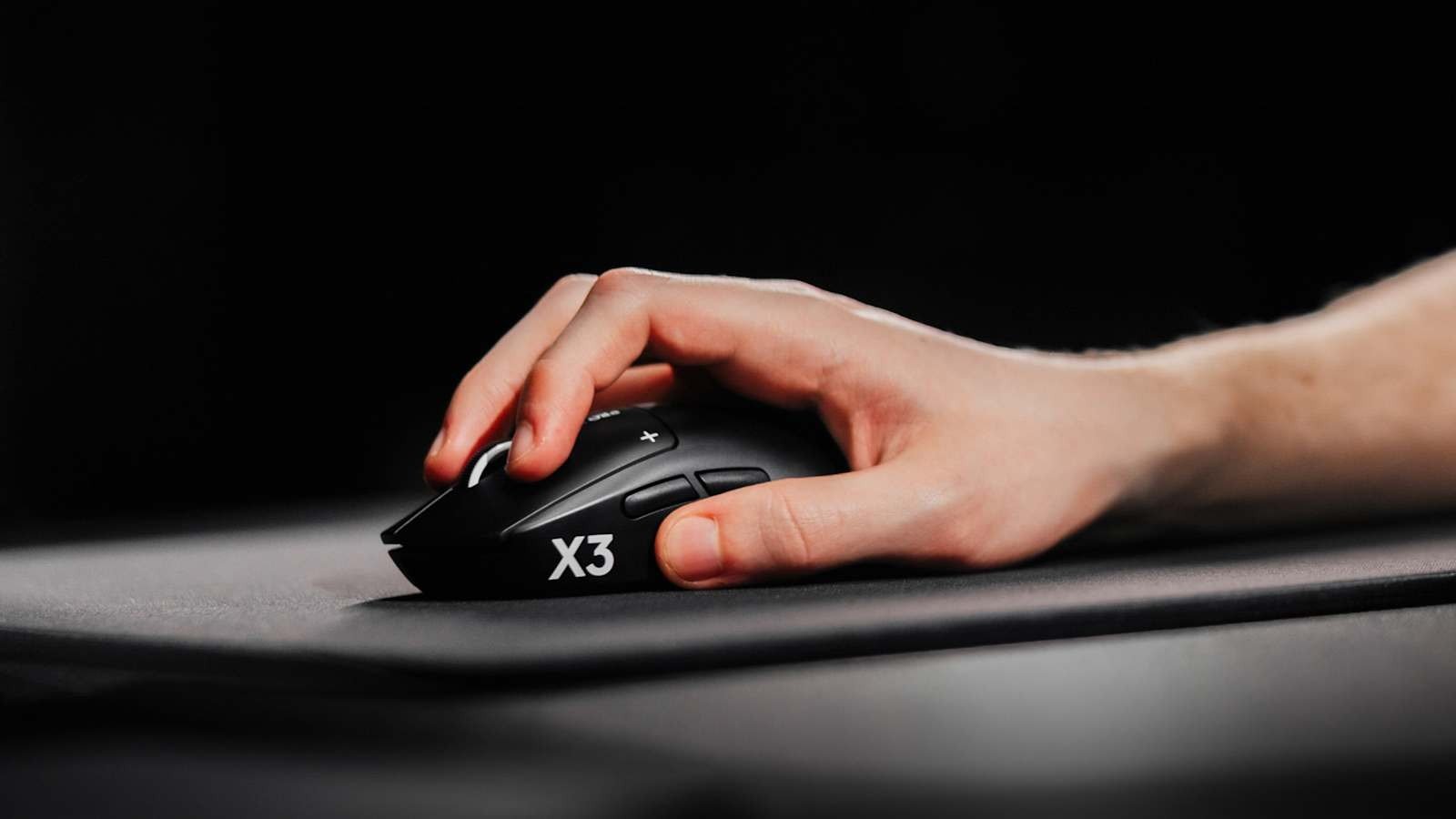
This Logitech G Pro X3 Superstrike review roundup starts with the part that makes any Superstrike worth a look: the buttons. Logitech G’s US store lists the mouse at $199.99, and its pitch is the Haptic Inductive Trigger System (HITS), which replaces the traditional microswitches under the main buttons.
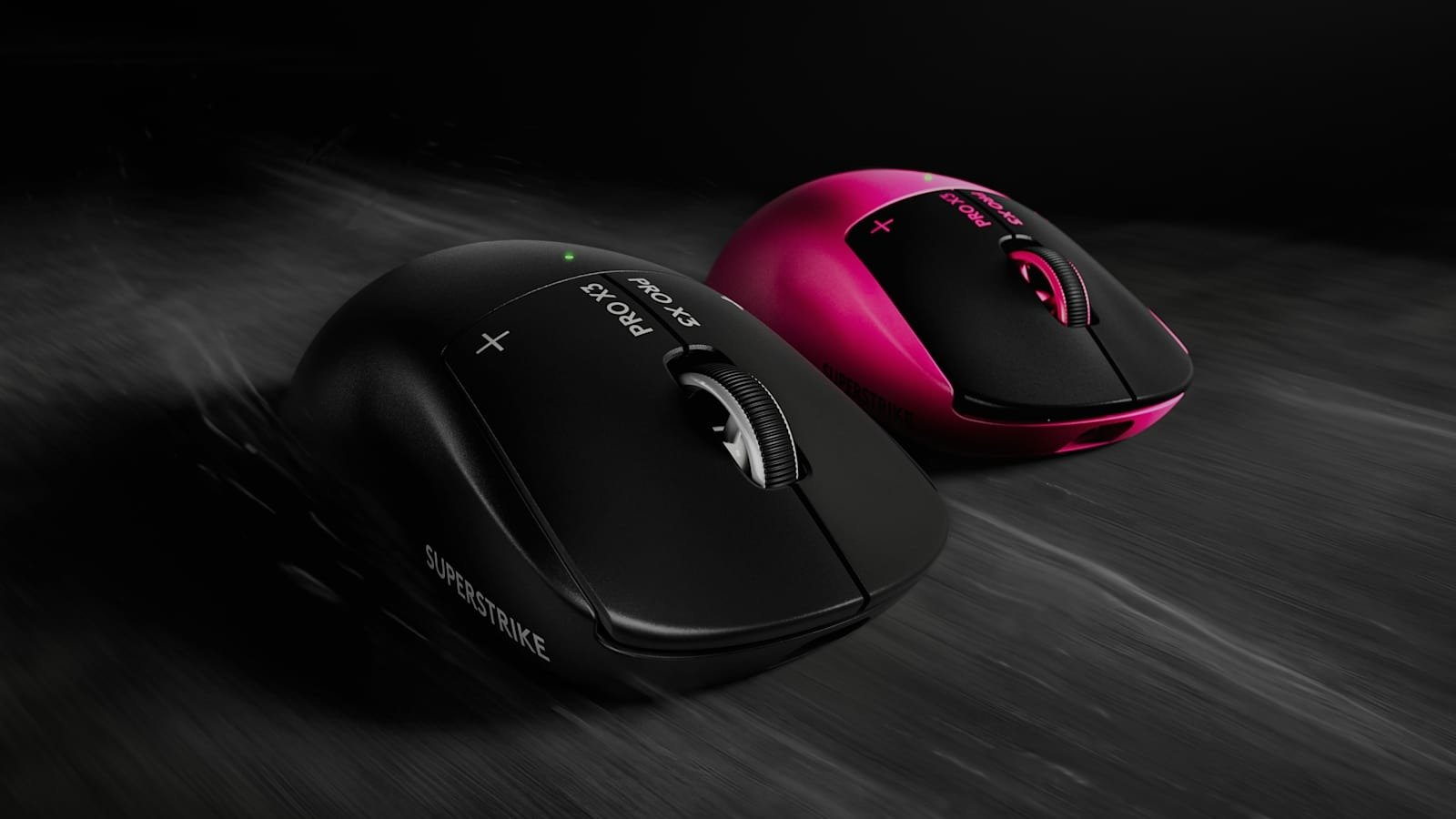
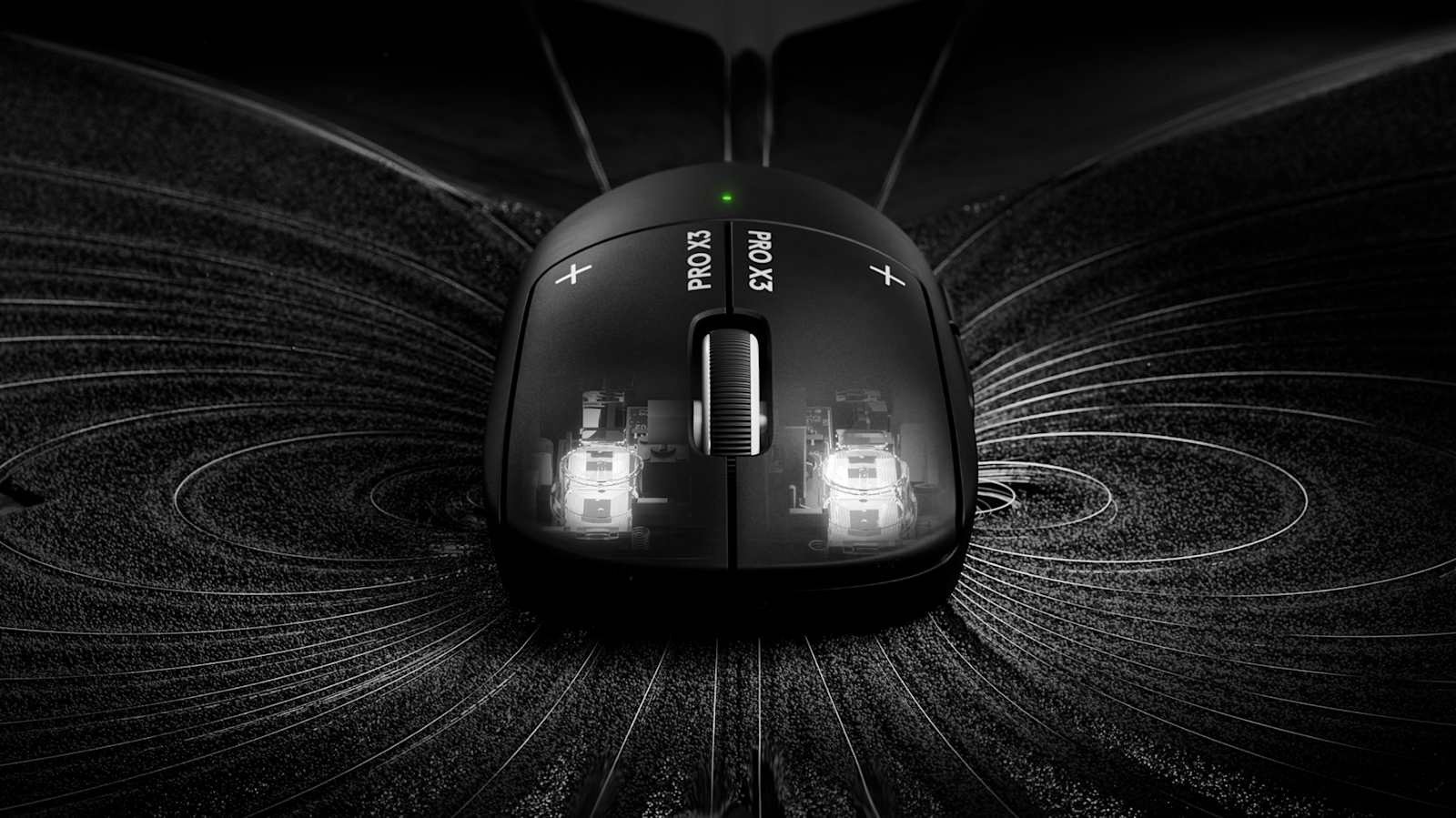
Tom’s Hardware explains the trick: there are no switches under the primary buttons, just haptic motors and inductive sensors that allow adjustable actuation and create the illusion of a click. Reviewer Sarah Jacobsson Purewal says raising the actuation point “genuinely does translate to faster, more responsive clicks”. Gaming Nexus’s John Yan calls the HITS buttons “my favorite ones right now” and says you can change the actuation point, the click haptics feel and Rapid Trigger in Logitech G Hub. Logitech claims HITS reduces click latency “by up to 30 ms via custom actuation & reset points”; that is the maker’s figure, not a reviewer’s measurement.
What the X3 changes
The X3 keeps the X2 Superstrike’s shape and adds a new NxLOGI chipset. Tom’s Hardware says the sensor is still the Hero 2, now rated at 48,000 DPI and 930 IPS, with 8,000 Hz polling over both wired and wireless connections. TechRadar’s Dashiell Wood puts the X2’s figures at 44,000 DPI and 888 IPS, and says 8,000Hz was previously wireless-only. The mouse weighs 59g, 2g less than the X2 Superstrike, and Logitech has rebalanced it. Tom’s says it feels more centered than the front-heavy X2, though still slightly front-weighted to Purewal.
Battery is the other headline. Logitech says the NxLOGI chipset cuts power consumption by 50% compared with the X2 Superstrike and adds 45 hours per charge, for 135+ hours. Tom’s notes the 135-hour rating is over 1,000 Hz polling and that the number “drops to under 40 hours with an 8,000 Hz polling rate”. TechRadar says the mouse “didn’t quite hit that lofty target” in its testing but still comfortably lasts a full week of daily use with click haptics cranked up.
What the reviewers decided
- TechRadar: 4.5/5 and a “Best in Class” badge. Wood calls it “a superior version of one of the best gaming mice we’ve ever tested”, and marks it down for few upgrades to justify the X3 name and a modest price rise.
- Tom’s Hardware: the headline is “$200 for the illusion of a click”, and the verdict is that “at $200, it’s probably not worth it for most gamers”. The review shows no numeric score, so we don’t quote one.
- Gaming Nexus: its rating line reads “Rating: 7 Average”. Yan writes “It’s a good mouse” but adds that “at $20 more, I don’t see $20 worth of improvements here”.
Our consensus is 80 out of 100. That is the mean of TechRadar’s 4.5/5 (90) and Gaming Nexus’s 7 (70), reading the Gaming Nexus score as out of 10. Tom’s Hardware is left out of the sum because no score was visible, but its verdict sits closer to Gaming Nexus than to TechRadar.
Why the X2 is smarter
Here is our view. The haptic clicks are why you buy a Superstrike at all, and on that front the X3 is not the leap its name suggests. Tom’s found the X3’s click feedback “definitely softer than the feedback on the original”, although it can still be adjusted across five levels, and lists “Haptics are weaker” among its cons. Gaming Nexus says the buttons haven’t changed since its X2 review.
The money matters too. Tom’s says the X2 Superstrike debuted at $179.99, and TechRadar says the X2 still costs $179.99 and remains on sale alongside the X3. Yan recommends the X2 outright: it is “$20 cheaper” and “features pretty much what the X3 Superstrike has minus what I consider some minor upgrades”. TechRadar also names the X2 as an alternative, calling it “still an excellent mouse”. Prices change, so check both before you buy.
There is a case for the X3. Tom’s says the difference in balance is “absolutely noticeable” and that the mouse is better overall despite the weaker haptics. The 8,000 Hz wired polling and the longer rated battery life are real changes for anyone who wants them. But Purewal adds that if you already own the X2 Superstrike, “the upgrade probably isn’t worth it”. If you are buying your first Superstrike, we would take the X2 and spend the $20 elsewhere. Anyone who wants a lighter shape from a different maker can look at HyperX’s 47-gram flagship mouse, and our Razer Barracuda V2 Pro review roundup shows the same pattern of a good product held back by its price.
Prices are as stated by Logitech G’s US store and the cited reviewers as of 5 November 2026; deals can change.