Foveated rendering for desktop VR
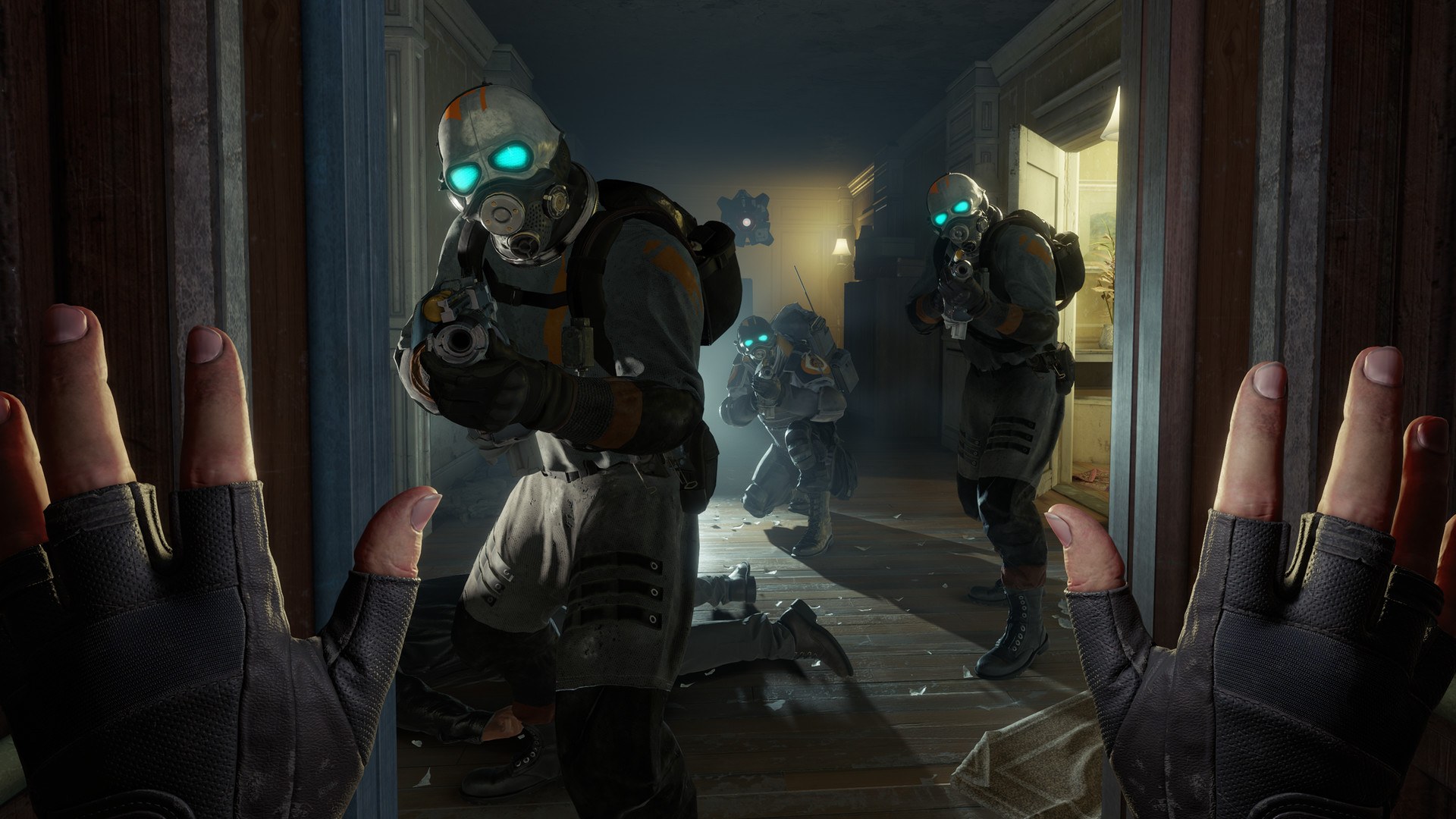
Valve’s latest Half-Life: Alyx update is four bullet points long, and the first one is the interesting one: desktop VR players can now turn on foveated rendering. Valve’s notes for the October 26 update, posted that day, say the new setting “can increase rendering performance” but give no figures, so how much you gain is a question for your own headset.
What changed in the October 26 update
Valve’s notes describe it as a setting under Advanced Performance that enables foveated rendering on desktop “for supported hardware.” For DirectX, that means Nvidia’s GTX 16-series and newer or RTX 20-series and newer. The notes add that AMD “requires launching with -vulkan,” and tell players to “enable eye-tracking on your headset for best results.”

The rest of the update is housekeeping. Valve enabled stencil buffer tagging when the game runs natively on Steam Frame, “to help improve reprojection quality.” It fixed several rendering crashes common in Workshop content, and it fixed the “Gnome Alone” achievement failing to unlock for some users.
How to turn it on, and who’s left out of the easy route
Valve’s notes link to a Steam Community guide, “Foveated Rendering on PC,” credited to mbucchia. It says the feature is off by default. To enable it, go to Options, then Performance, and select the gear icon at the bottom left to open the Advanced Performance options.
The guide is wider than the patch notes on one point. Valve’s notes only name AMD as needing -vulkan, but the guide says AMD and Intel graphics card users can only use foveated rendering in Alyx on PC when running the game in Vulkan mode. If you’re on Intel, trust the guide.

The same guide has a separate eye-tracking setup section for a long list of headsets, each with its supported driver or app. Valve Steam Frame, HTC Vive Focus Vision, Meta Quest Pro, Pico 4 Pro, Samsung Galaxy XR, Bigscreen Beyond 2e, Pimax’s Dream Air and Crystal, Sony’s PlayStation VR 2 and Varjo’s headsets all get an entry. That matters more now that Valve has discontinued the Index, a headset that is not on the guide’s eye-tracking list.
The guide also has an advanced section on console variables for tinkering, but says the out-of-the-box settings “should work for most users.”
The small fixes
Anyone running Workshop maps who has hit rendering crashes should see fewer of them, though Valve says only “several,” not all. Achievement hunters stuck on Gnome Alone can try again. It’s one more reason to keep an eye on Steam’s achievement plumbing, which has also been in the news with Valve’s new achievement sets.
If you’re on an Nvidia card and chasing more performance in other games, Nvidia’s faster frame-generation preset is a different tool, and nothing in Valve’s notes says Alyx uses it.
We think this is a good, quiet patch with one glaring omission: a single before-and-after frame-rate figure from Valve would have told players whether the setting is worth the fiddling. Until someone with an eye-tracked headset publishes numbers, we’d treat the gains as unproven.
Sources checked 28 October 2026: Valve’s October 26, 2026 Half-Life: Alyx update notes on Steam and the “Foveated Rendering on PC” guide on the Steam Community.